


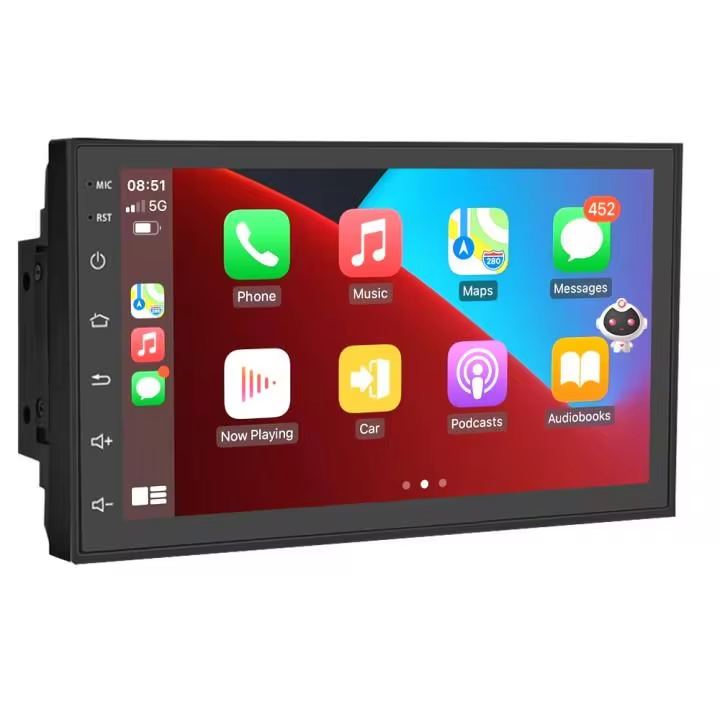














































































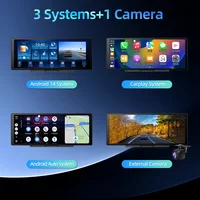











































































































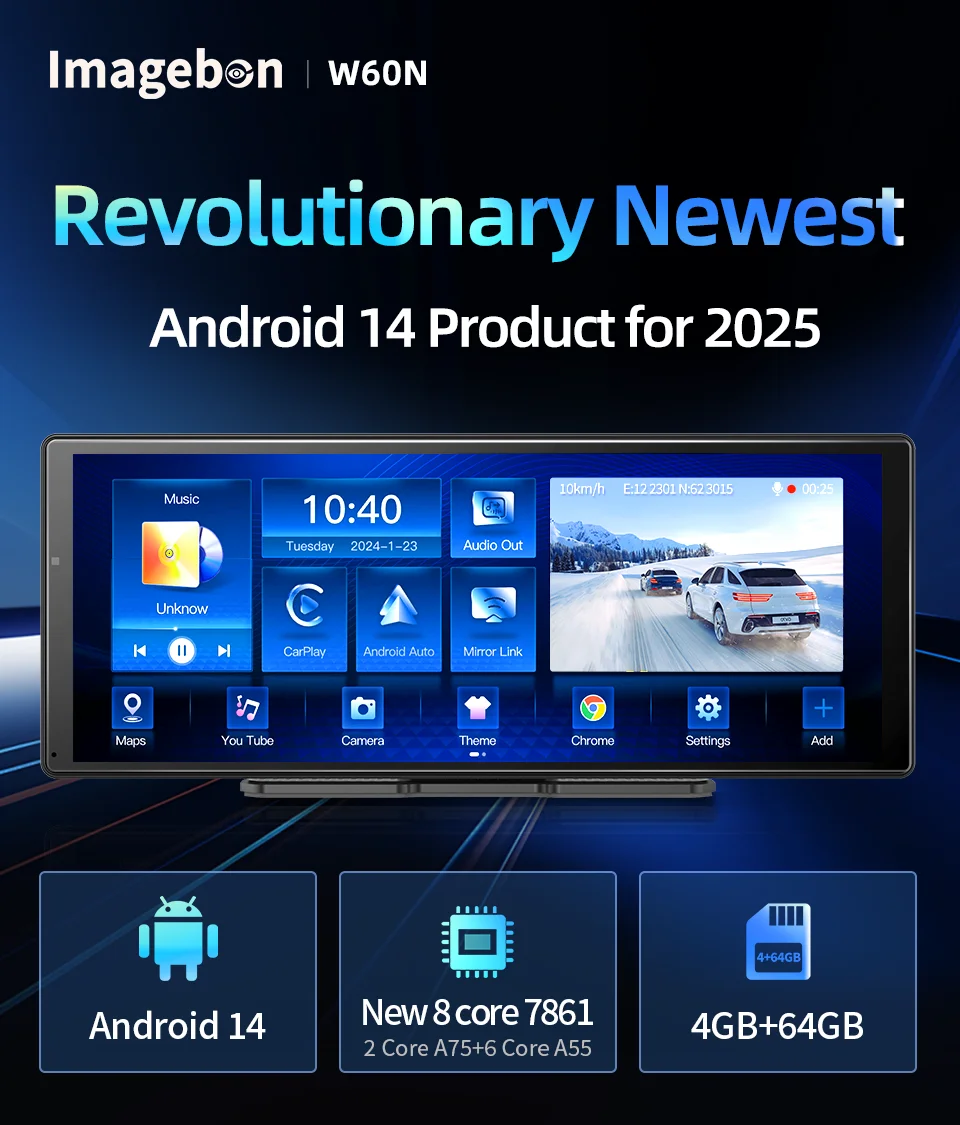
💥E50 is And W60N model are without front camera,doesn't have the record function
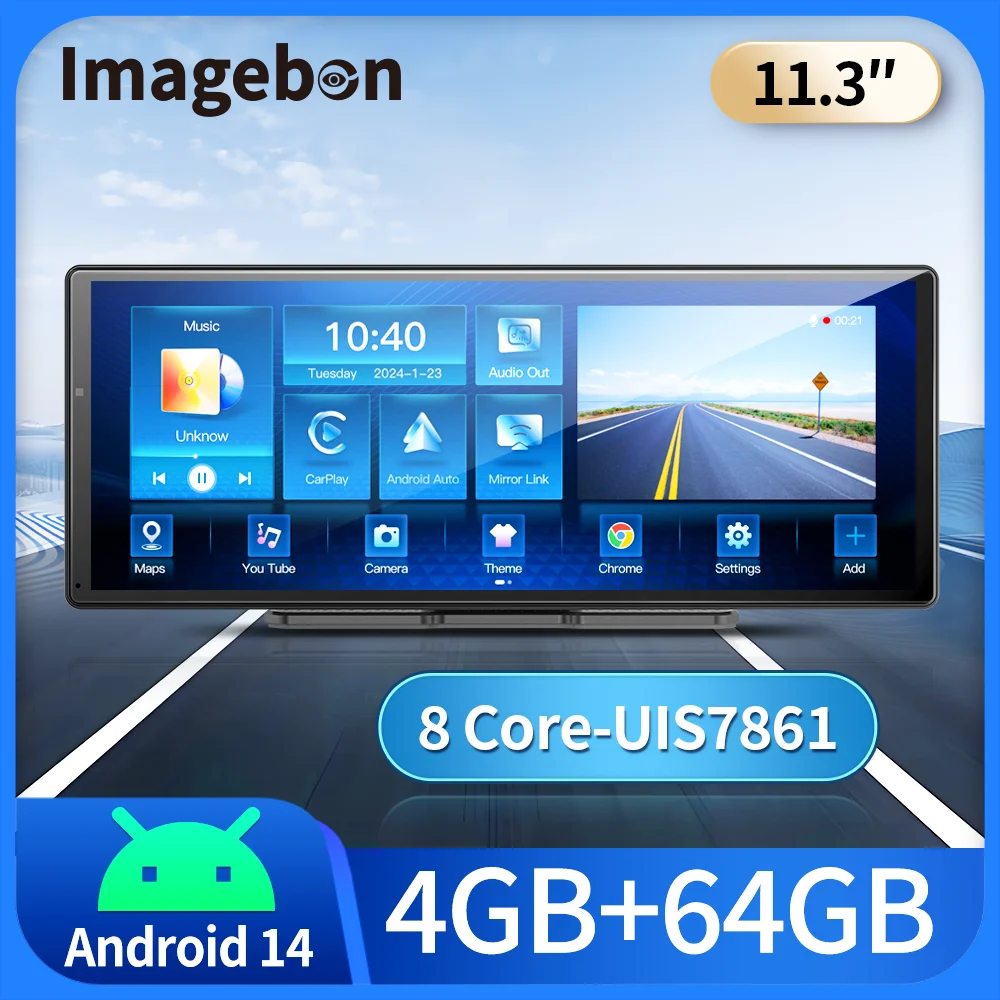
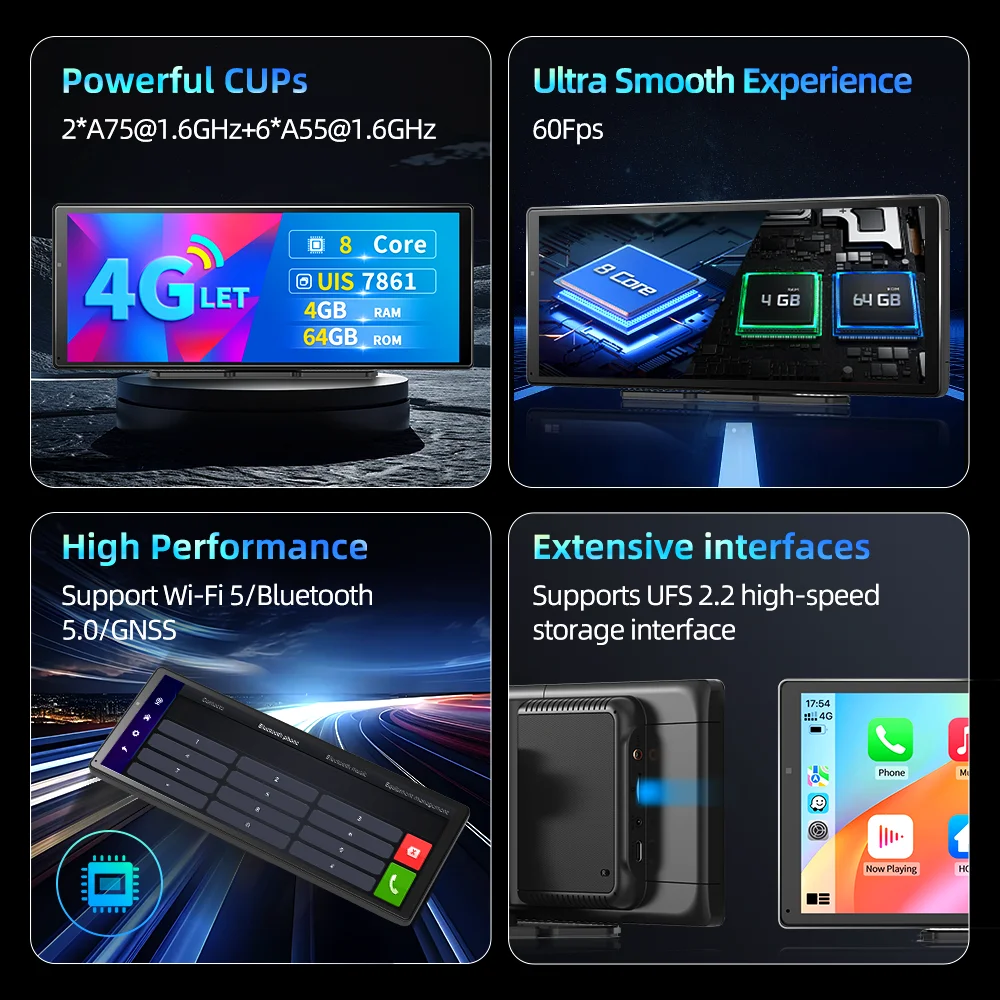
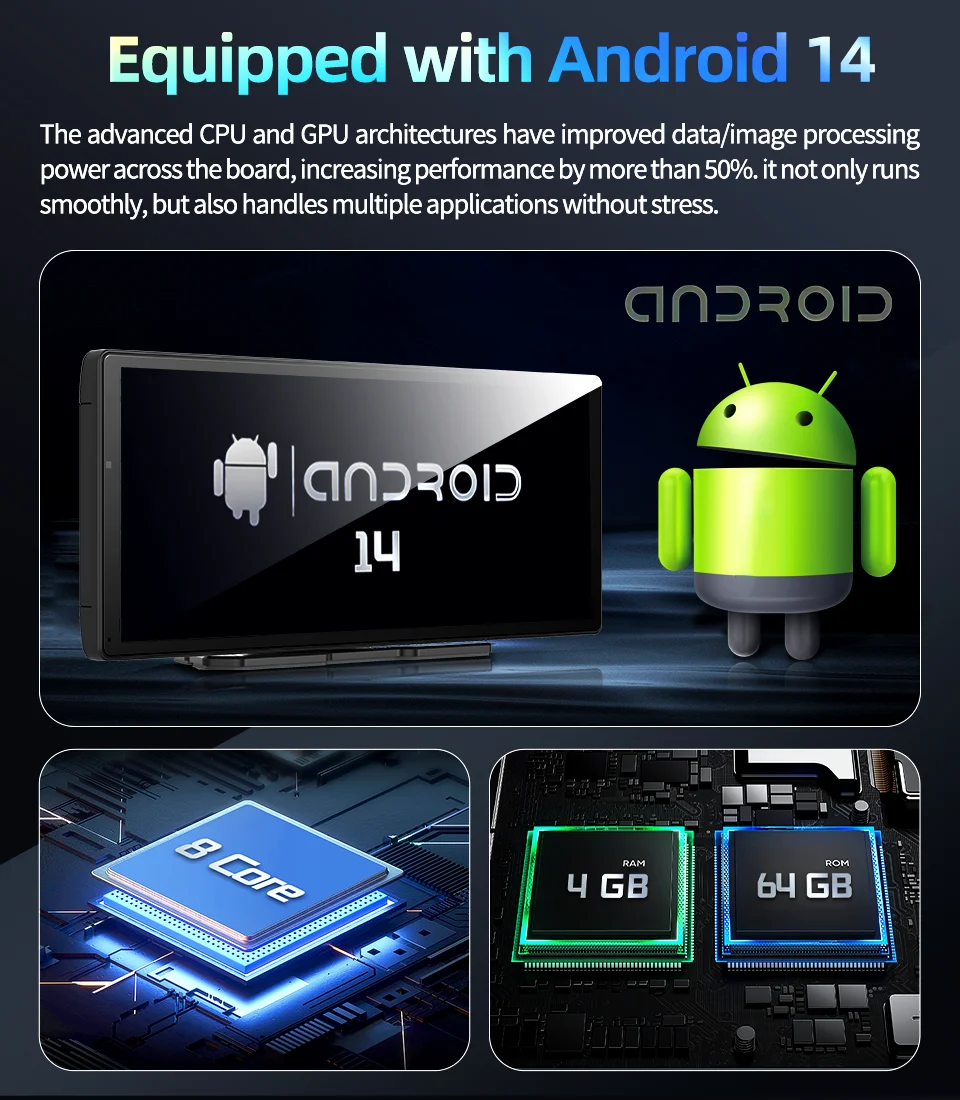
💥E50 is Android 13 system,4 core,2GB Ram+64GB Rom
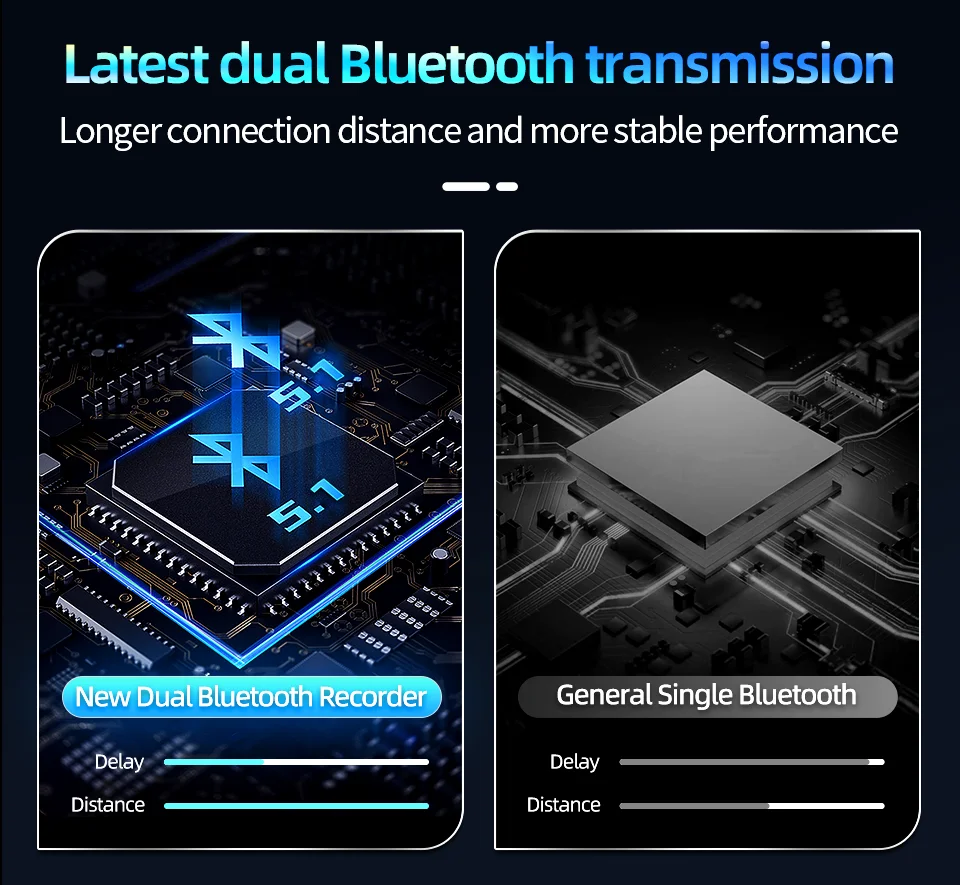
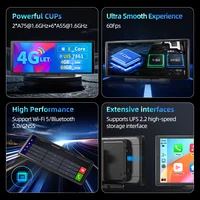
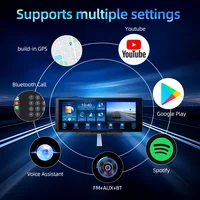
✅Built-in 5.1 Bluetooth
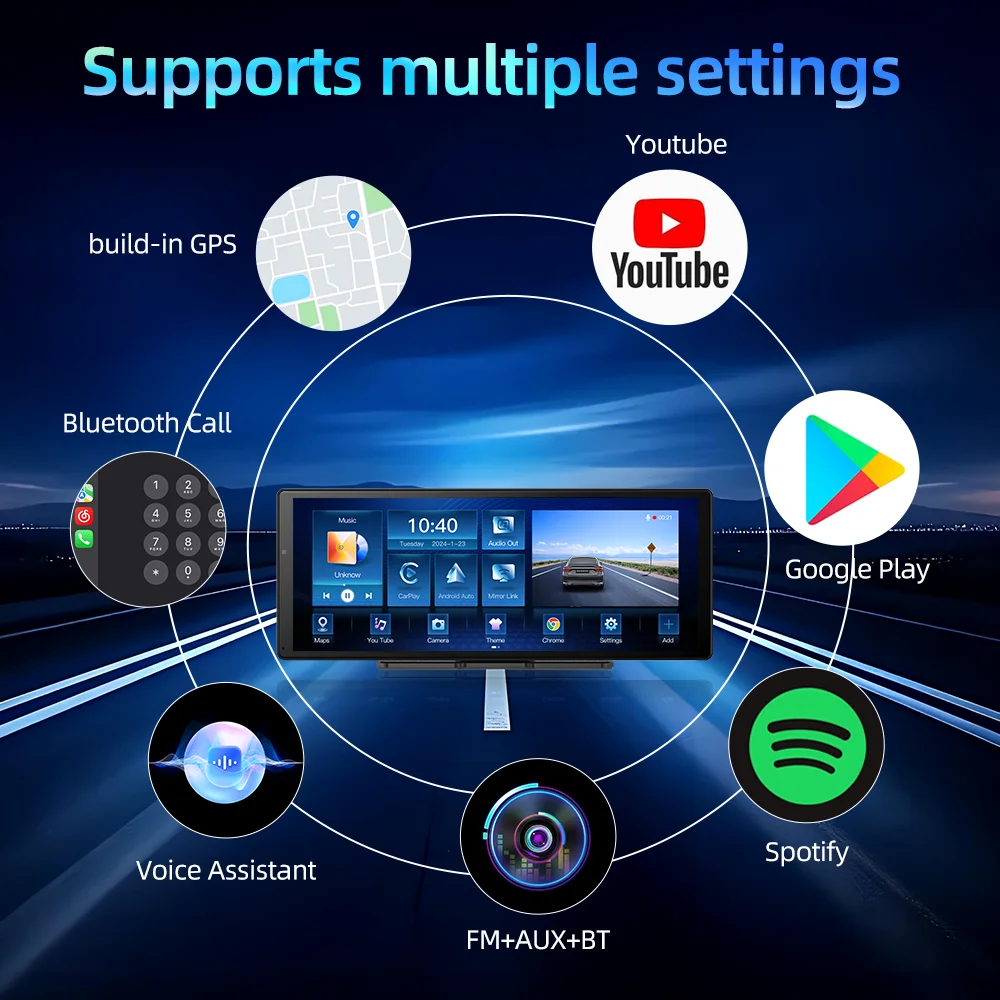
Connect phone with radio via Bluetooth, support hands-free calling, listen to music, and phone book function.

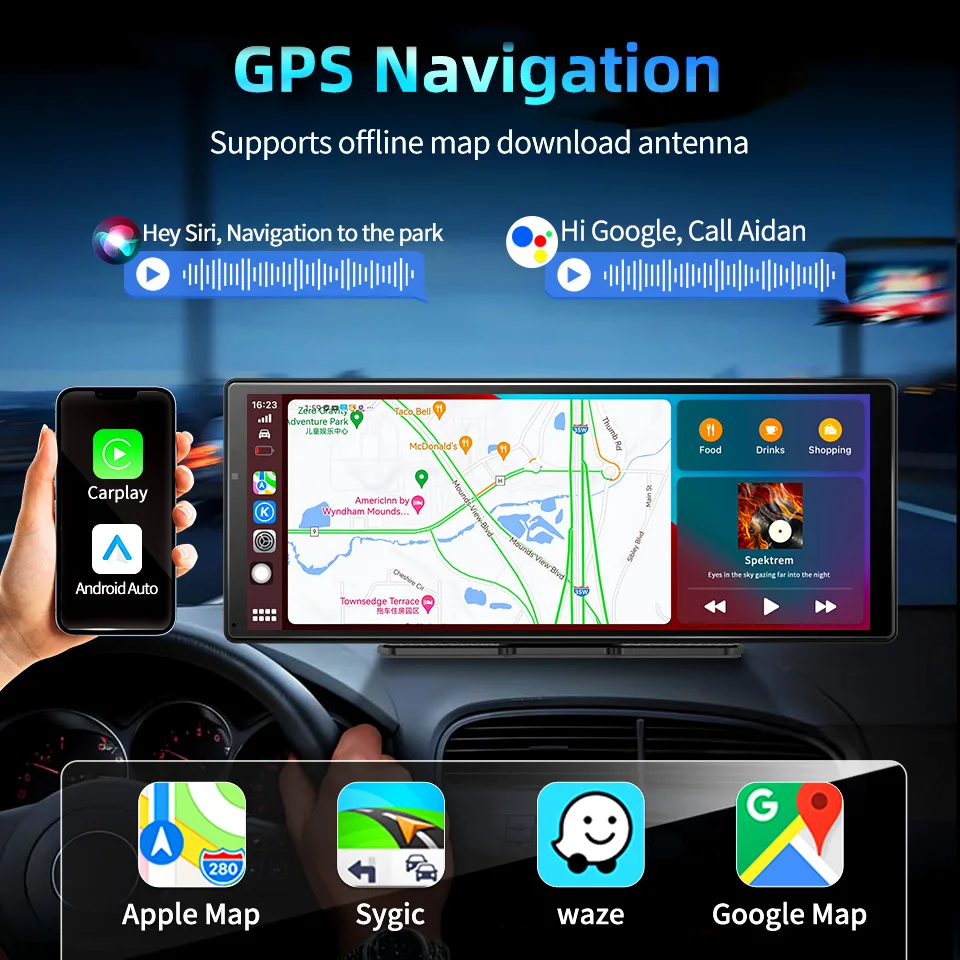
✅Support Multiple Functions and App Download:
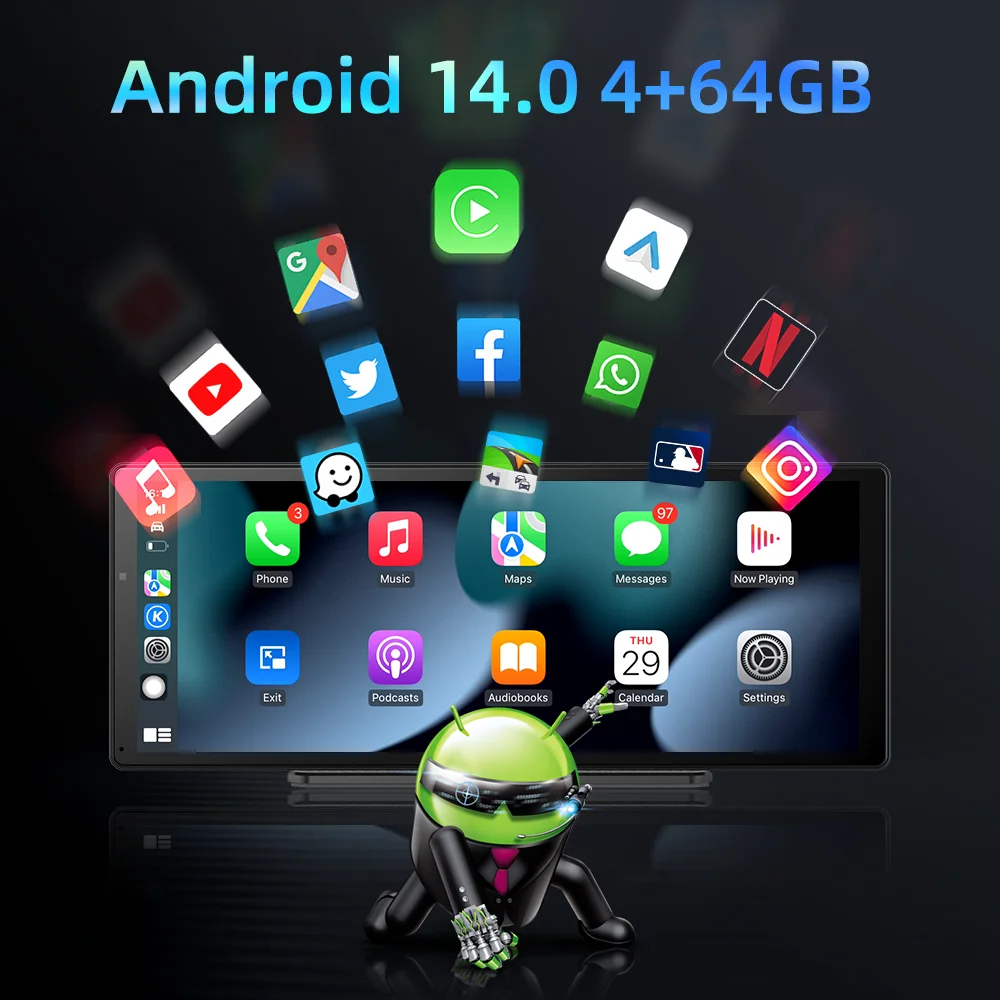
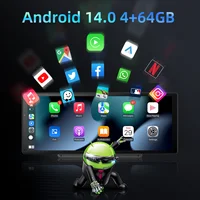
The device pre-install the Google Play Store,You can download and install some app ,such as music app,video app,map app,etc.
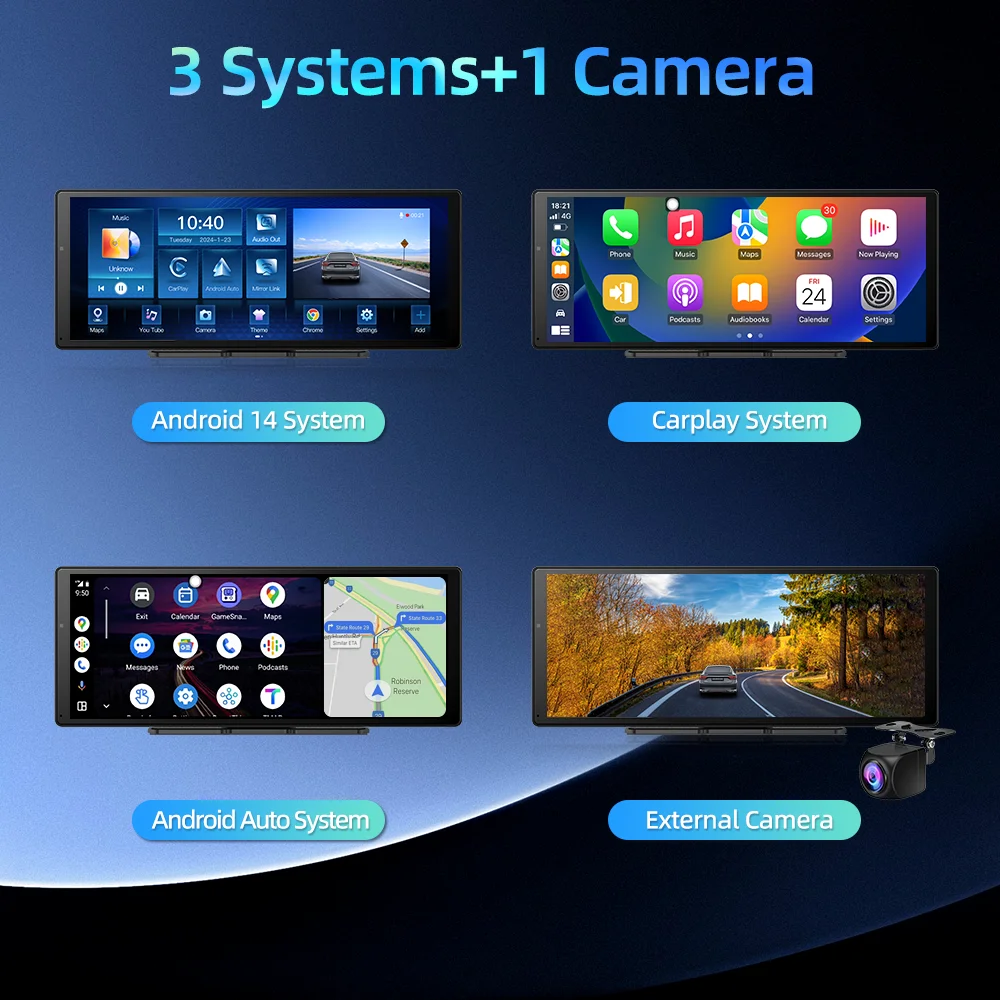
✅Wireless Carplay & Android Auto
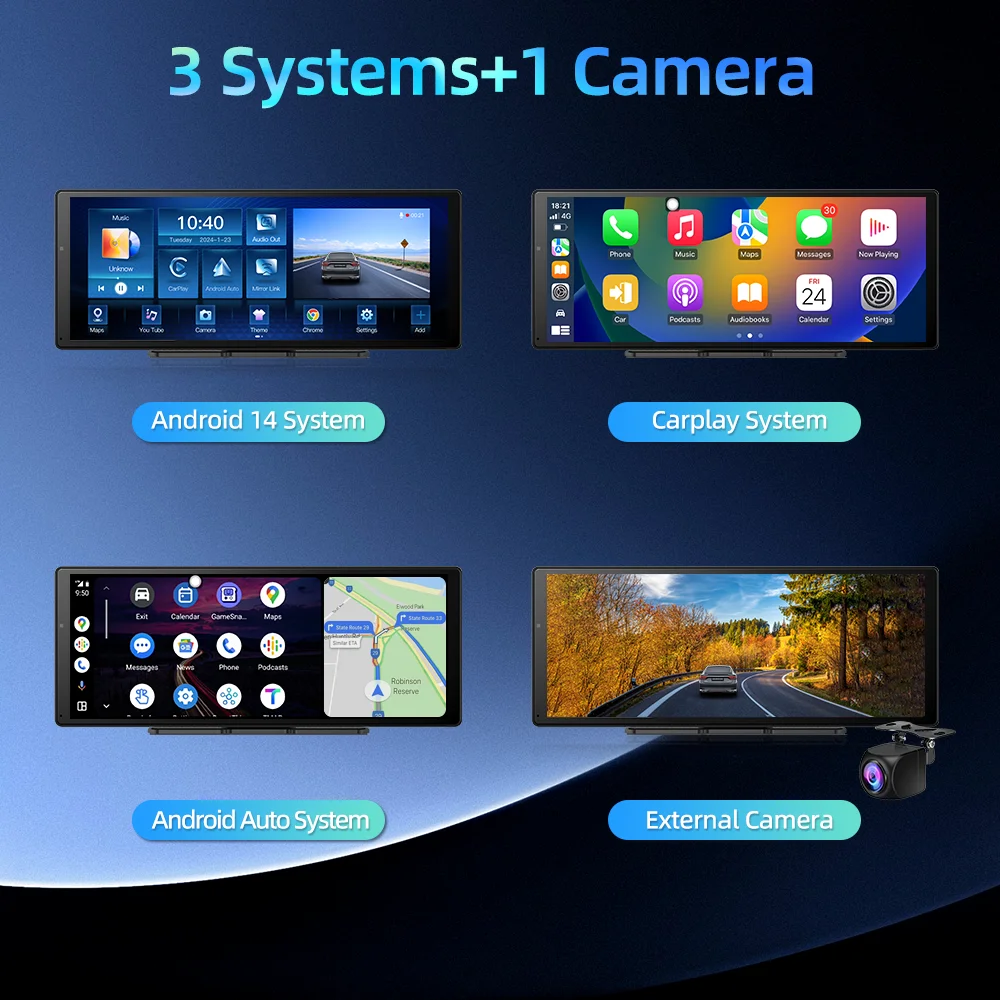
Enjoy convenience of a wire-free experience with our carplay screen that supports both wireless Carplay and Android Auto.
Simply connect your smartphone to the carplay screen via Bluetooth to instantly access your phone's apps, contacts, and more.
✅Mirror Link
Through mirror link functions, you can directly cast mobile phone videos, mobile phone pictures and mobile phone music to the driving recorder.
 ✅support OTA upgrade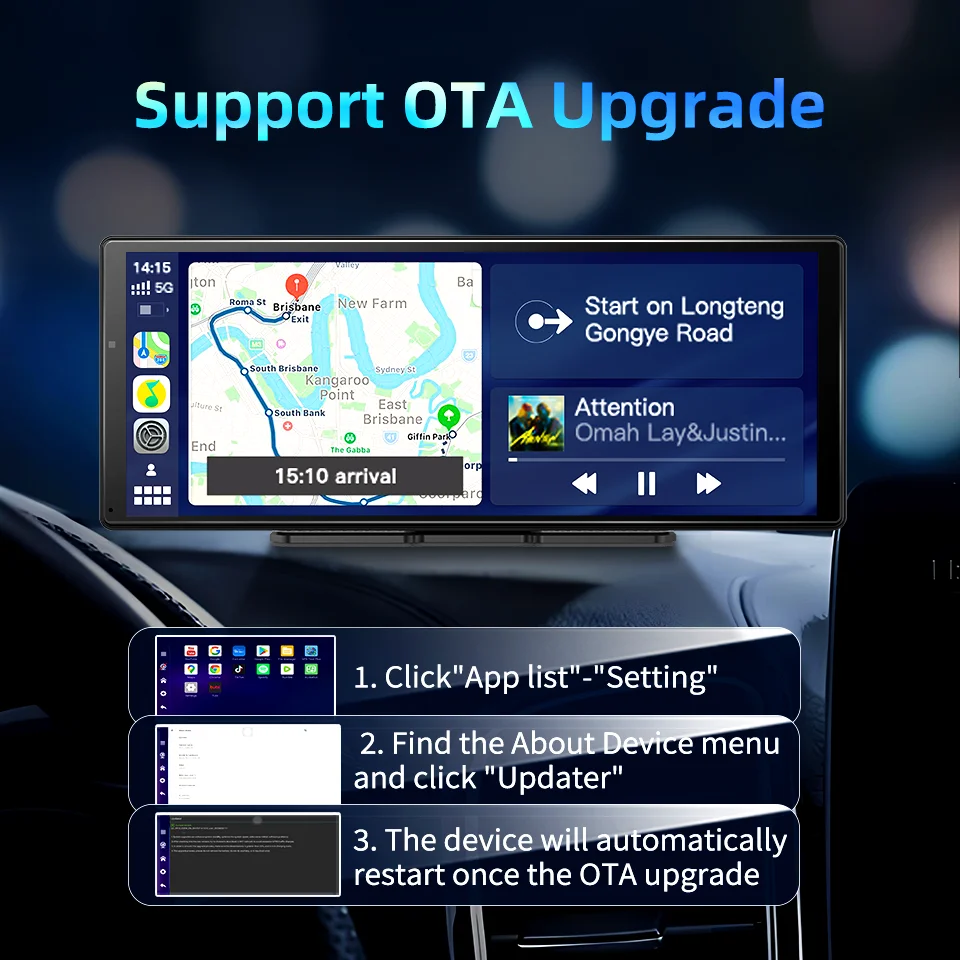
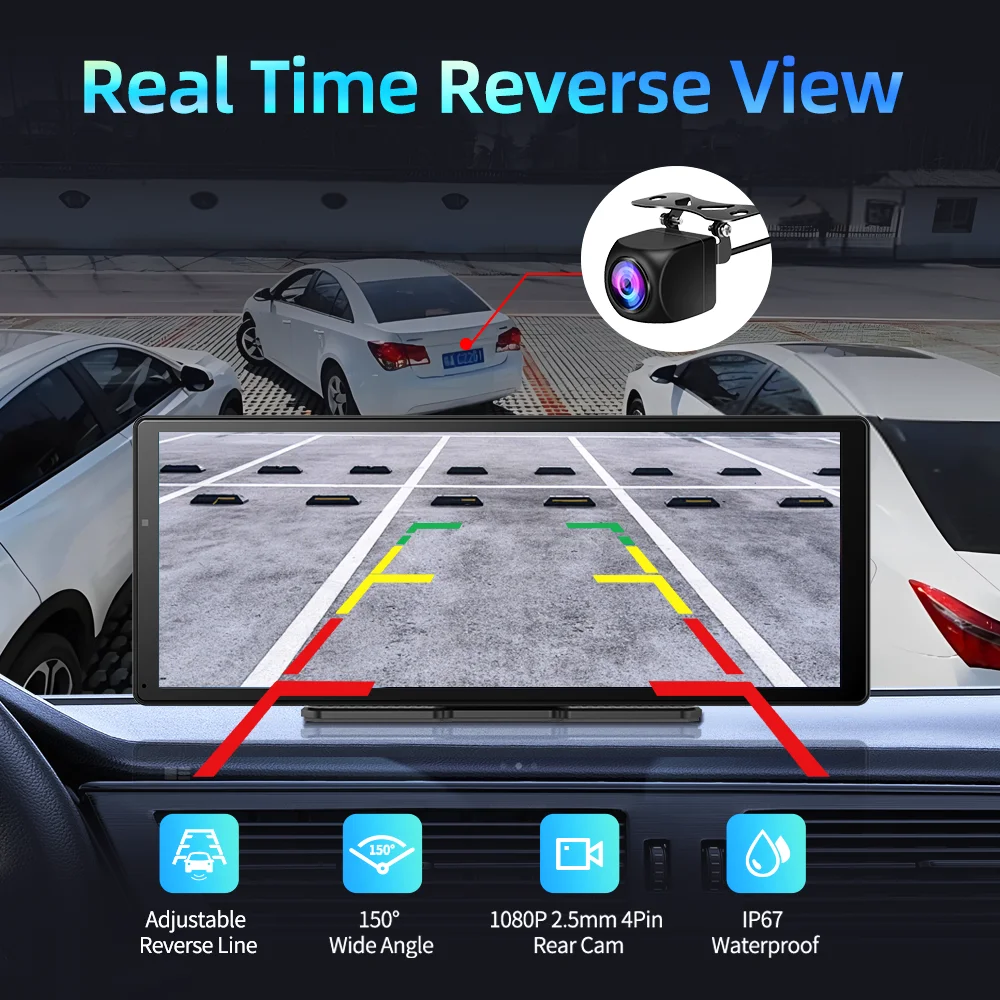
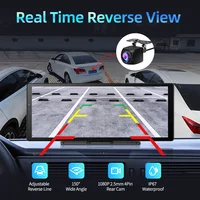
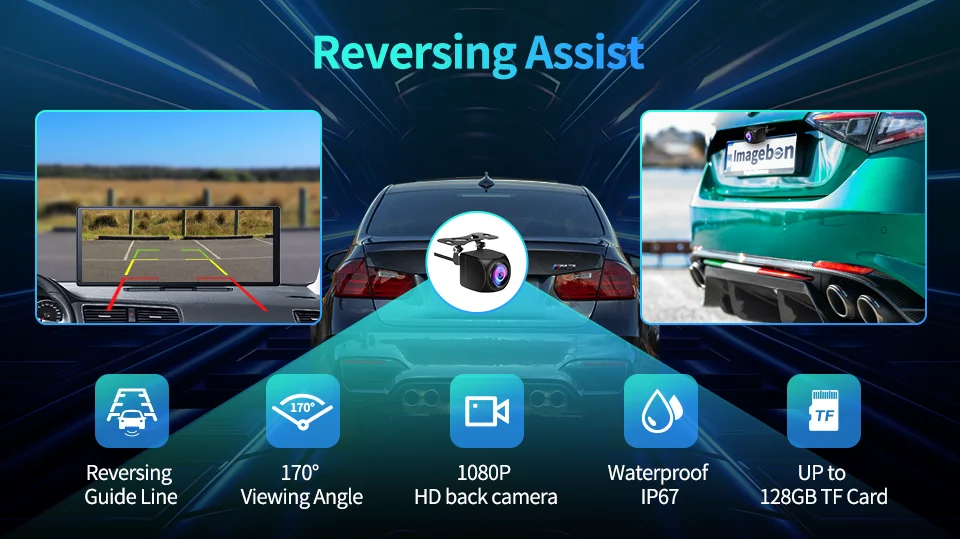
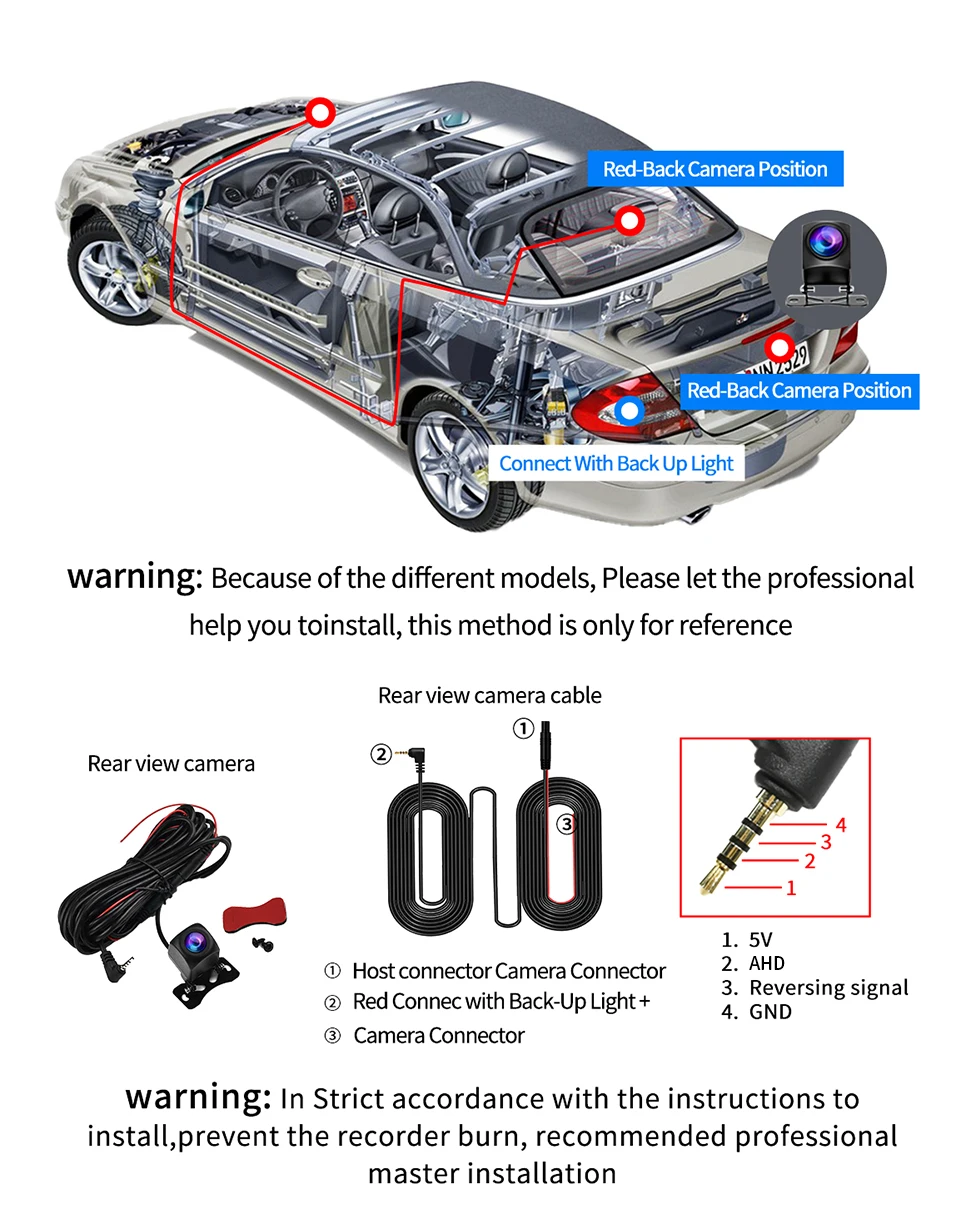
✅Real Time Reverse View
Support 1080P full screen reverse image and with guide line.When reversing, the system will automatically turn on the high-definition reversing camera at the rear of the car and clearly display the state of the rear of the car on the reverse IPS screen, so that you can accurately grasp the road conditions at the rear. The preview angle can be adjusted by sliding the left side of the screen to control the position of the guide line.

✅【Applicable 99% Models】
Such as car,Camper van,Trailers,Van,Caravan,Truck.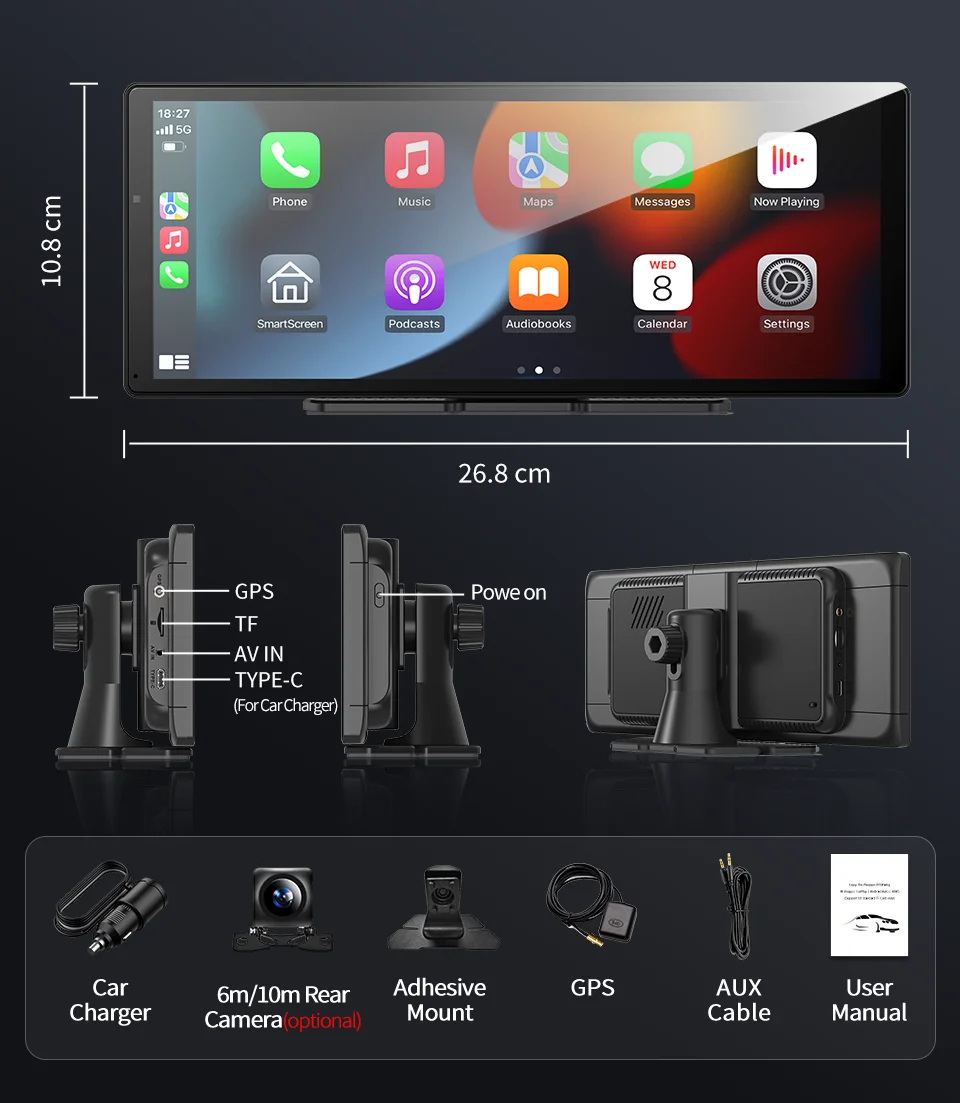
✅【What You Will Get?】
1*11.3 inch Car Screen
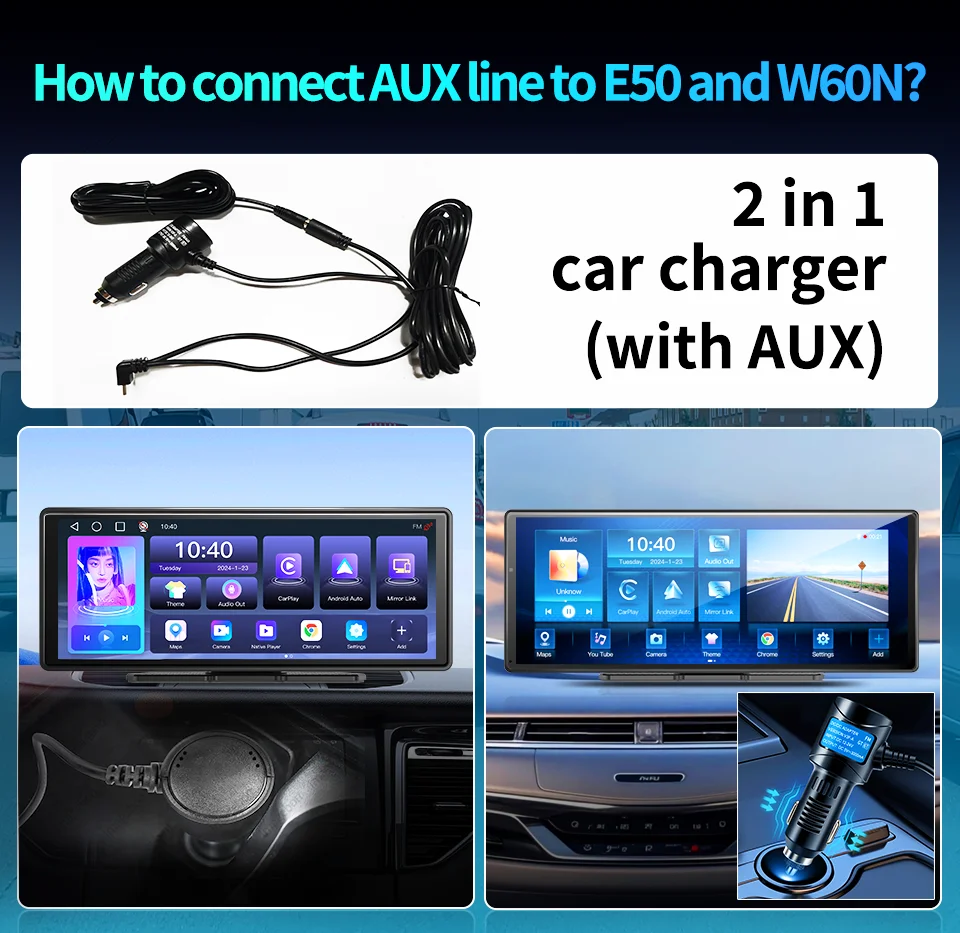
✅【How to connect AUX line?】
✅【How to connect the rear cam?】
FAQ:
1: Is this device suitable for my car?
This is a 11.3"universal car radio, just fix it on the center console.
2: How to connect wireless carplay/android auto?
First pair the mobile phone with Bluetooth, and then connect to the WIFI signal. After both are connected, carplay/android auto will automatically jump to the corresponding interface.
3: Why is there no sound from the device?
(1)The AUX cable is inserted and the FM transmitter switch is turned on.
(2)When the FM transmitter switch is turned on, the speaker has no sound.
4: Is it possible to transmit audio to the car's speakers via Bluetooth?
No, only via AUX cable or FM channel.
5: How to sync sound via FM?
Turn on the FM Transmitter on the device, adjust the channel of the car radio to a blank station, and set the radio on the device to the same frequency as the radio on the car, the setting is complete.
6: How to sync sound via AUX cable? Find the AUX cable, then connect one end of the cable to the "audio" port on the slide right of the device, connect the other end to the AUX-IN port on the car, and enter the AUX playback interface of the car radio to synchronize the sound – Set up.
7: Why doesn't the screen light up?
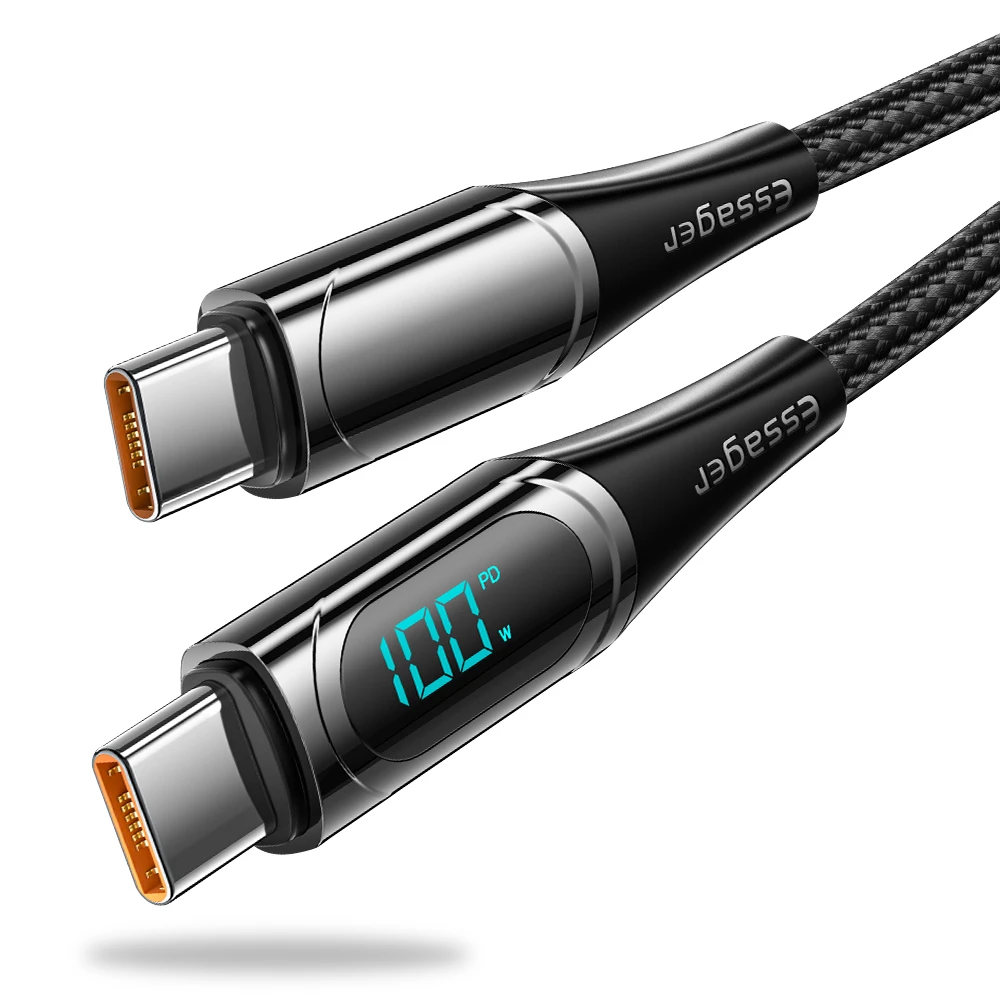
(1). Check whether the power supply is plugged in properly(connect with type-c port next to AV port).One end of the cigarette lighter is installed in place,and the other end will be connected to the lowermost DC 12V power supply port on the left side of the device.
(2). After confirming that the power is turned on, if the screen is still not on, there is a reset button on the back of the device, press and hold for 10 seconds.
(3). Software problems, you can upgrade the software, please contact customer service.




No account yet?
Create an Account

Reviews
Clear filtersThere are no reviews yet.