




















































































Sold out
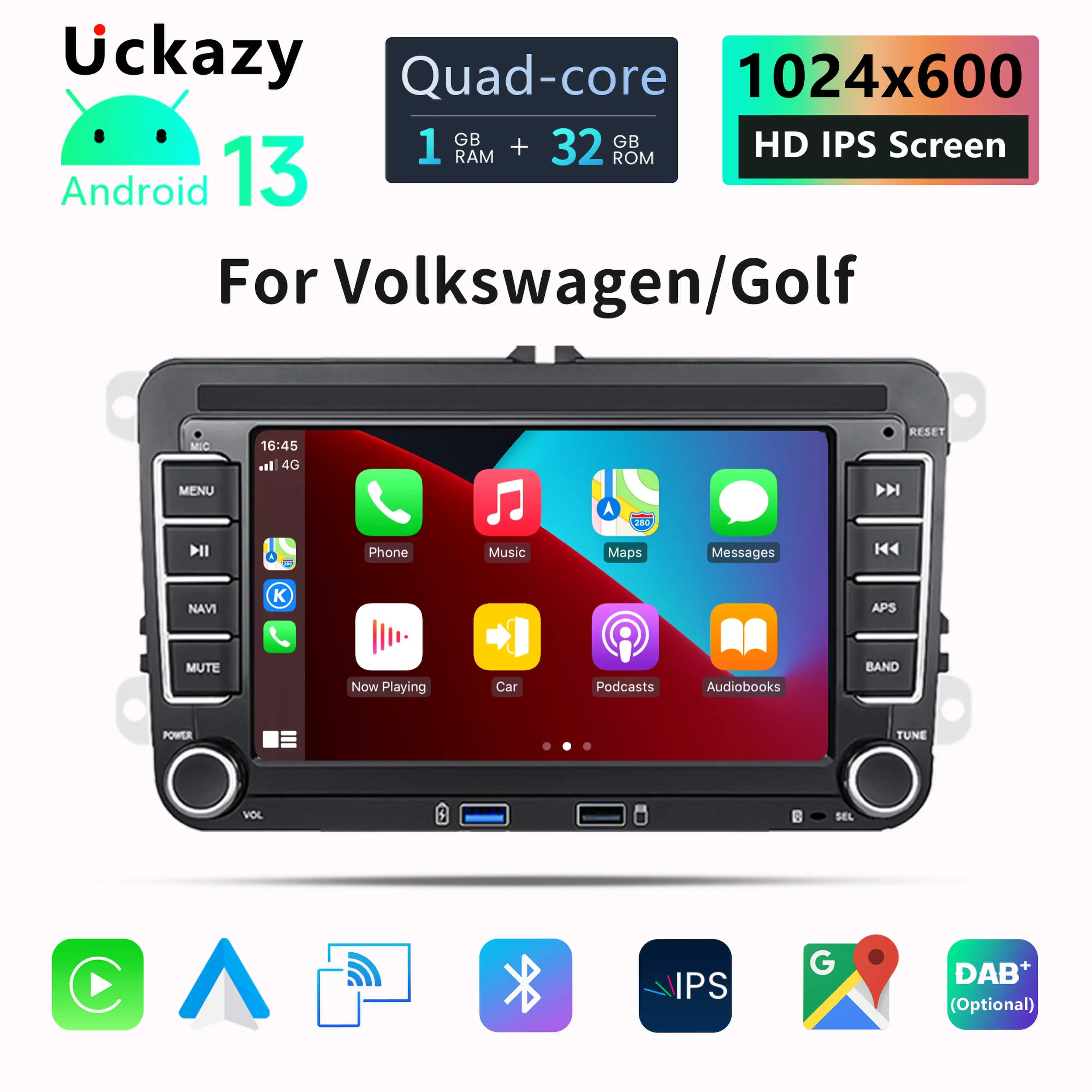
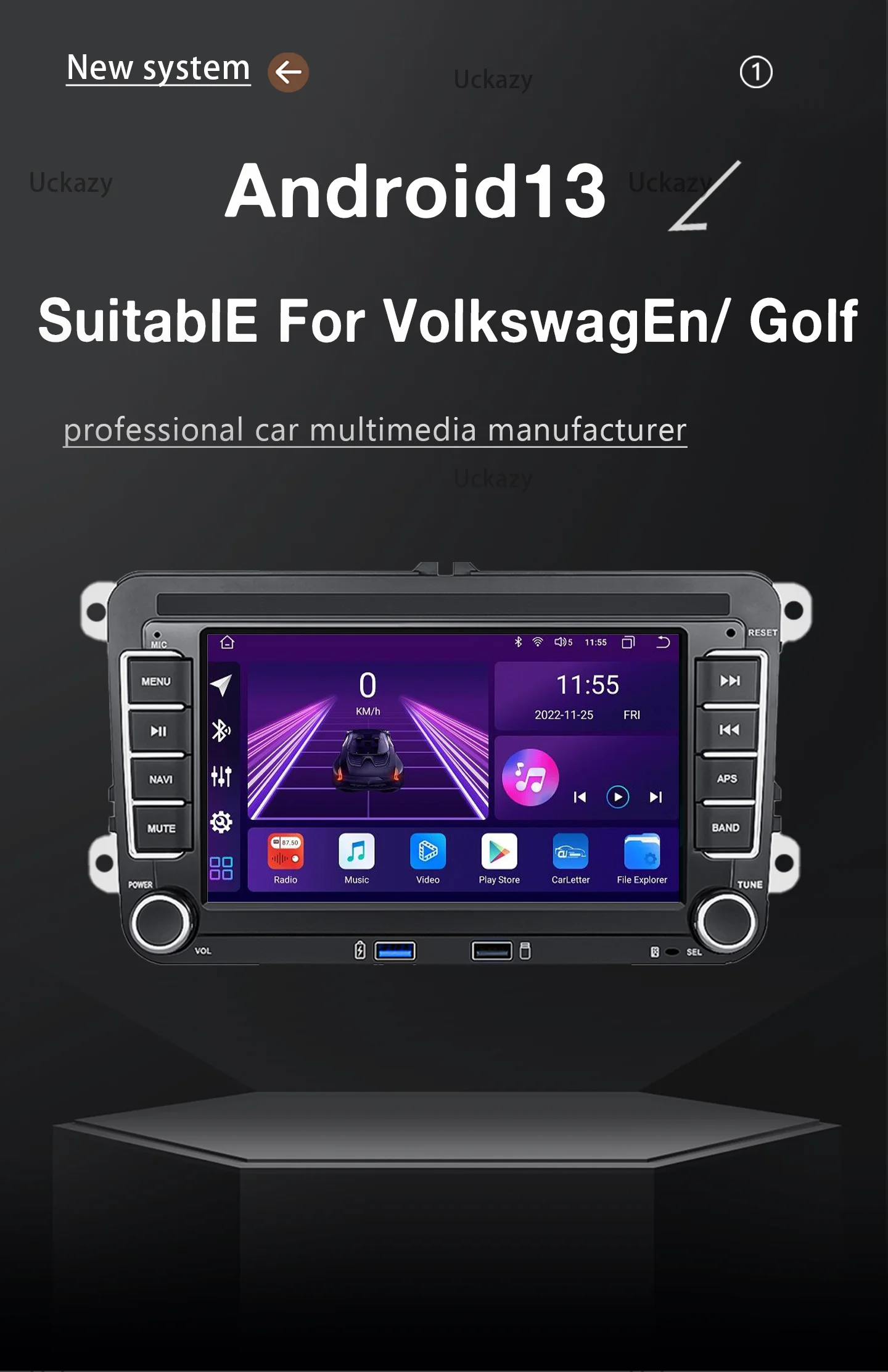
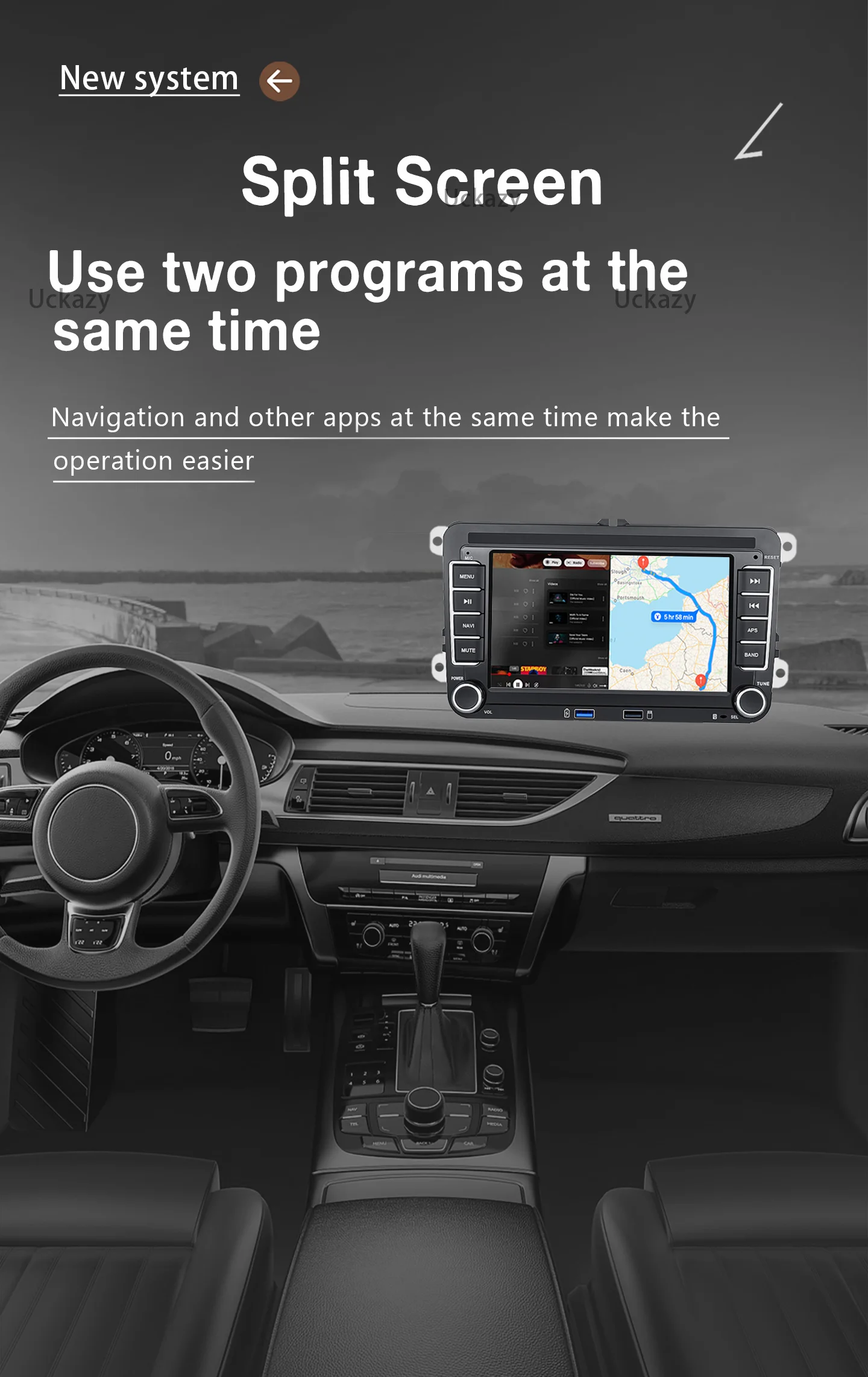
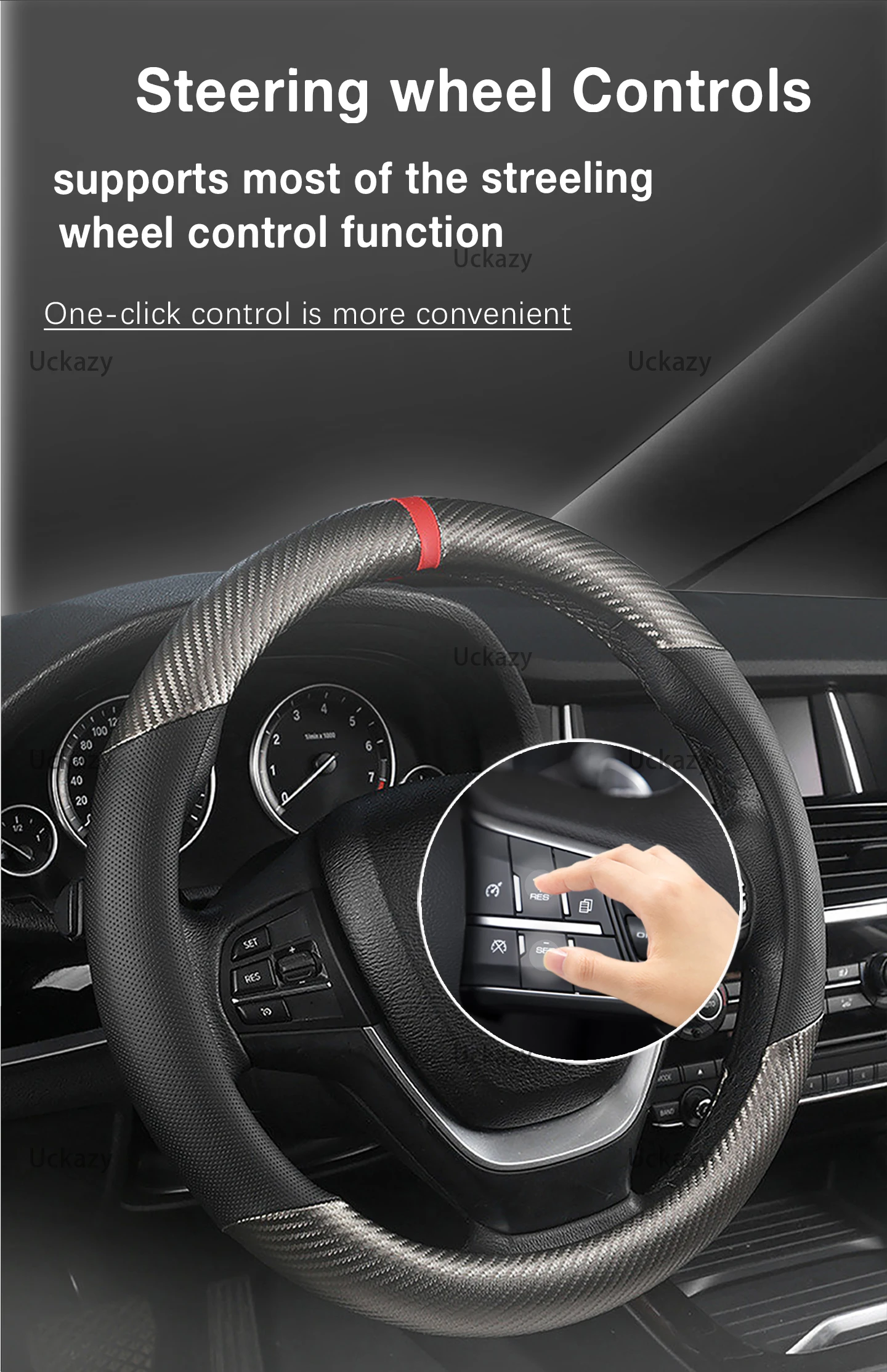
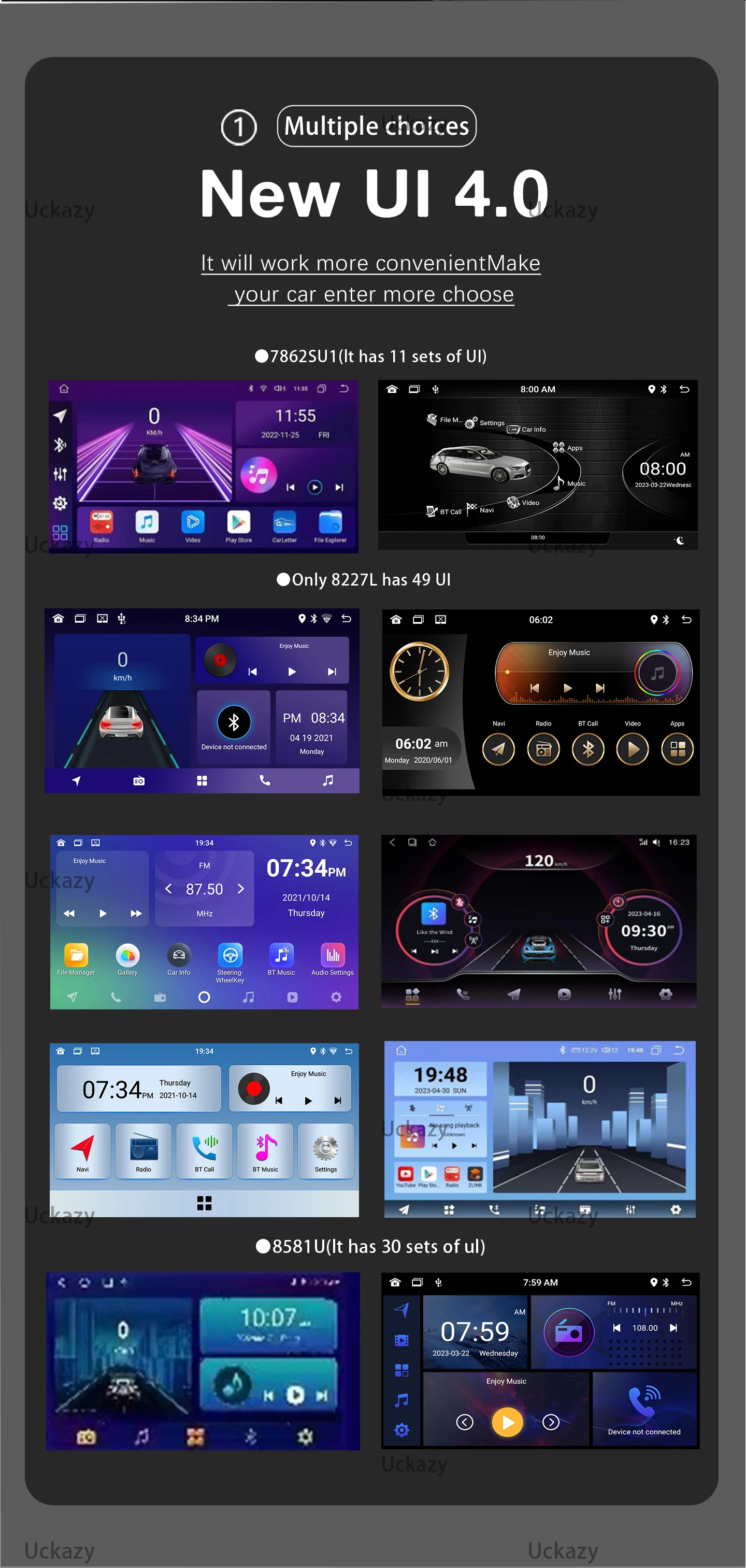
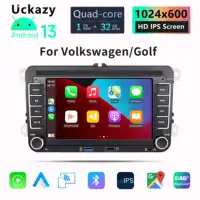





























































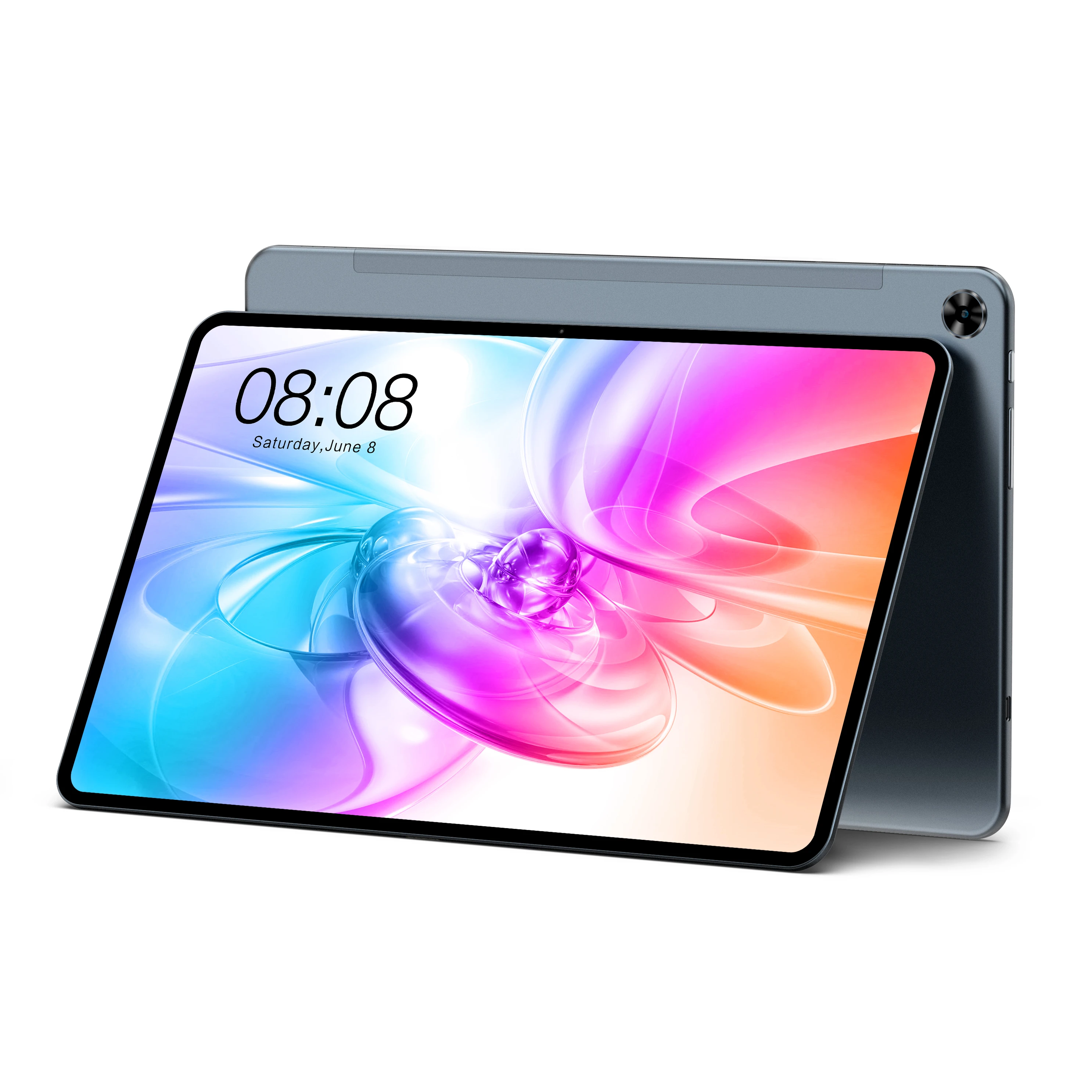
































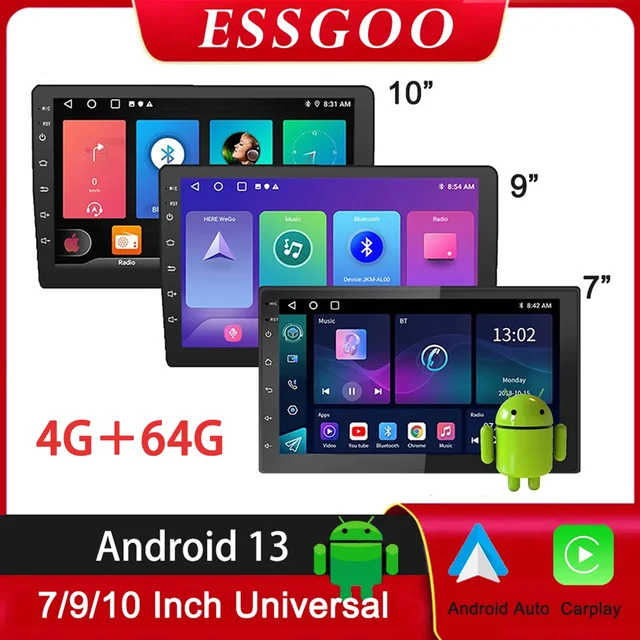
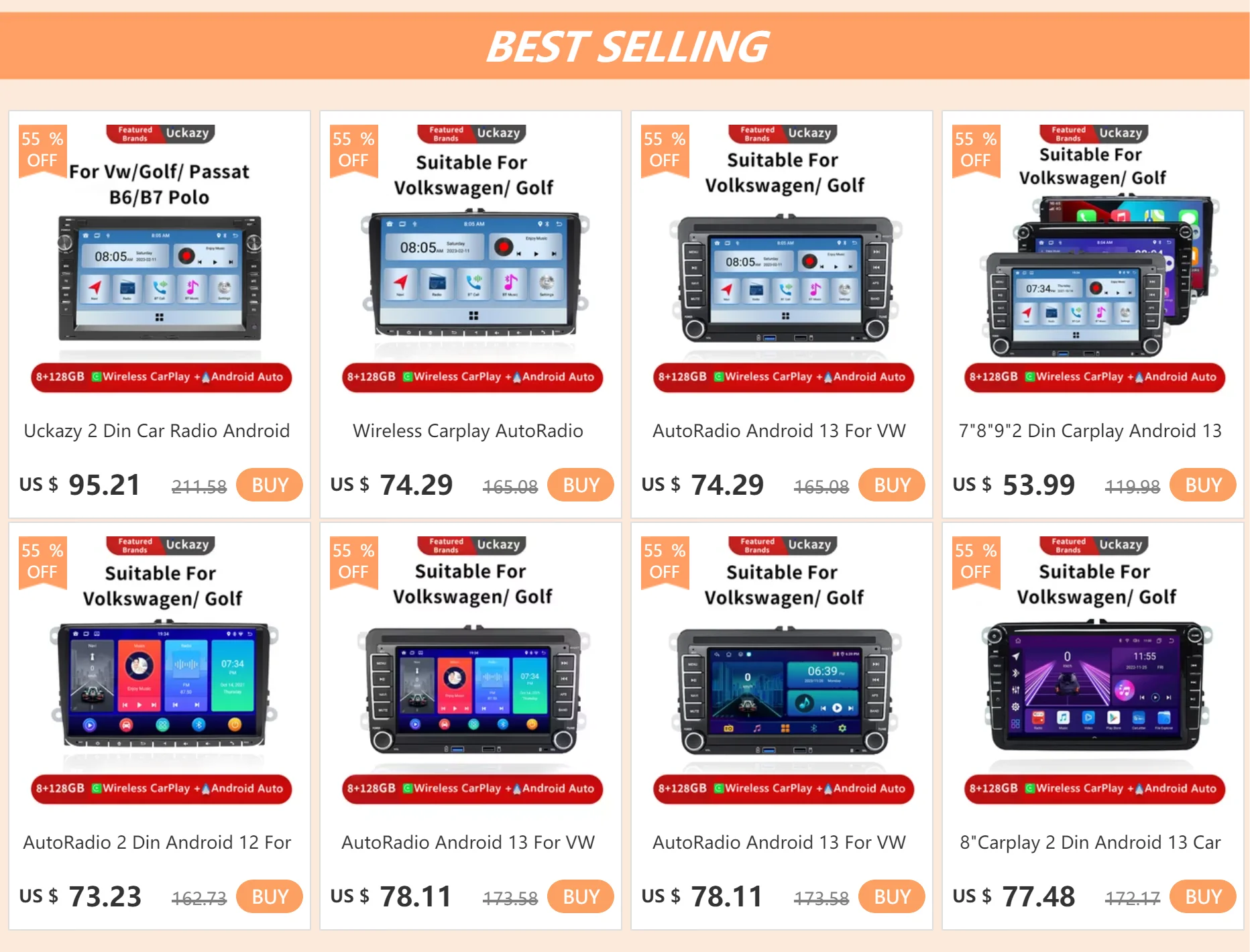

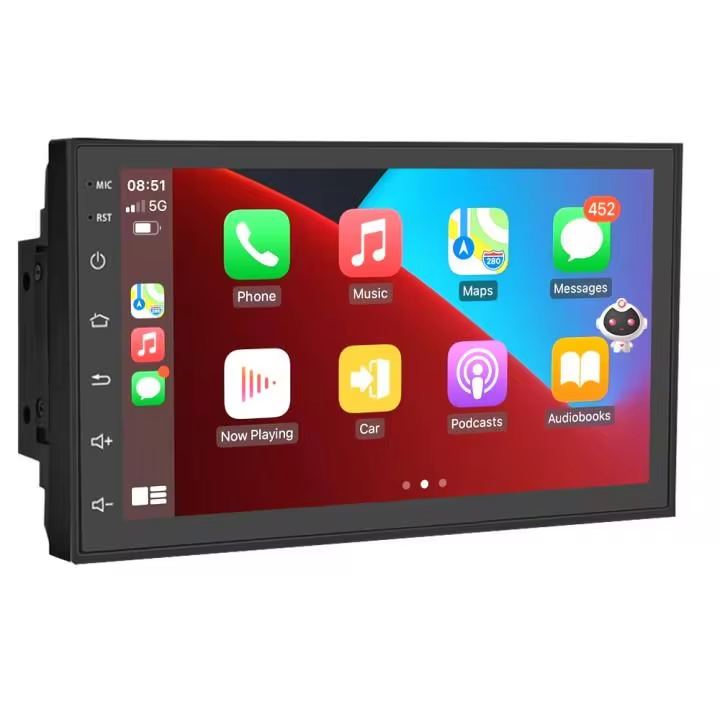
Car Multimedia PLAYER With GPS Suits
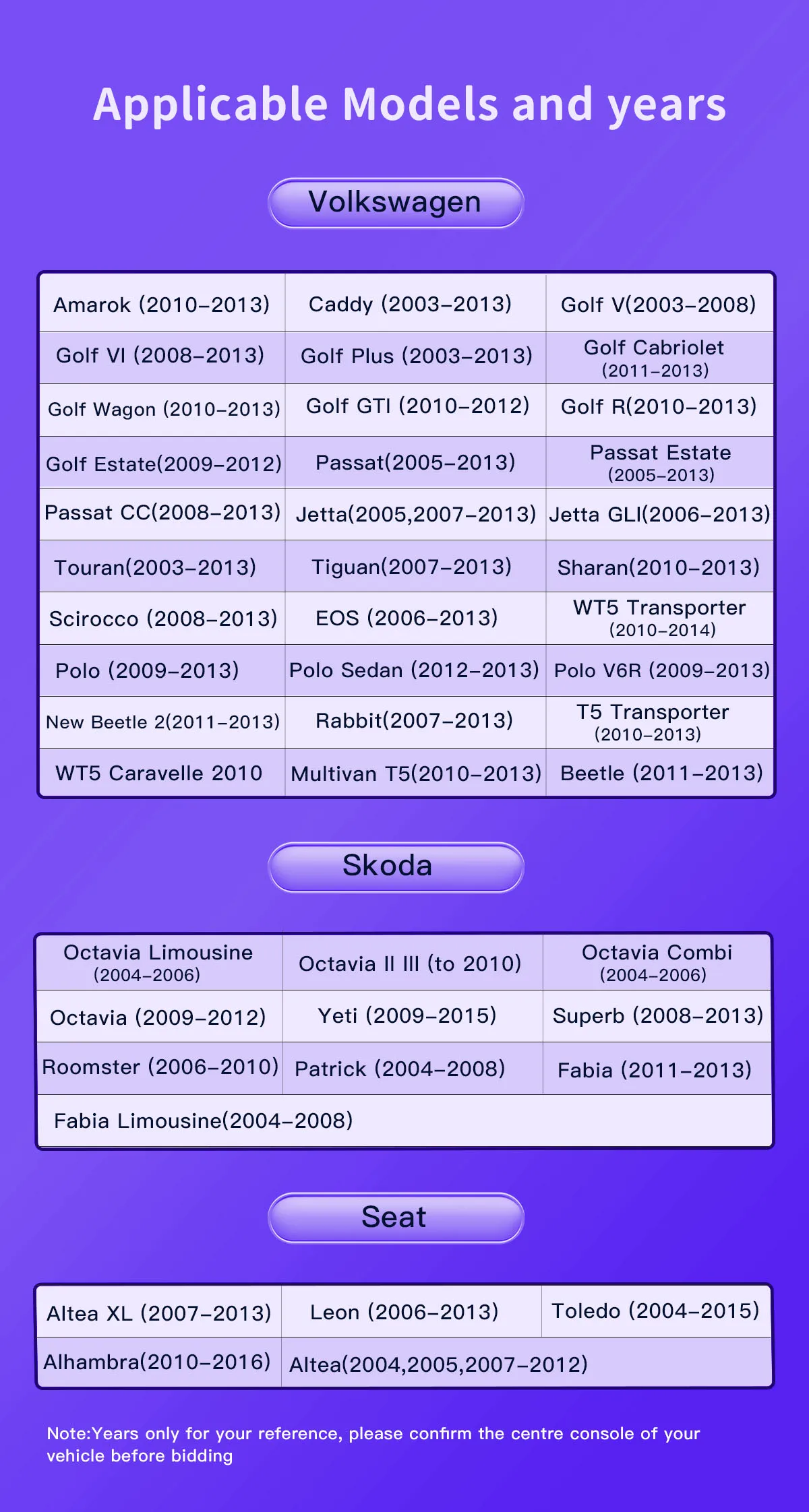
For Seat
For Altea ab 05/2004
For Toledo ab 12/2004
For Leon ab 09/2005
For Altea XL ab 04/2007Alhambra ab 2010
For VW
For VW/SAGITAR/JATTA/JETTA
For VW/MAGOTAN/MAGOTAN V6
For VW/PASSAT B6
For VW/PASSAT V6
For VW/MAGOTAN VARIANT
For VW/PASSAT B7
For VW/PASSAT NMS
For VW/PASSAT Variant
For VW/PASSAT CC
For VW/PASSAT TSI
For VW/TOURAN
For VW/GOLF V
For VW/GOLF VI
For VW/GOLF VARIANT
For VW/TIGUAN / TIGUAN GP
For VW/SHARAN
For VW/CADDY
For VW/POLO
For VW/EOS
For VW/SCIROCCO
For A part of VW/T5/TRANSPORTER
For VW/R36 VARIANT
For VW/BEETLE
For VW/MULTZVAN
For VW/GOLF CROSS
For VW/GOLF BLUE MOTION
For VW/SPORTLINE
For VW/BORA
For VW/AMAROK
For Skoda
For Fabia Limousine ab 02/2007 bis 2012
For Fabia Combi ab 04/2007 bis 2012
For Praktic ab 04/2007 bis 2012
For Roomster ab 04/2006 bis 2012
For Octavia Combi 06/2004 bis Facelift
For Octavia Limousine ab 06/2004 bis Facelift
For Octavia II 2& III3
For Yeti ab 2009 bis 2012
For Superb/3 T ab 2008 bis 2012
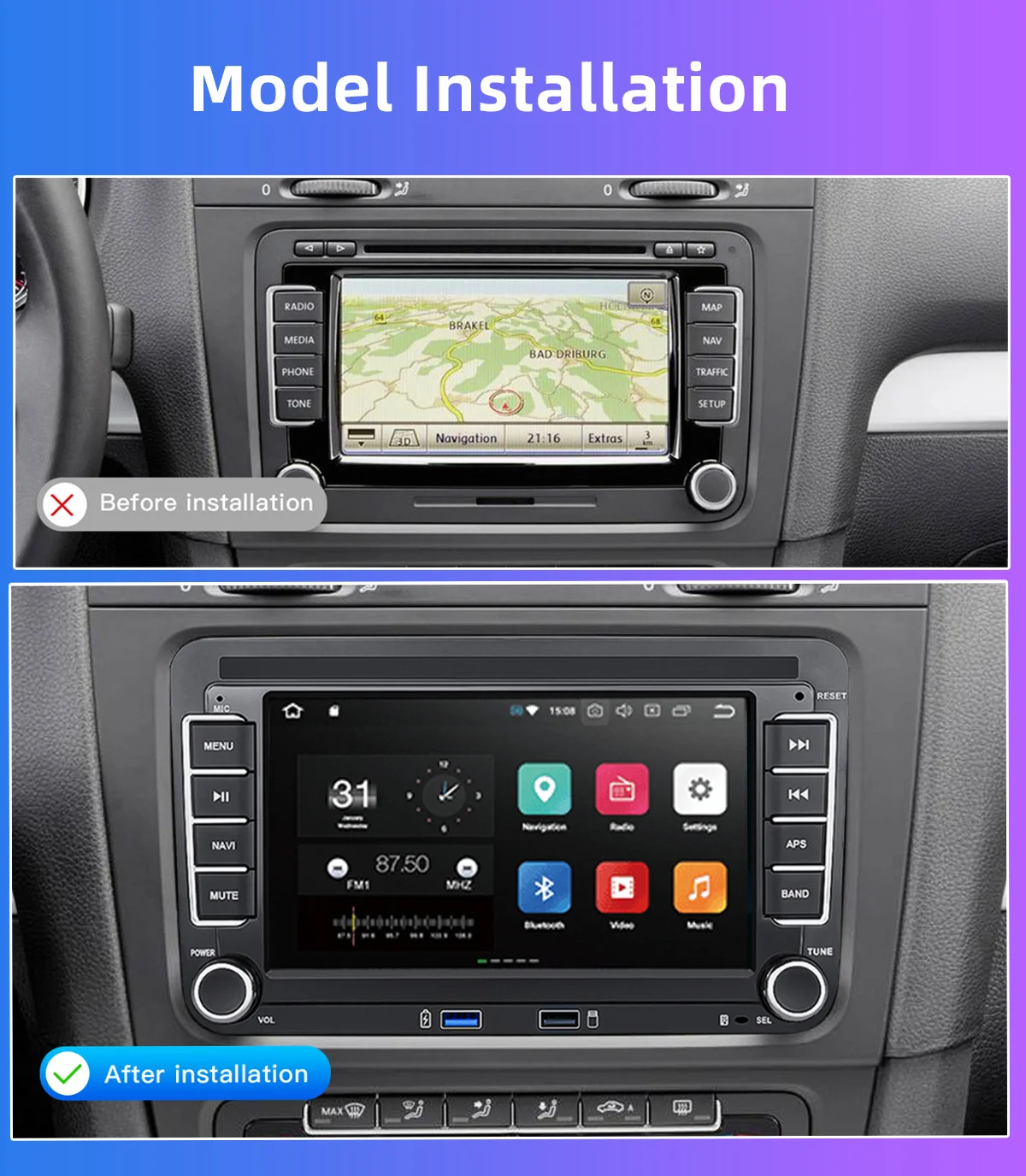
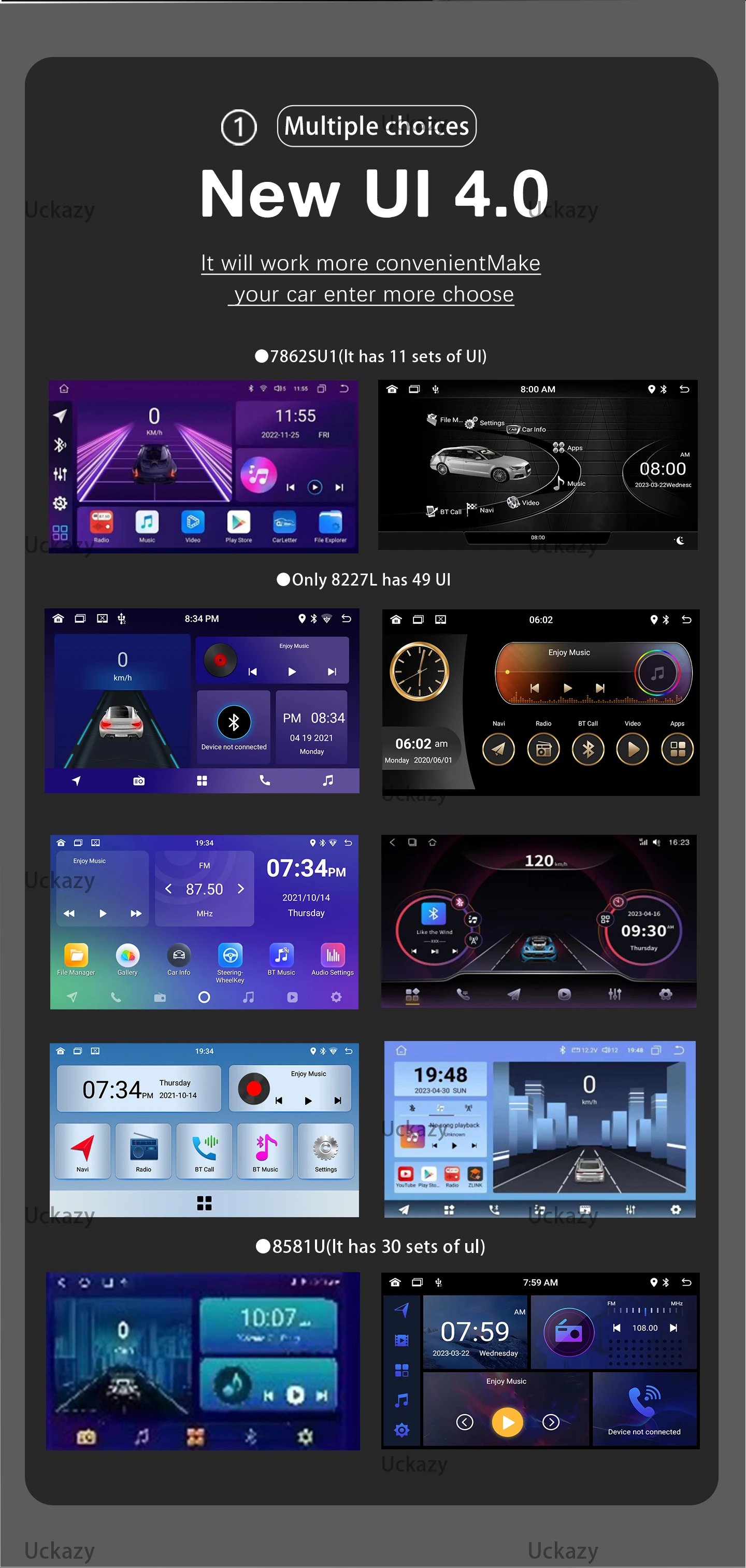
For VW Amarok POLO GOLF 5 6 Plus PASSAT B6 B7 CCJETTA TIGUAN TOURAN SHARAN SCIROCCO CADDY Seat Carplay GPS Navigation
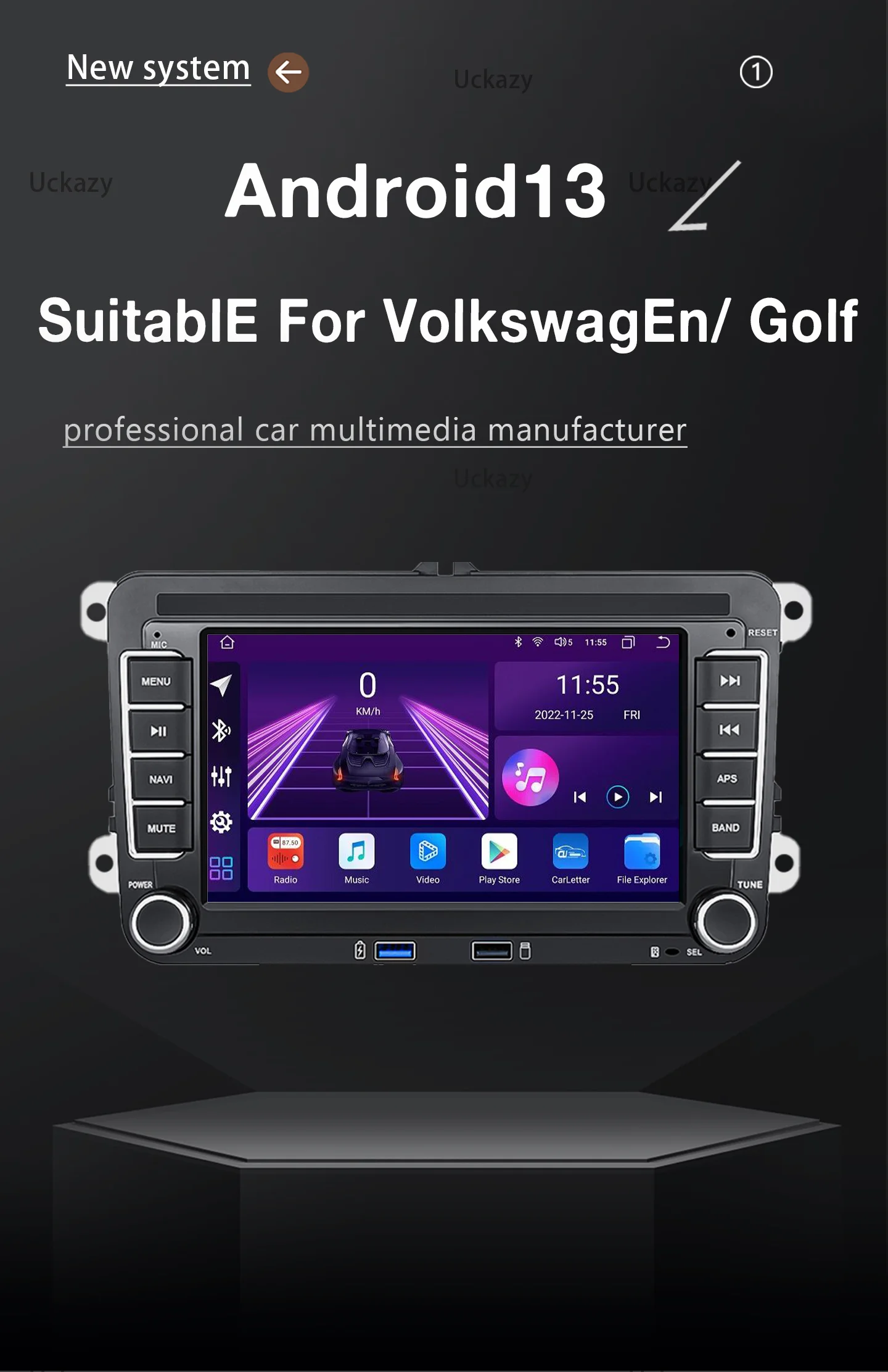
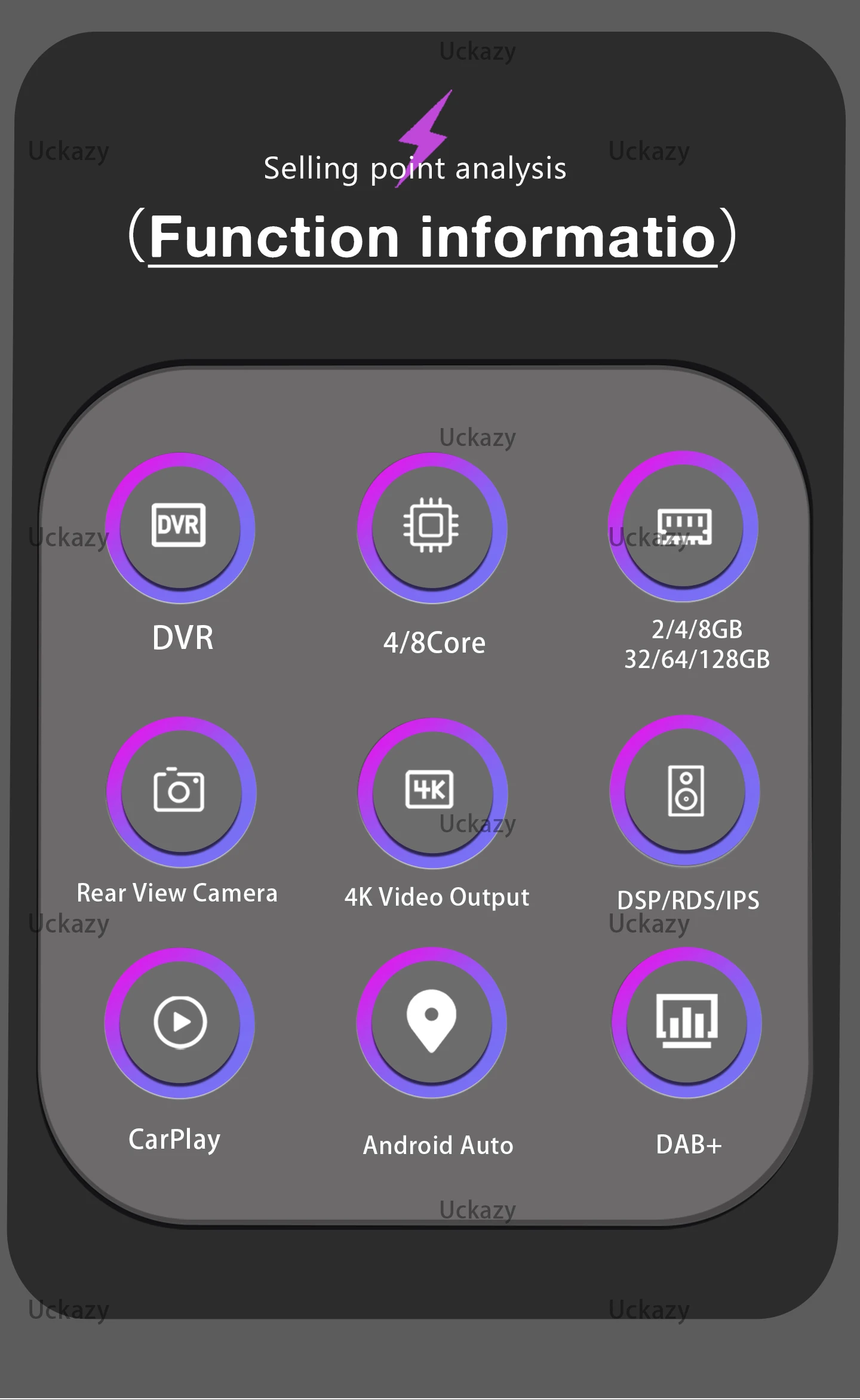
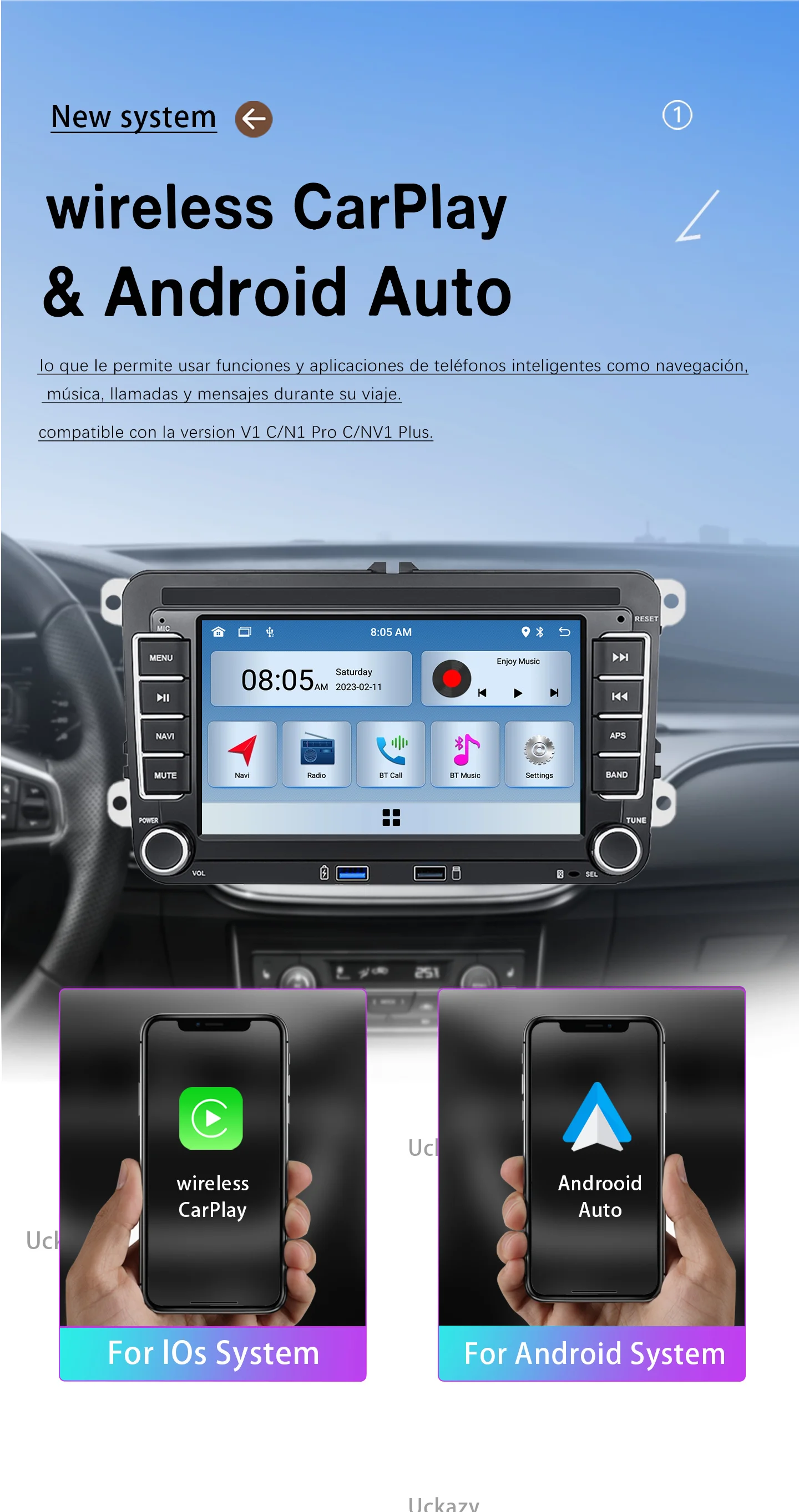
Supports wireless Carplay Android Auto.

Frequently Asked Questions
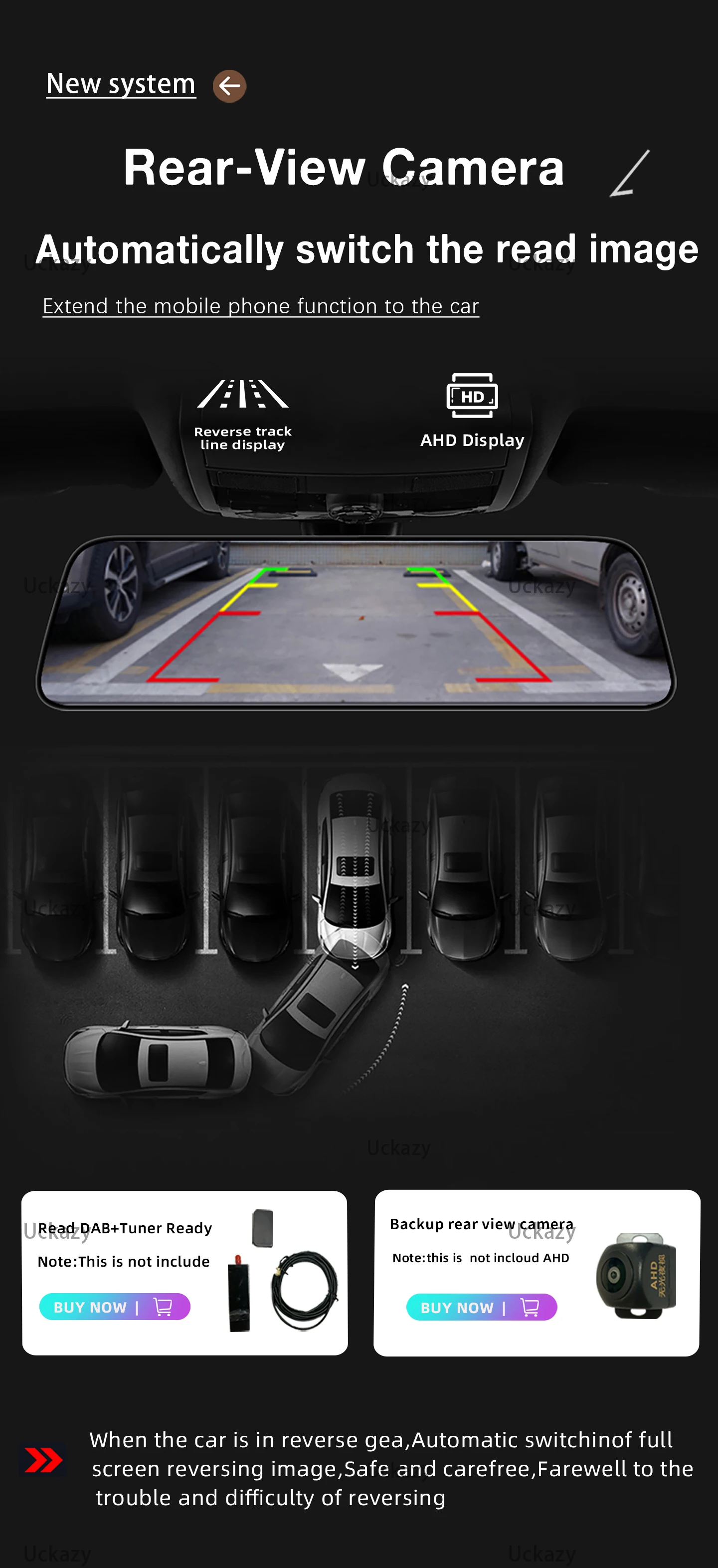
1.Why does the car radio show "no signal"when reversing?
(1)Please check whether the camera cable is correct
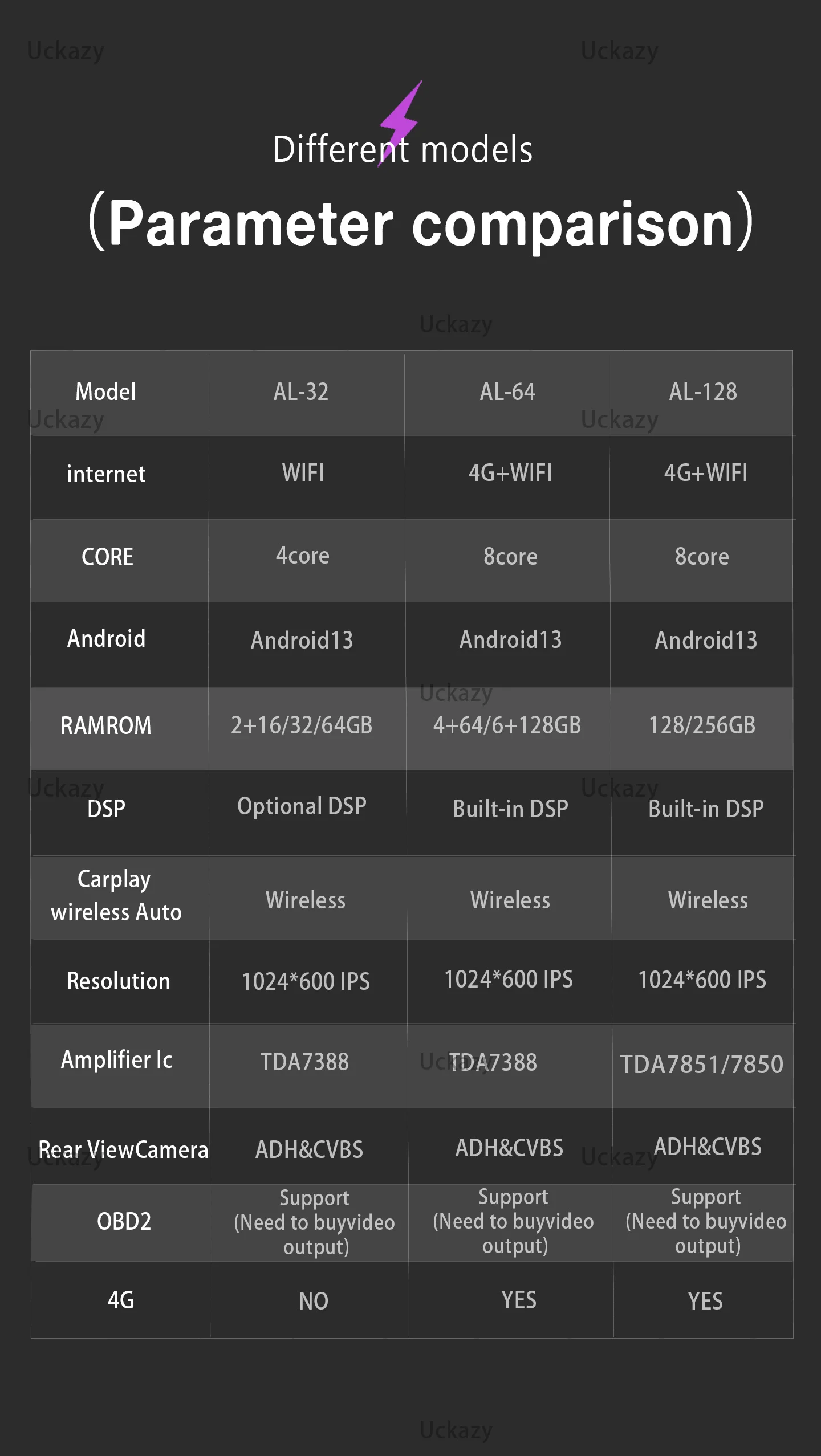
(2) If the wiring is normal, please switch the camera mode, the default mode of our radio setting is AHD, you can change the mode to "CVBS-NTSC" in the settings, be sure to click Save after changing
Note: The default mode of the 2+32G model camera is CVBS and does not need to be replaced
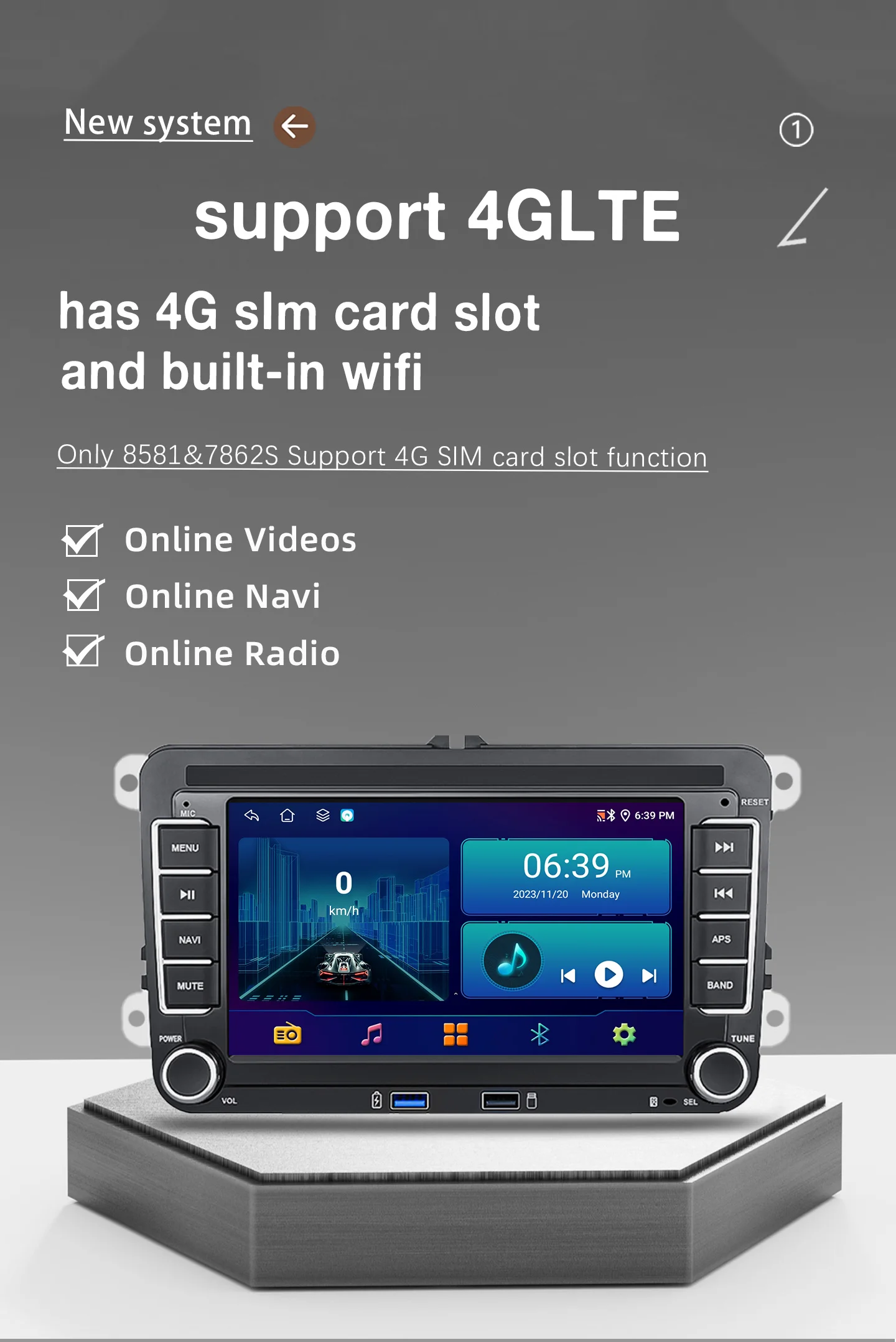
2.Why does the 4G card display no signal? (4G SIMcard only 4+64GBand 8+128GB include)
(1) After inserting the SD card, if only the network is displayed and there is no signal, restart the radio to return to normal
3.Why does the touch screen not work?
(1) If the touch screen is not sensitive, you can do touch calibration in the settings
Model 8227L / 8581 / 7862S Calibration: Placing 5 fingers on the screen will take you to the calibration learning page
4.Why is the USB card not recognized?
(1) Insert the USB card if it is not recognized, restart the radio
5.Why won't the radio turn on?
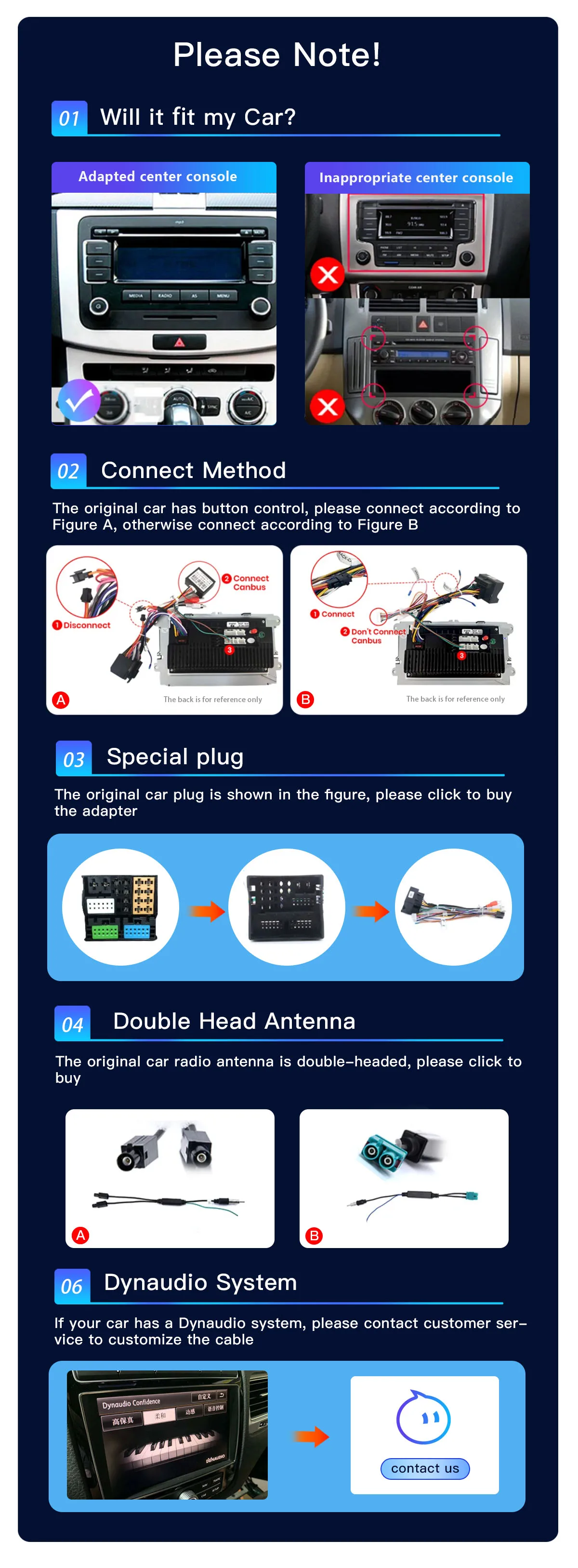
(1)The condition for the radio to be turned on is to connect the ACC line and the +GND line in the power line to the positive terminal of the car's 12V power supply, and the -GND number to the negative terminal of the power supply. There may be little chance that the power cord will not match your car.
(2) Note: Our car radio must be connected with our power cord, it is not possible to insert the original car plug directly into our machine.
(3) If you still cannot open it after following the above steps, please send us a video to confirm. The video needs to show that the power cable is connected normally, and test the cable with a meter to 12V
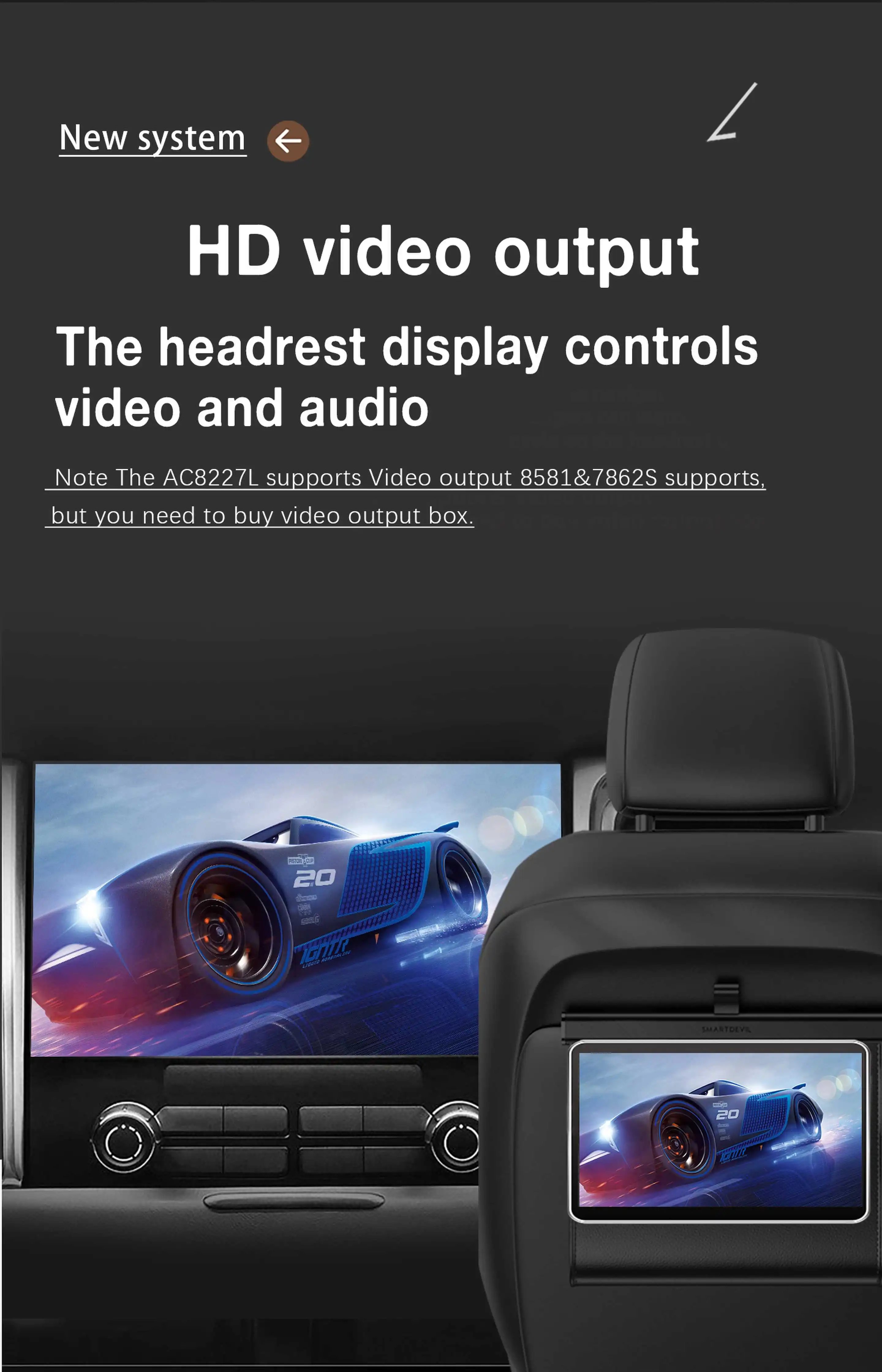
6.What the camera displays when watching video using USB! and "Can't watch videos while driving"?
(1) Please turn off the "Reversing" function in the settings.
7.If you encounter any other unresolved issues, please contact the store customer service first, and we will use five-star service to solve them for you.



No account yet?
Create an Account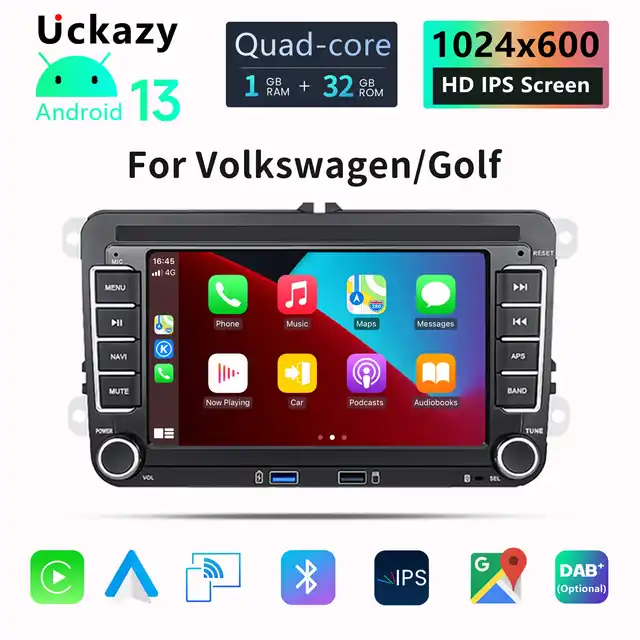
Reviews
Clear filtersThere are no reviews yet.