


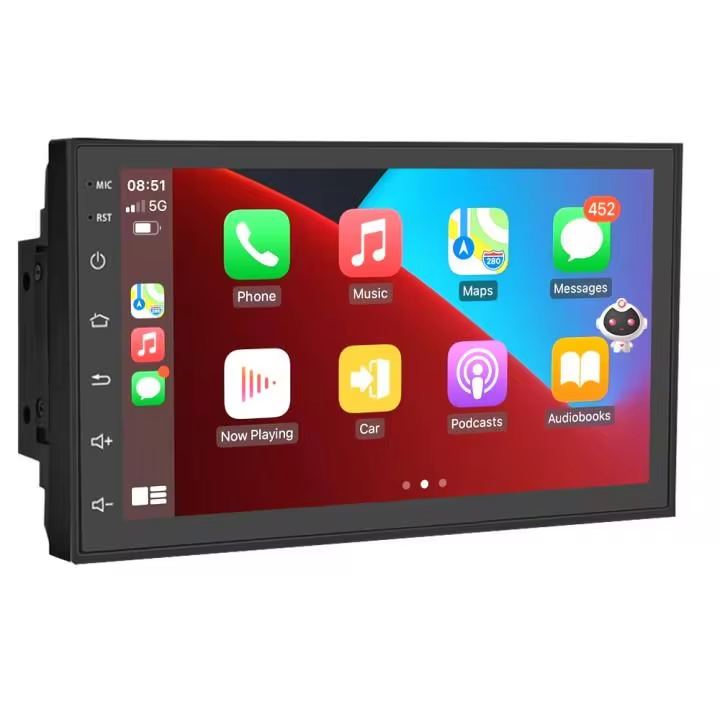




















































































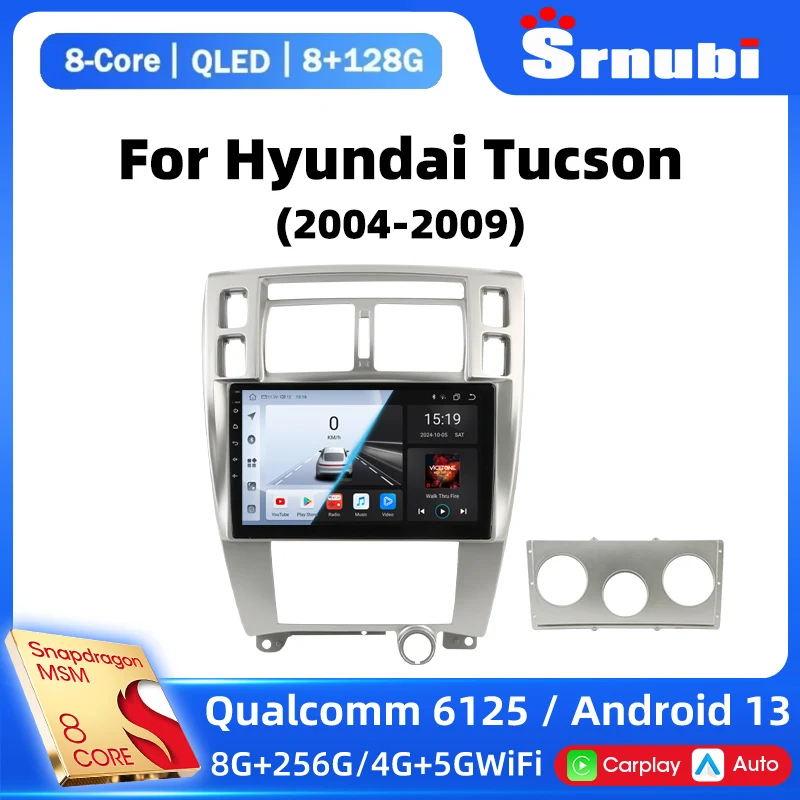
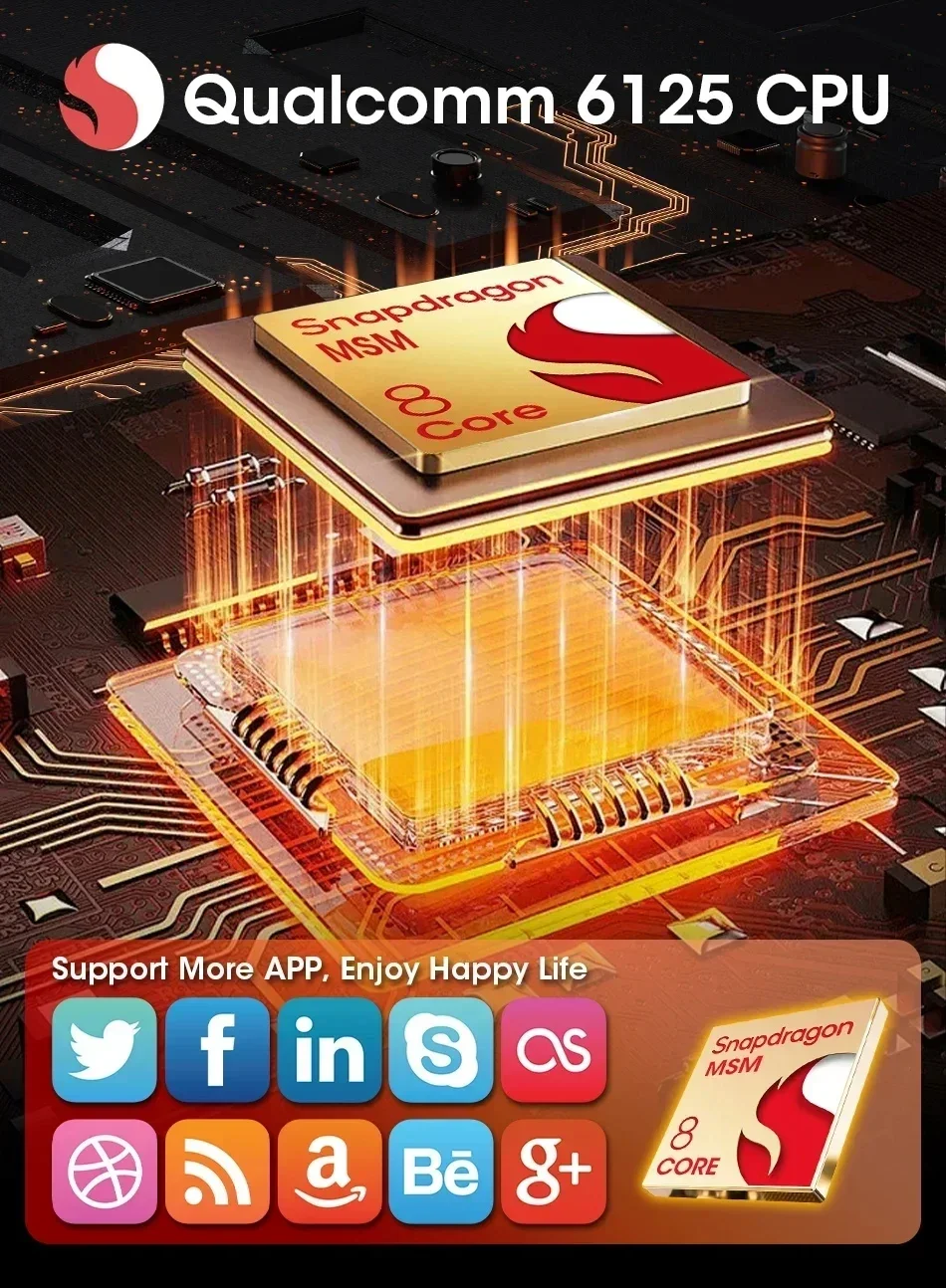
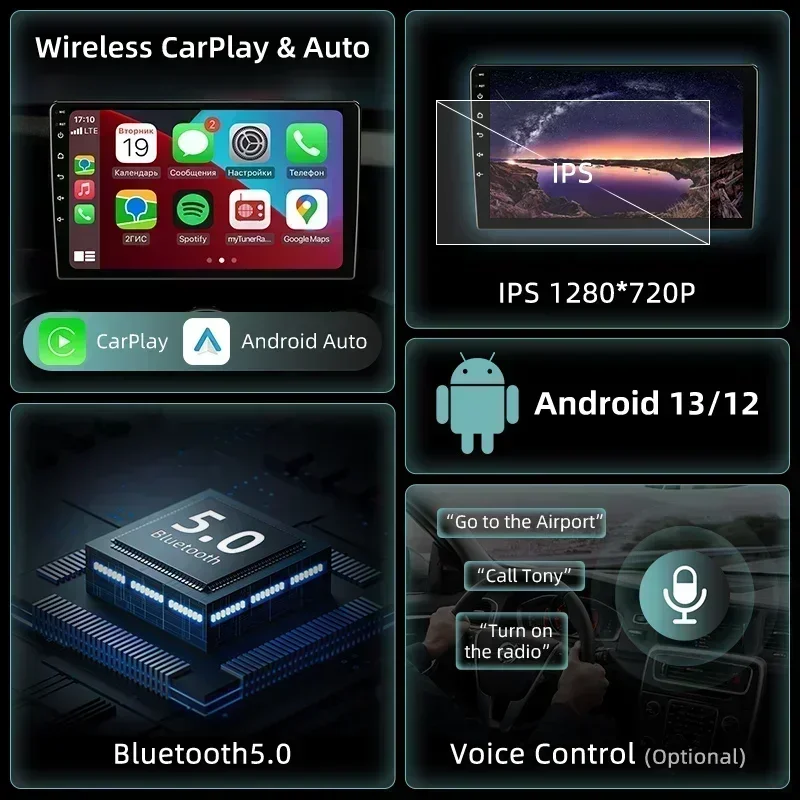
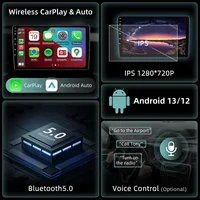
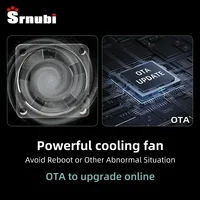



































































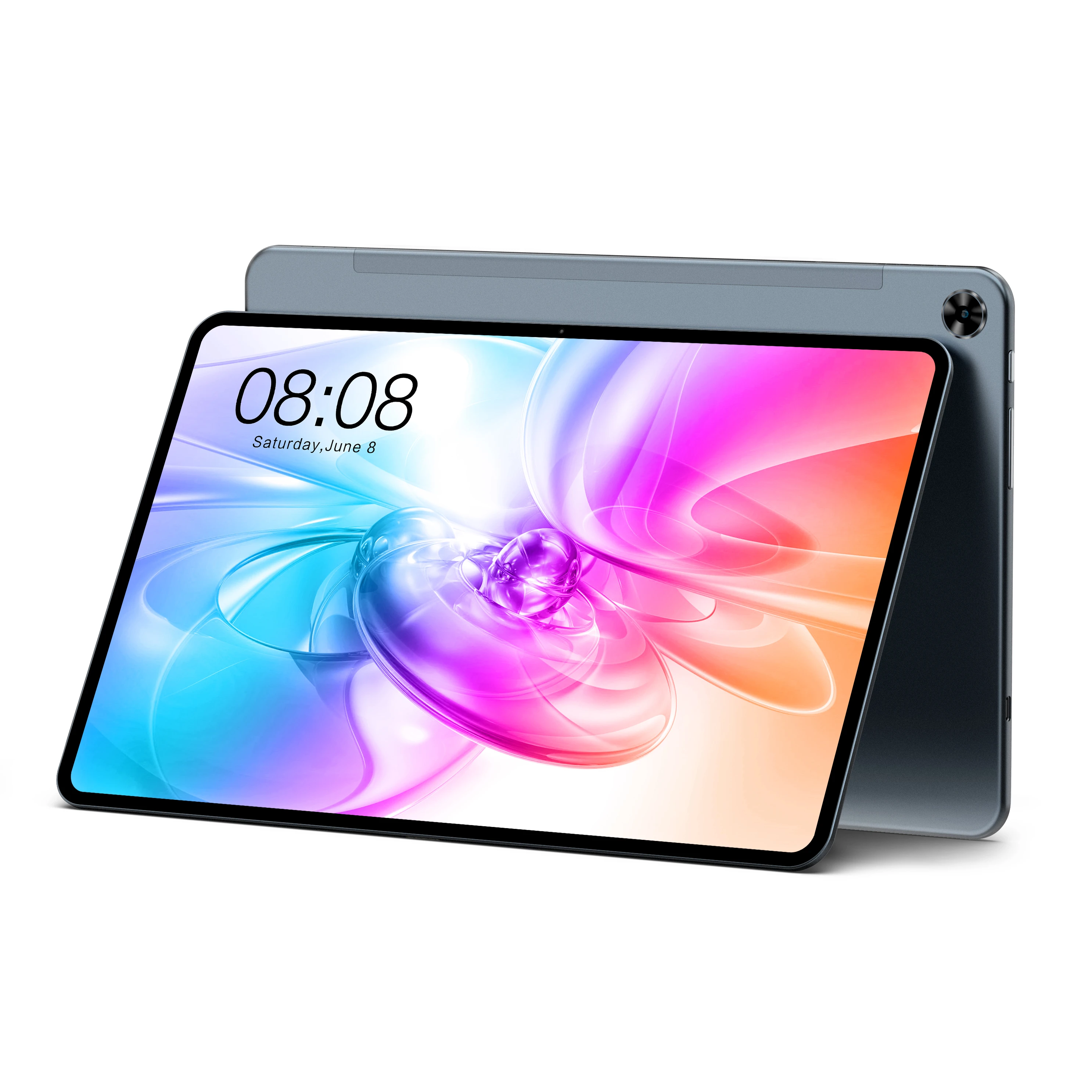



































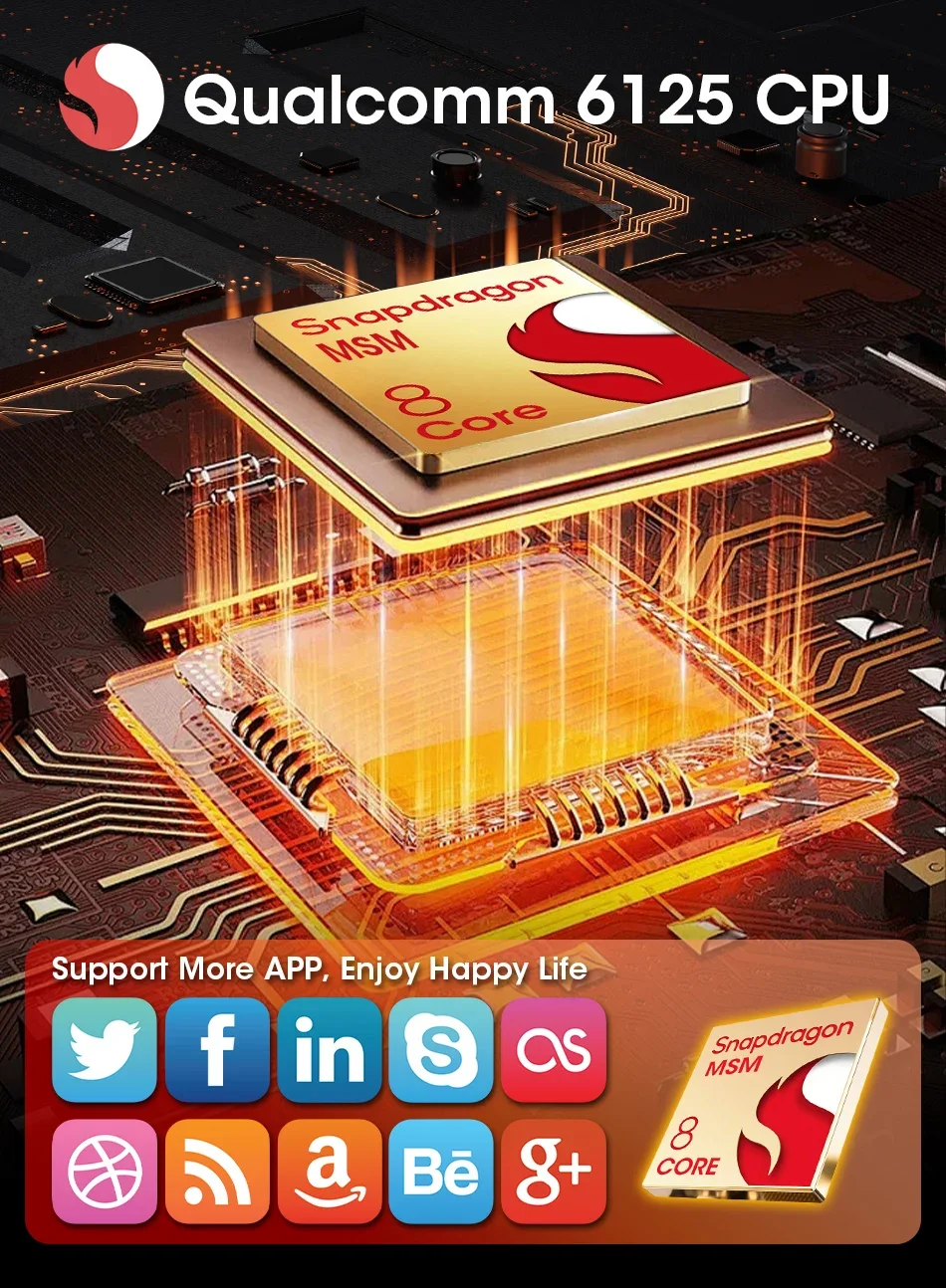
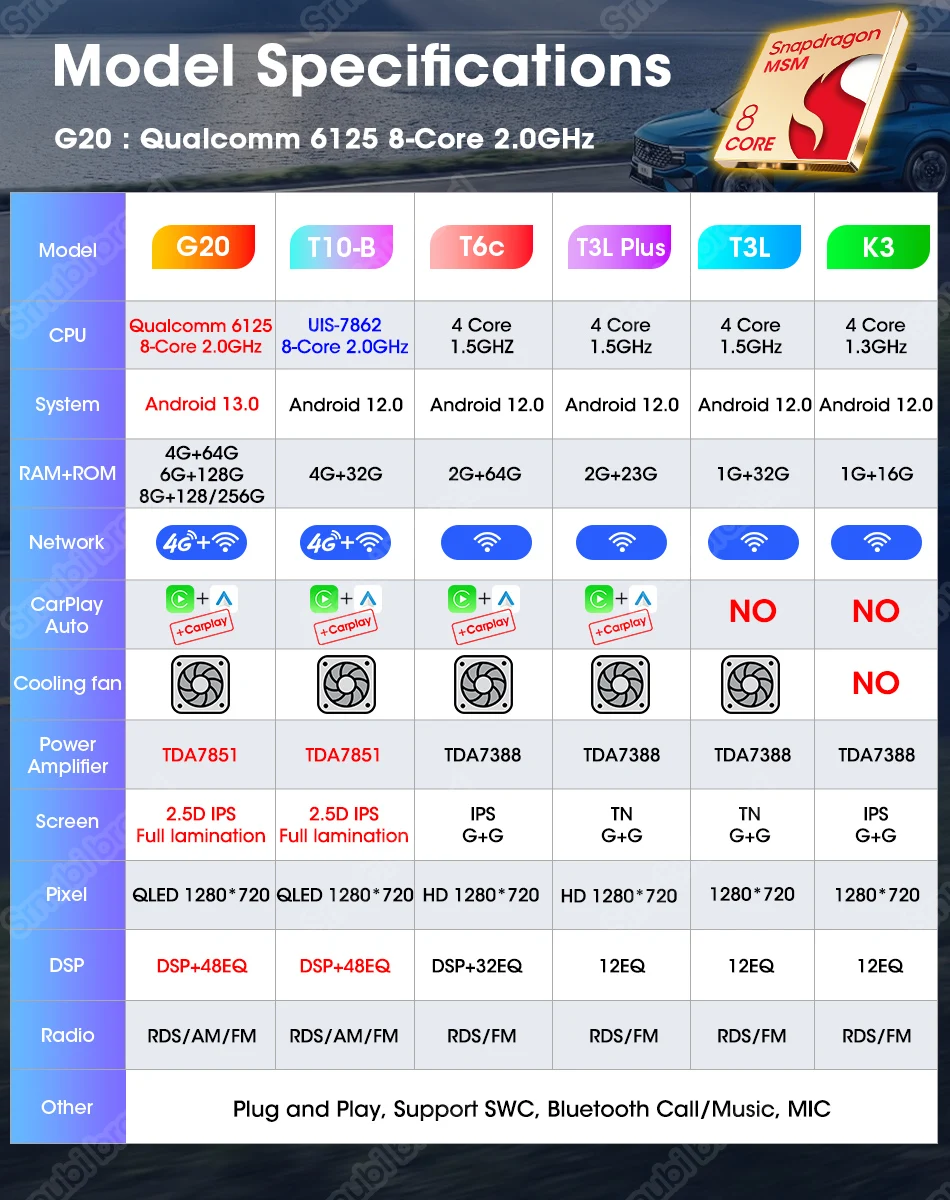
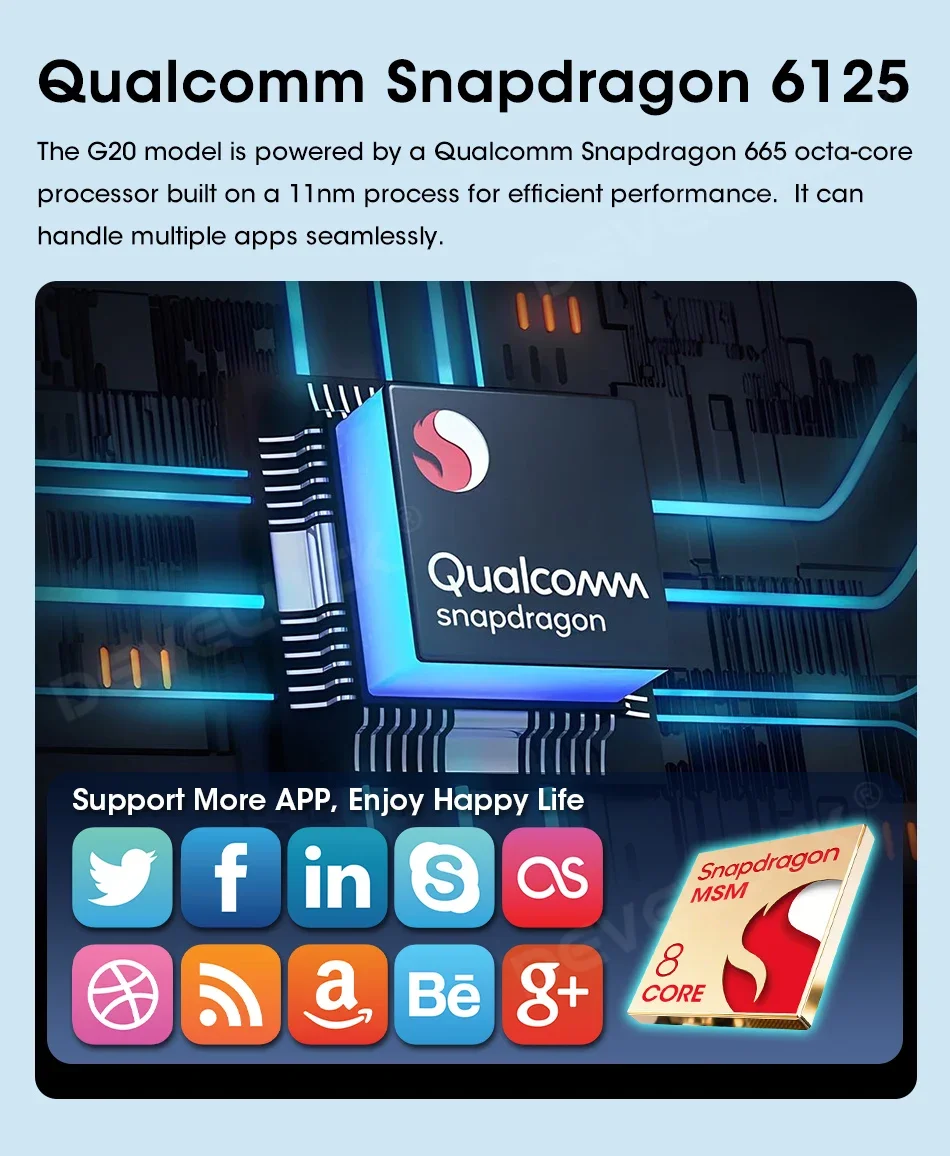
Equipped with Qualcomm Snapdragon CPU6125 chip, the performance is more stable and efficient
The experience is much better than before, and it can handle a variety of applications
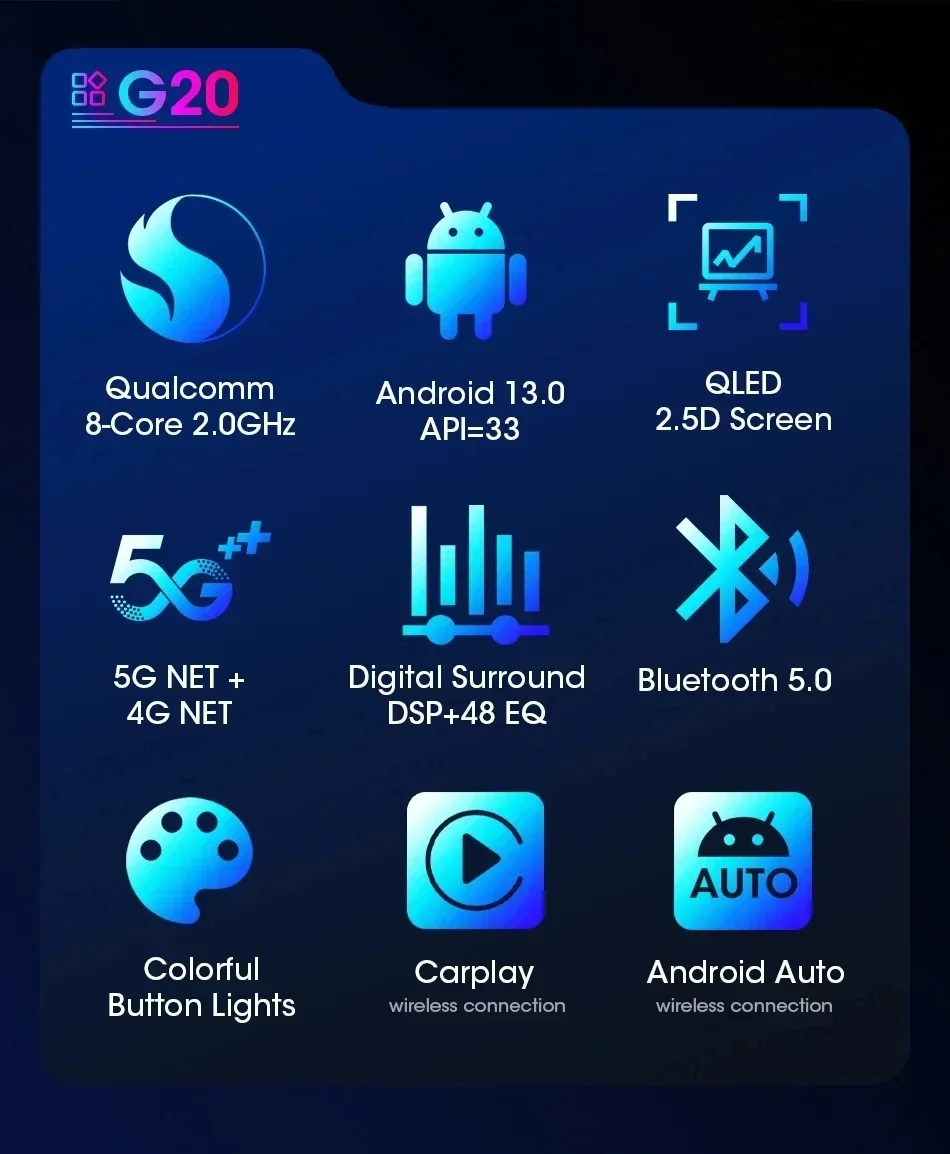
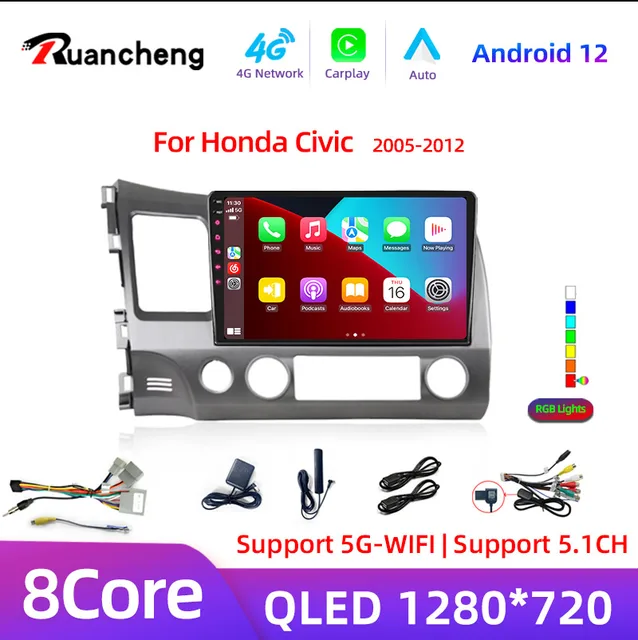
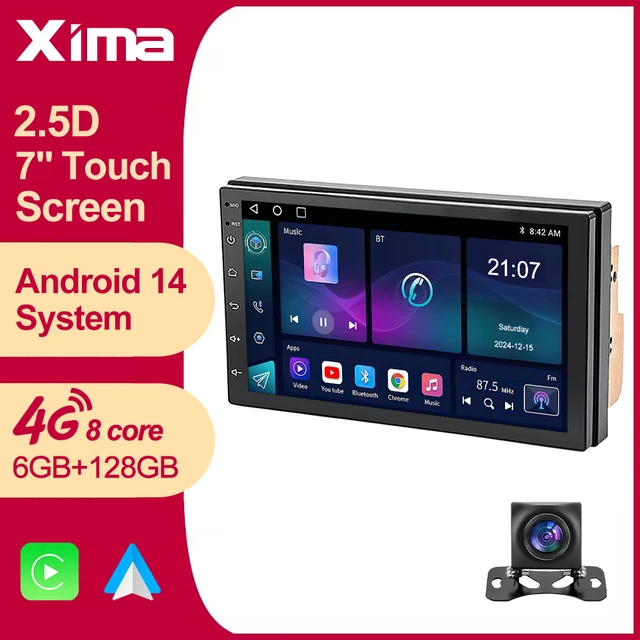
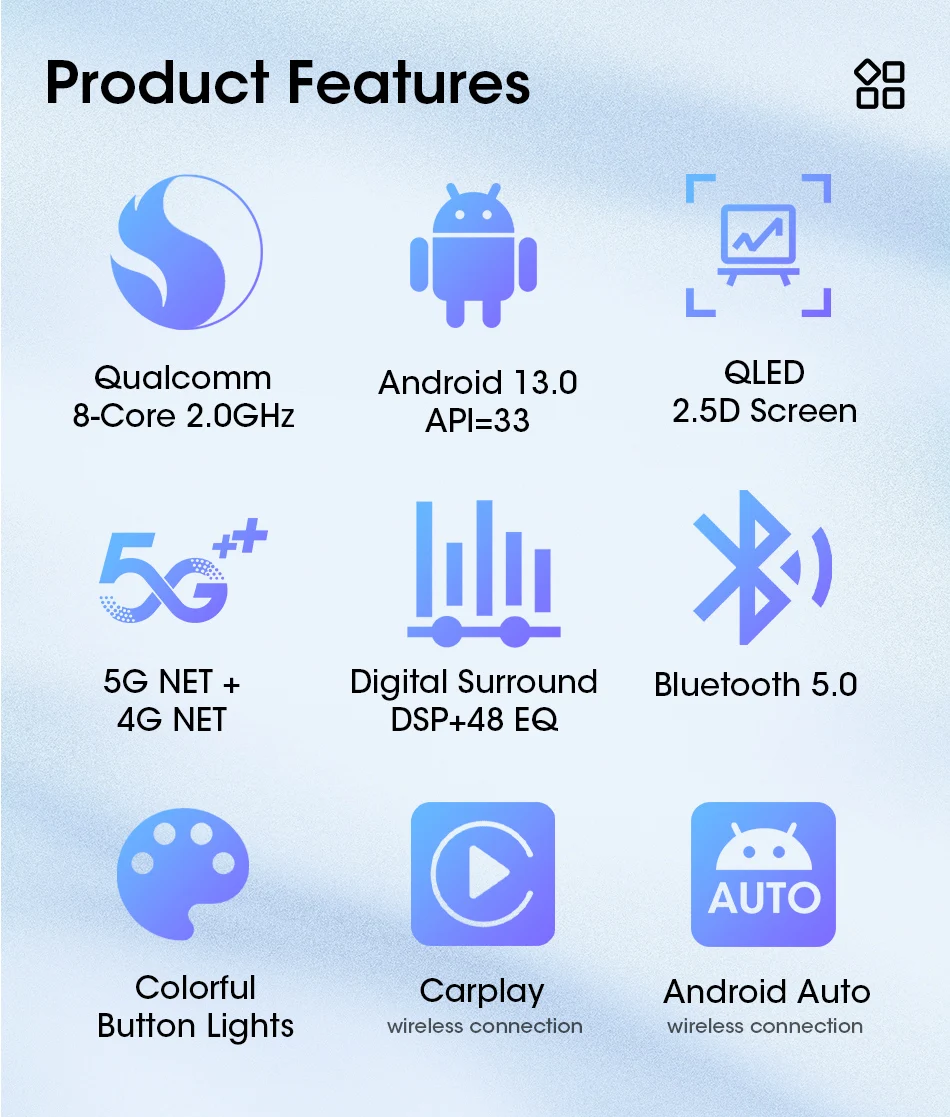
The latest G20-C/G20-D/G20-E/G20-F version is andriod 13.0 8 core system, supporting ,4GB RAM + 64GB ROM,6GB RAM + 128GB ROM 8GB RAM + 128GB ROM 8GB RAM + 256GB ROM
optional, we will continue to launch more powerful machines, please pay attention to our shop Receive notifications for new products).

Suitable For:



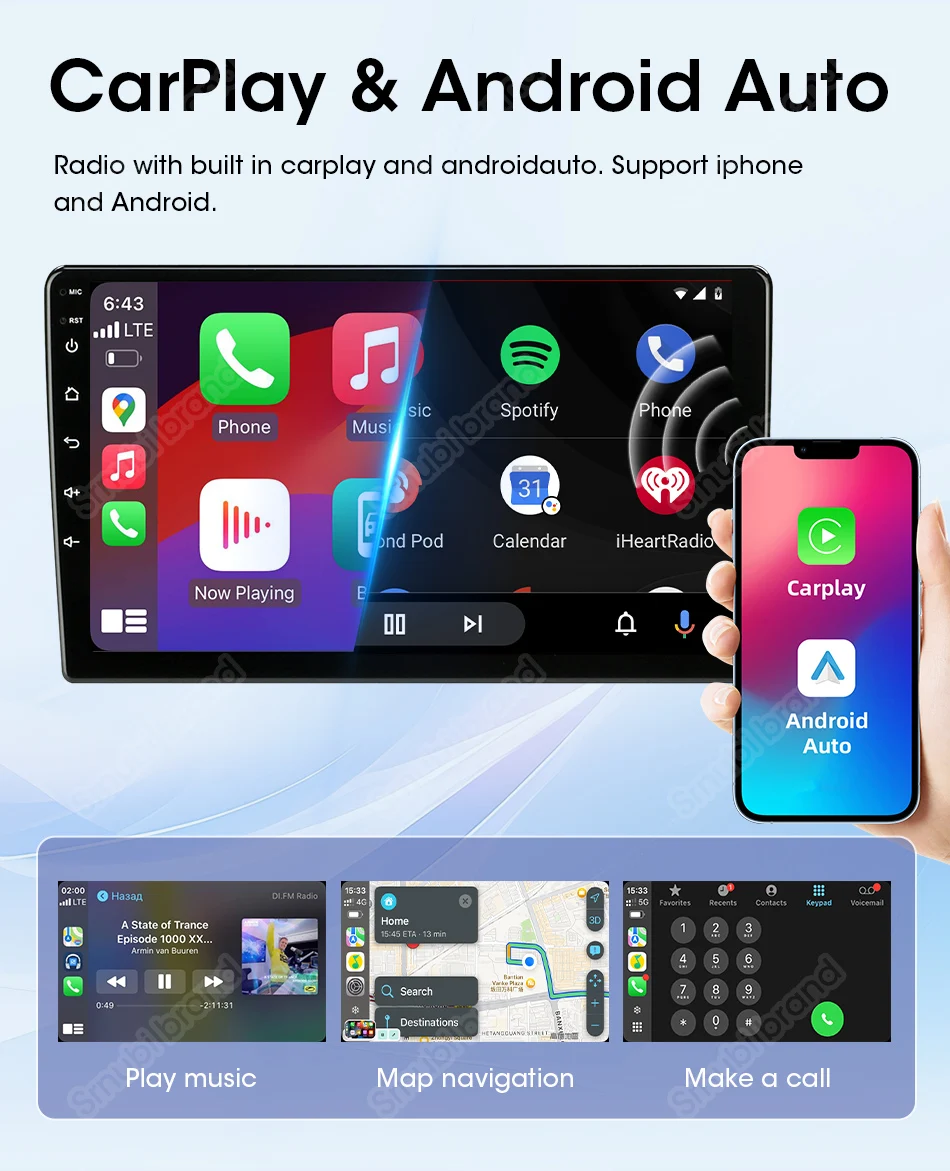
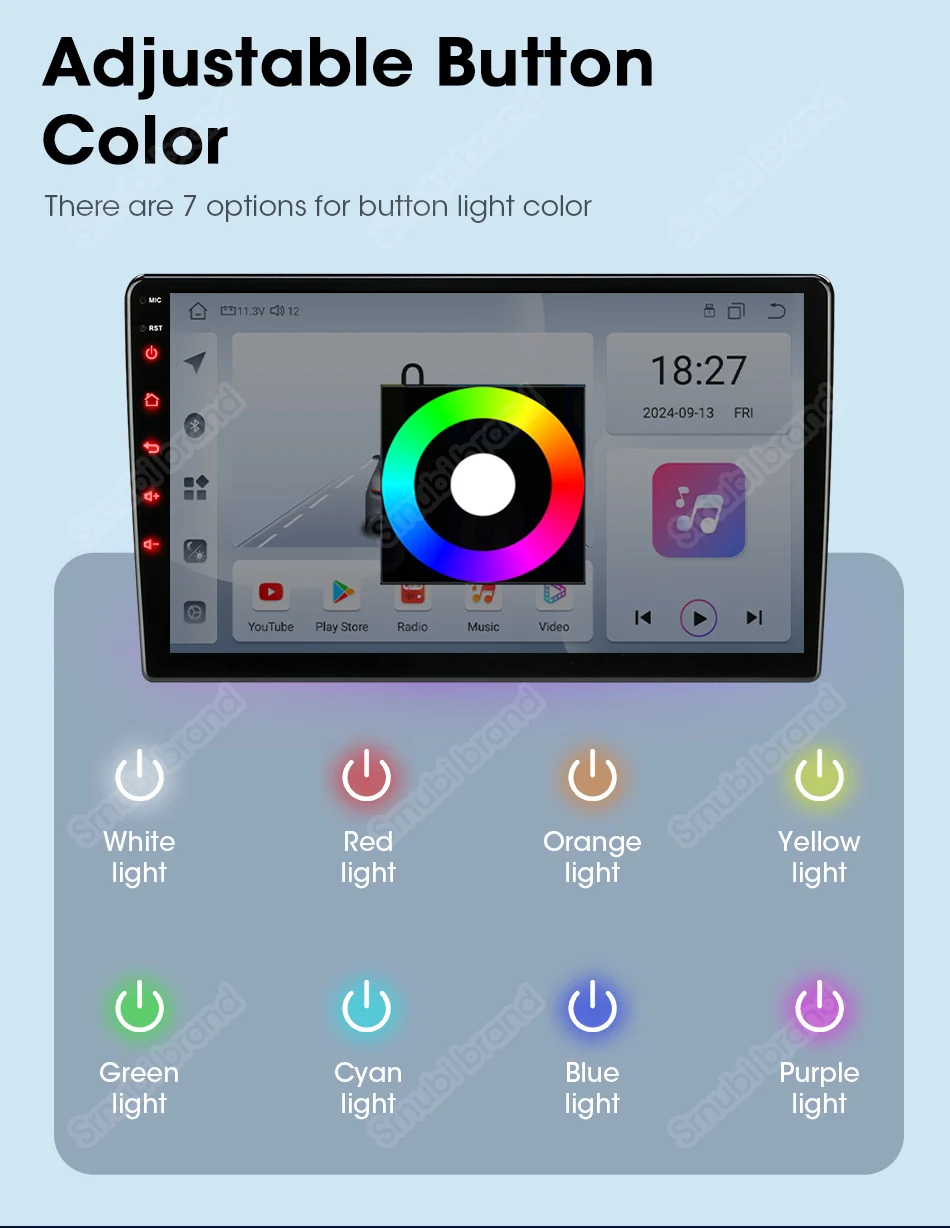
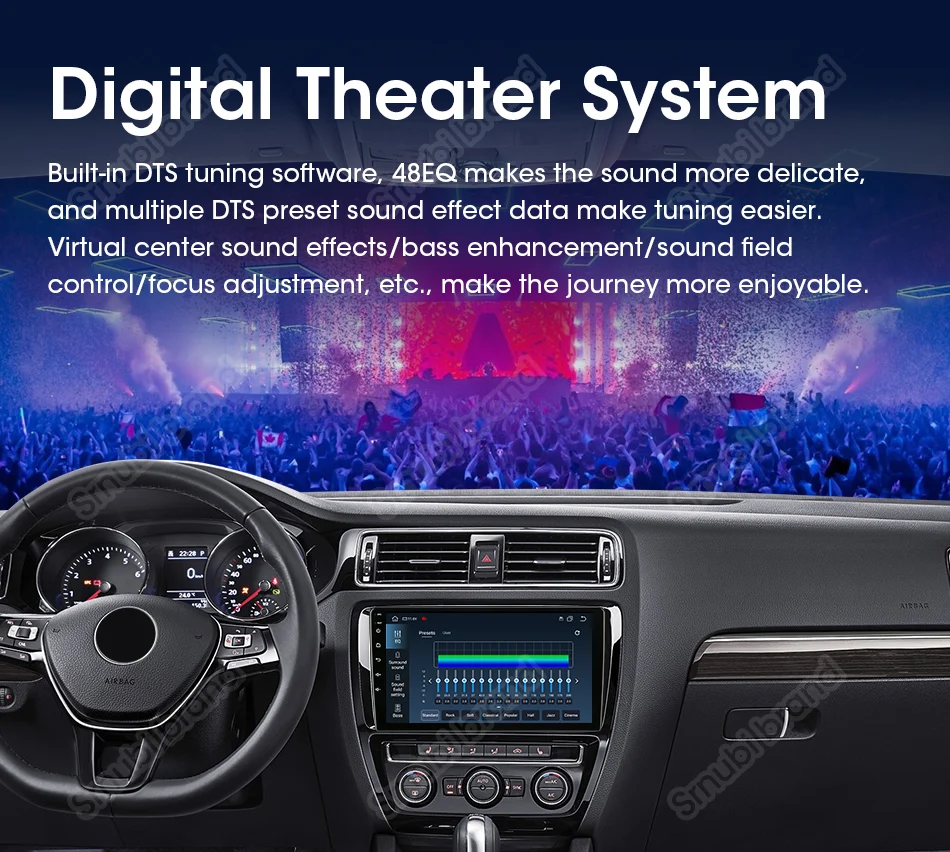
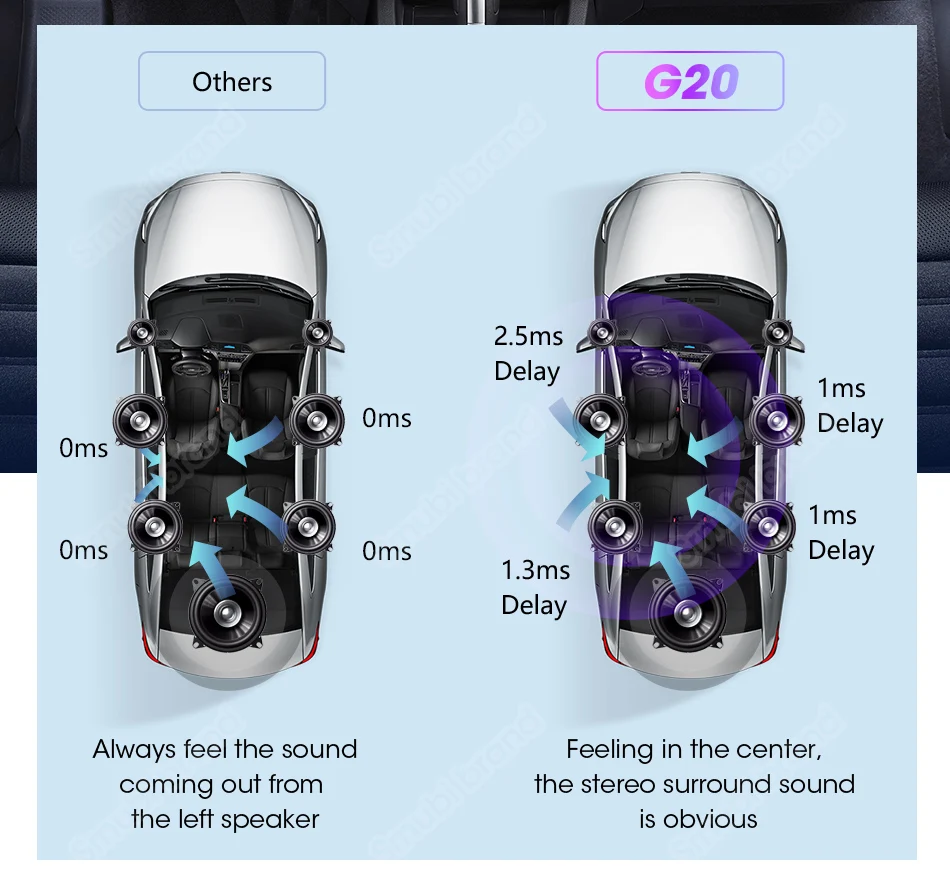
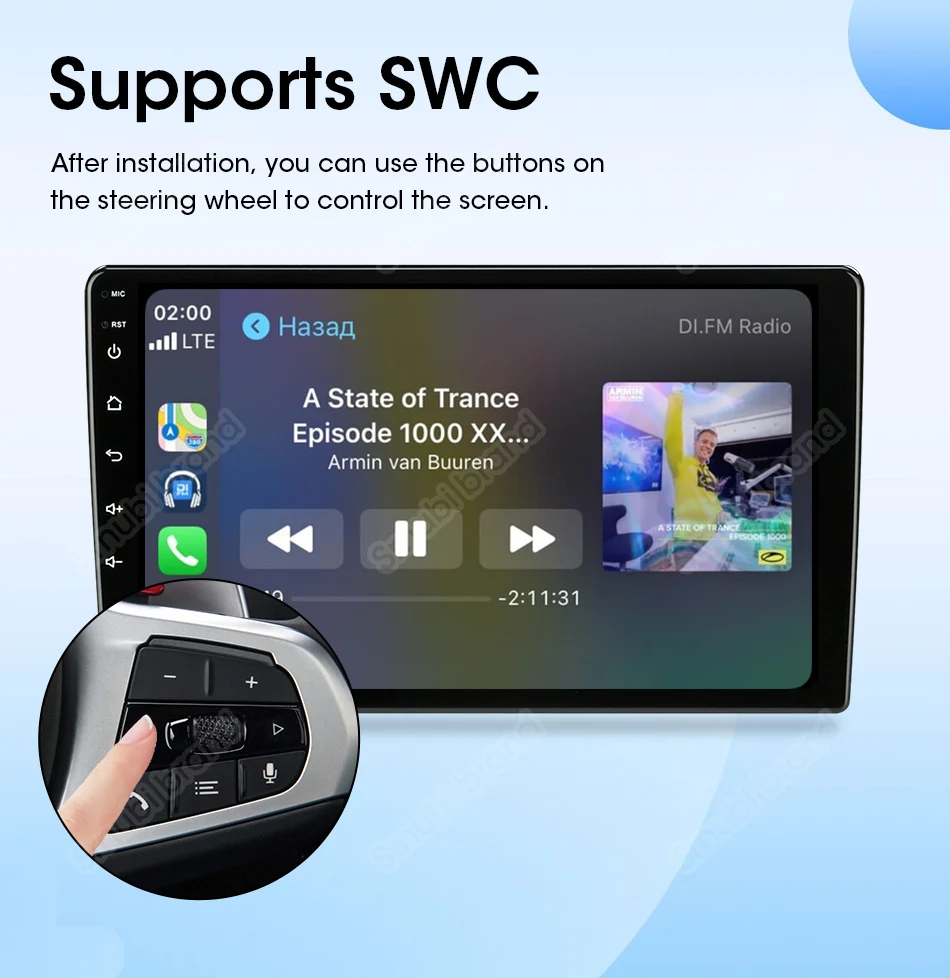

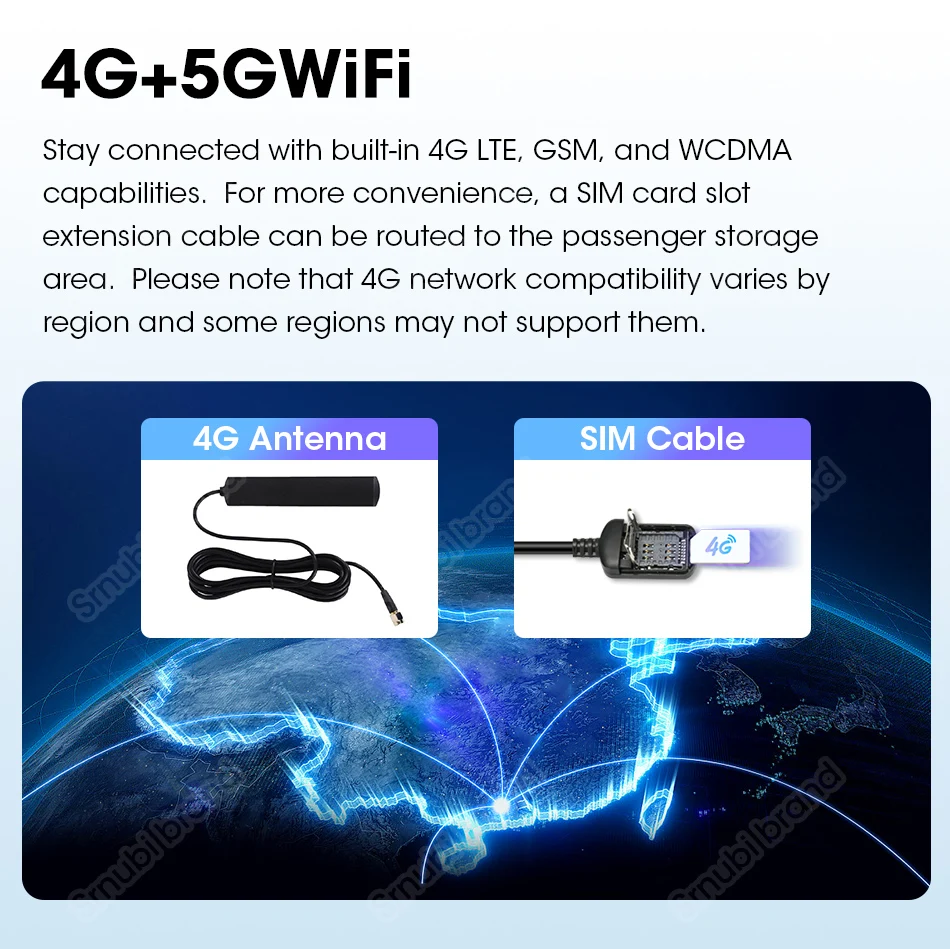
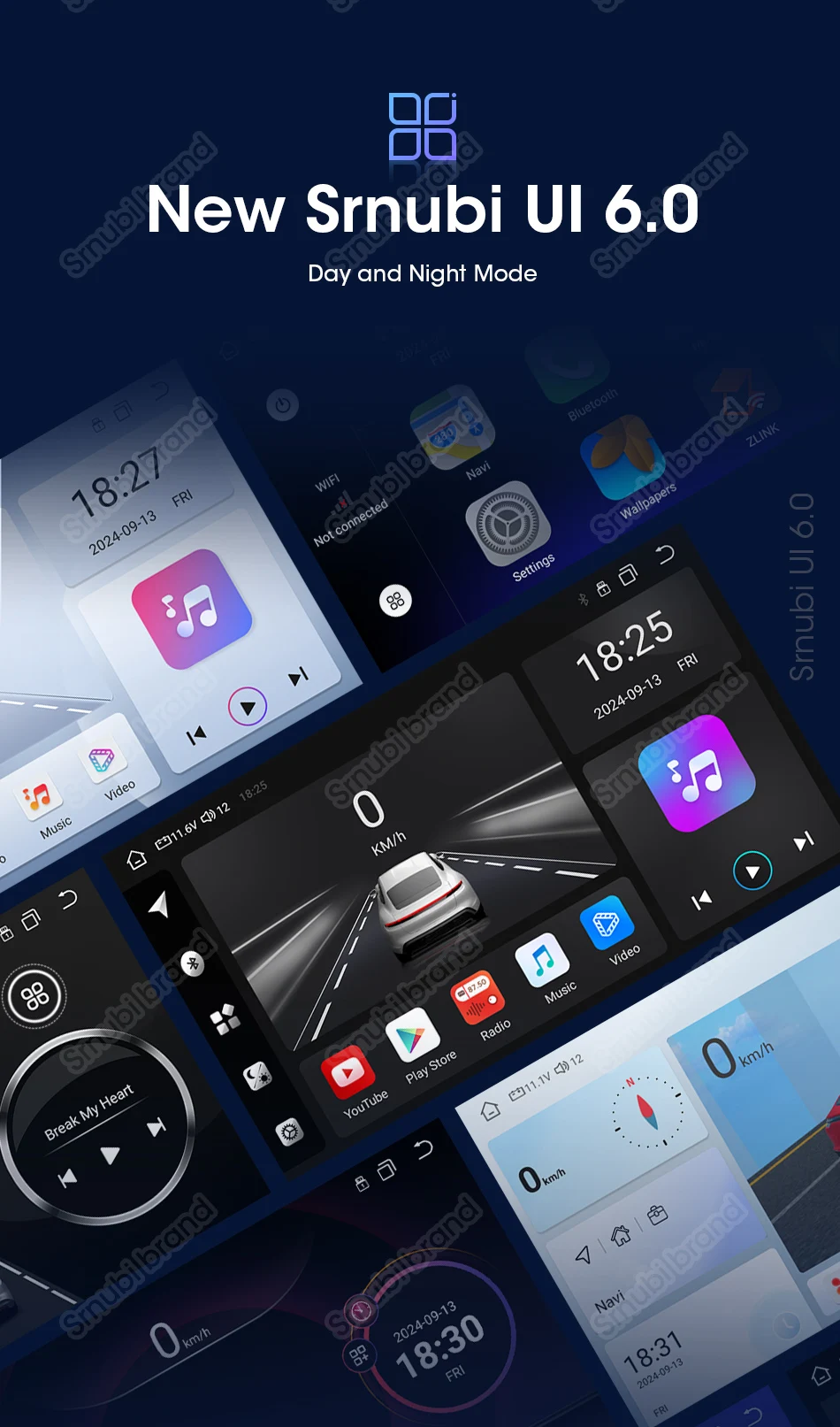
Support split screen and floating window functions, capable of displaying multiple applications simultaneously.

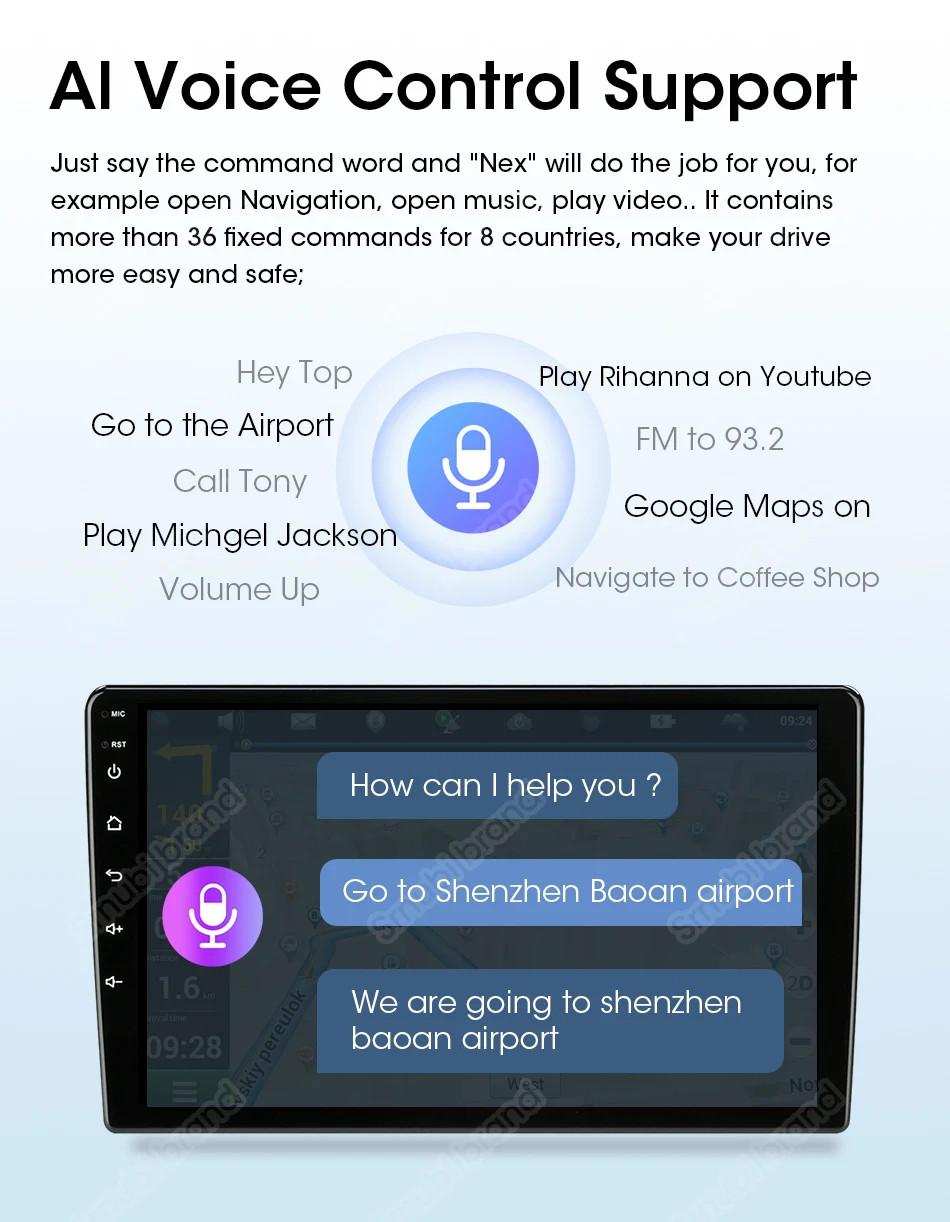
Supports 4G/5G networks, can insert SIM card,5GHz WiFi, stable and fast connection to your other devices.

1. FM/AM/RDS.
2. 2 * USB port.
3. Multimedia Entertainment.



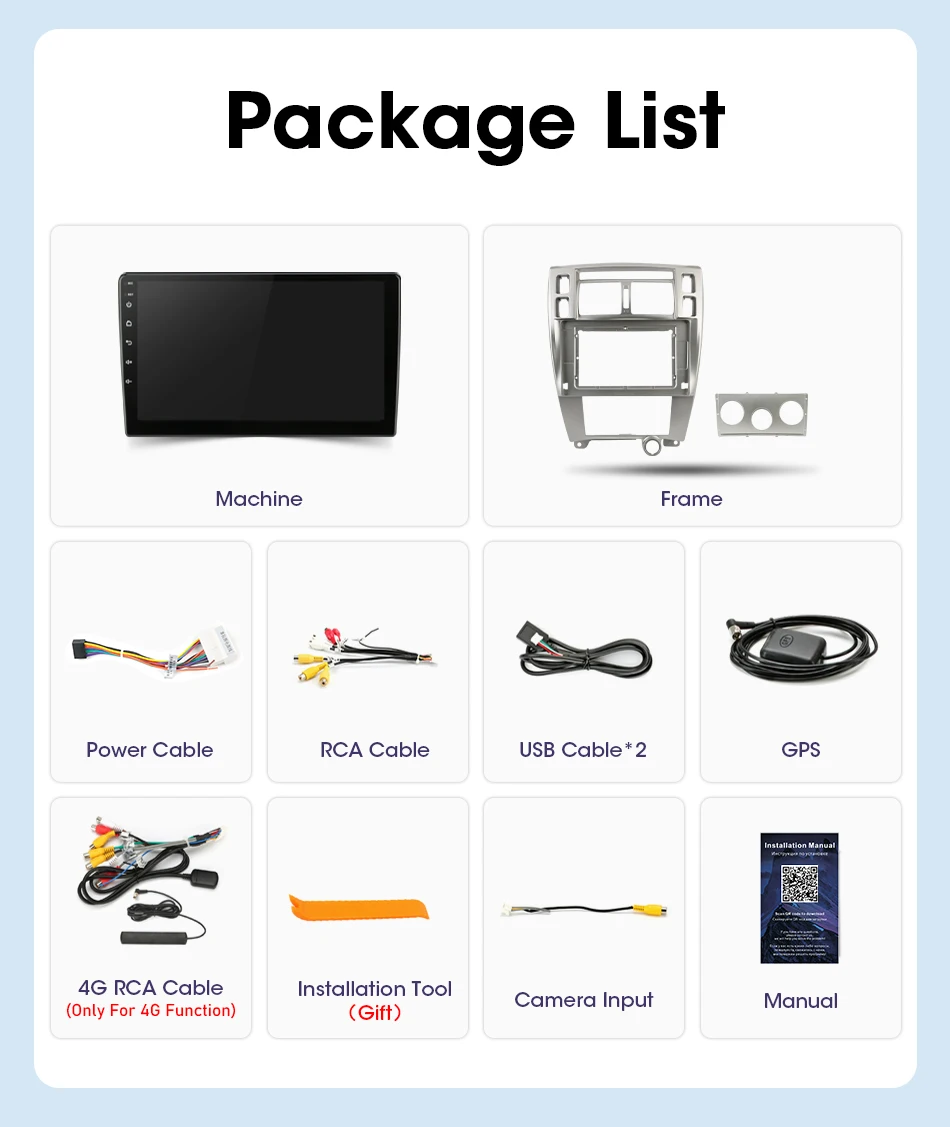
1. Car intelligent screen
2. Automotive framework
3. Power cord
4. Installation tools
5. Instruction manual
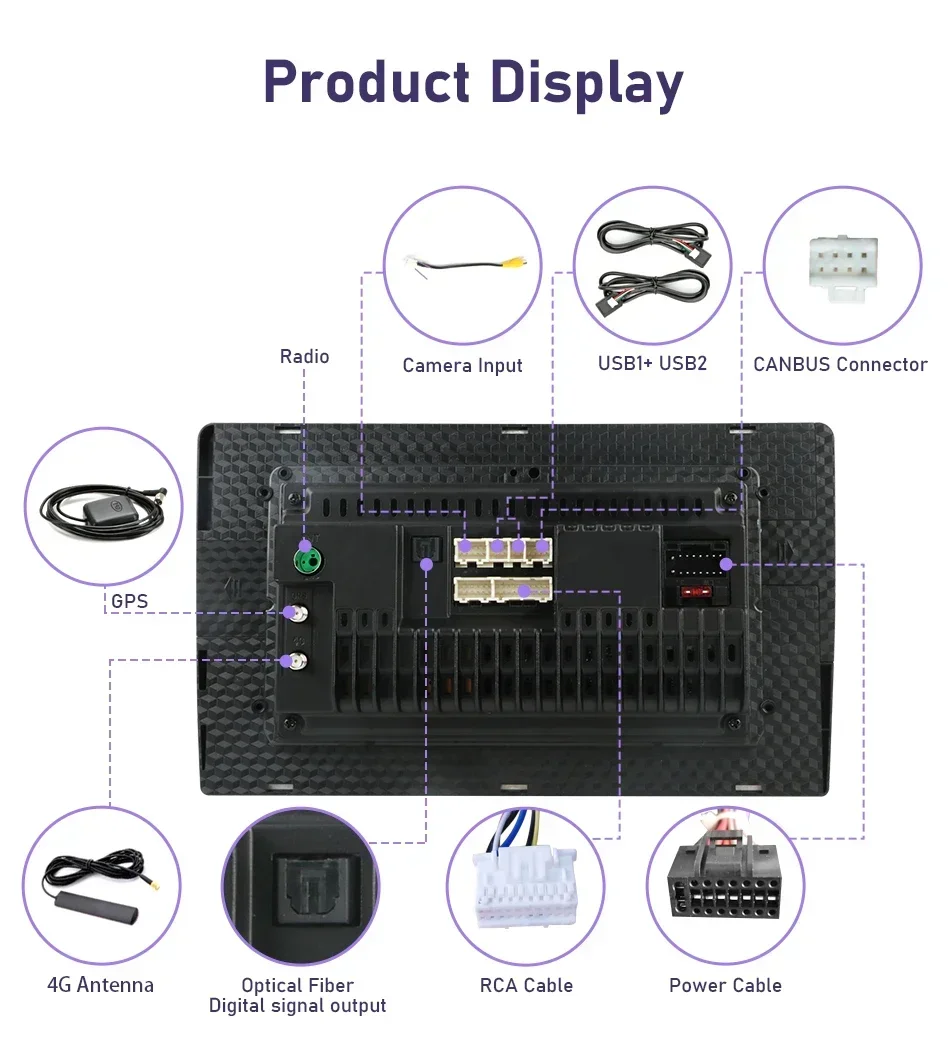
1. RCA cable
2. USB cable * 2
3. GPS
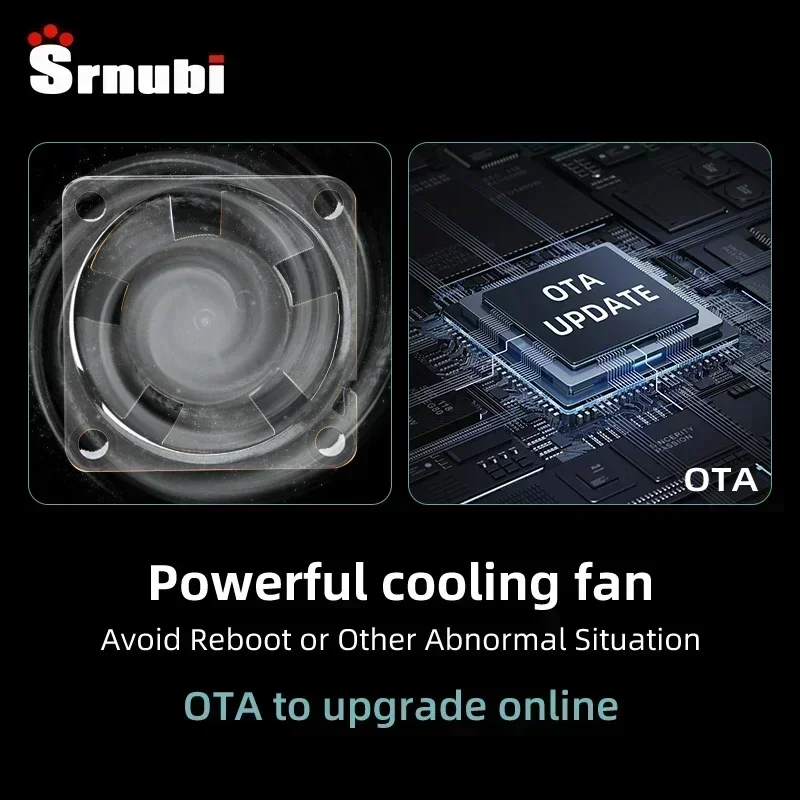
4. Cooling fan (excluding R3)


FAQ:
1.Why can’t turn on the car radio ?
1.1 Please check the Voltage of car radio : 12V
1.2 When you test this car radio,you can combine the red and yellow wires and connect them to the positive side of the power supply.Black line to negative power supply.
1.3Replace the same type of insurance to test the car radio. Note: Please must use our power cables to connect our car radio,it is not possible to insert the original car plug directly into our machine.
2.Why the car radio will show “No Signal” when we reversing?
Please check if the camera’s line is properly connected to the car radio. Note:The video port of rear camera must insert the “CAMIN” port of car radio.
3.Why does the camera display “!” and “Can’t watch video while driving” when I use USB to watch videos?
Please turn off the “Video Warning” function in the settings,then will be OK.
4.Why can’t search FM?
4.1: No radio antenna inserted;
4.2: Please check if the radio antenna is plugged in. Please insert more antennas several times to make it well contacted;
4.3: The signal of your location is not good. Please go to a better place to test again
4.4: The radio antenna on the car is broken/no effect; please replace the radio antenna and test again.
5.Why can’t connect the Bluetooth of car radio?
5.1.Open the phone settings interface, open the Bluetooth in the Bluetooth function, search for Bluetooth devices, find the player’s Bluetooth model to be paired; if you need a pairing code, enter 0000; if not, try 1234 or 123456.
5.2.Please try to use another mobile phone to test this function. Please check if the Bluetooth receiving antenna is properly connected All methods are correct and still cannot use Bluetooth, Please unplug the plug on the back of the player and plug it in after 3 minutes.
6: Bluetooth signal is weak, WiFi signal is weak:
please check and reconnect the Yellow rear Camera input connector, there are 2 short cables, they are the extension cords of the Bluetooth antenna and the WiFi antenna, or you can extend them to enhance the signal.
7: The navigation map does not work,
check whether the GPS has a signal, click GPS signal detection, if there is a signal, then reinstall a new map or open the mobile WiFi hotspot. If there is no GPS signal, leave the garage and test the GPS interface voltage on the road. The voltage must be 3.3V, otherwise the GPS antenna should be replaced.
8: The screen display is abnormal,
click the one-key recovery button, if it can’t be solved, remove the screw on the back, check whether the screen cable is loose, and reconnect the screen cable.
9: Abnormal sound:
1 Check whether the original car cable has been modified by another car owner. If so, please check the speaker cable and reconnect it.
2 Check whether there is an original car or a modif
10:Radio setting interface password:
T3 max password: 111333, 1234, 1617, 16176699
K3/T10/T3L/T3L plus: 123456,8888,7890,000000
Programmer interface password: 7890 plus current time. For example, at 11 o’clock it is 789011. If it is 12 o’clock, it is 789012
11:The radio cannot be turned on
11.1. The condition for the radio to turn on is that ACC (G3) and 12V (G2) are connected to the positive pole of the car’s 12V power supply, and G1 is connected to the negative pole of the power supply. There may be a very small probability that the power cord does not match your car. You can directly connect these 3 power cords Connect the power cord of the car without the radio
11.2. It may be that the connecting wire of the radio came off during transportation, just open the back cover to check and reconnect the connecting wire inside the radio
11.3. If you can’t turn on after checking the above steps, please send a video to us for confirmation. The video needs to show that the power cord is normally connected, and test the connection cord with an electric meter to be 12V.



No account yet?
Create an Account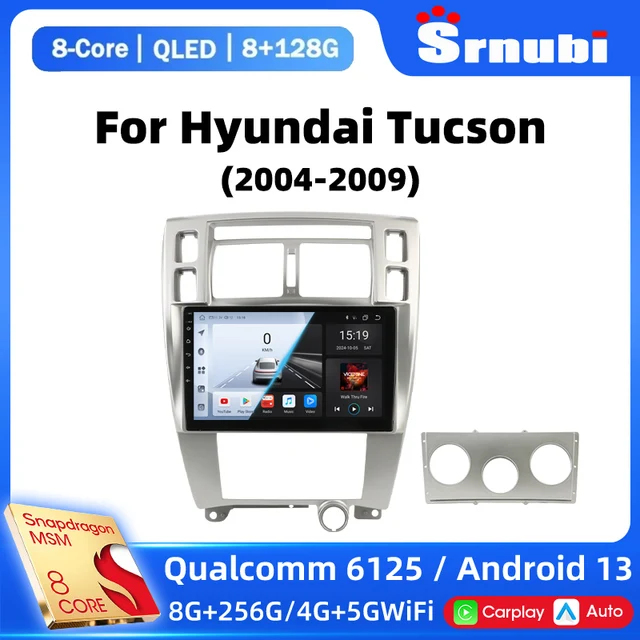
Reviews
Clear filtersThere are no reviews yet.