













































































































































































































> About us LEHX
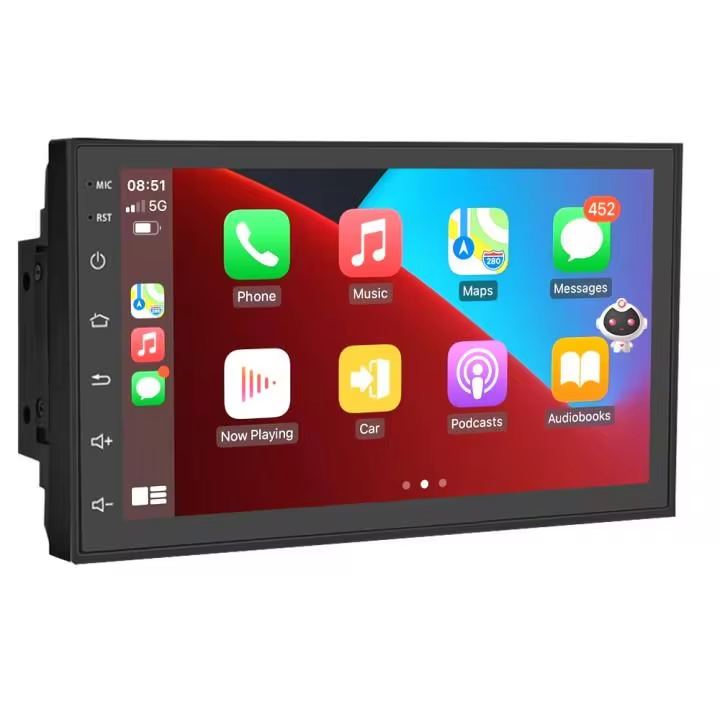
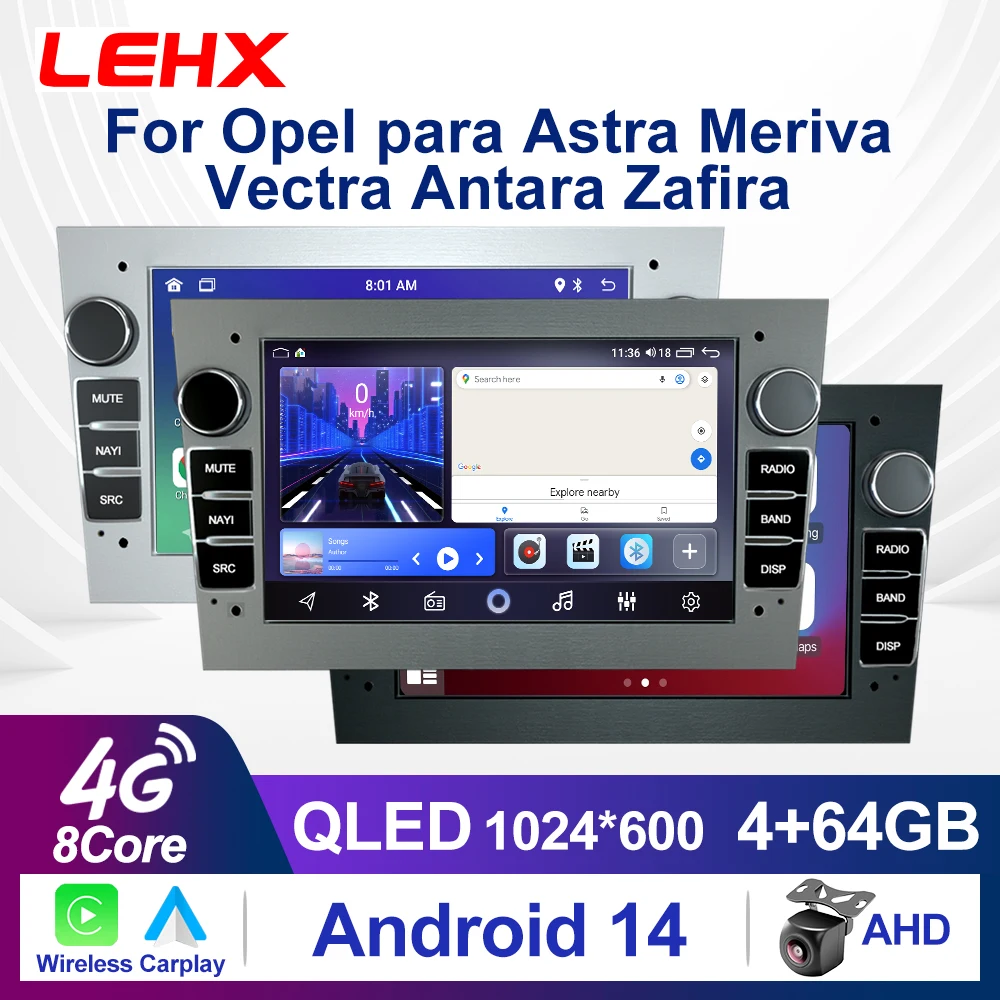
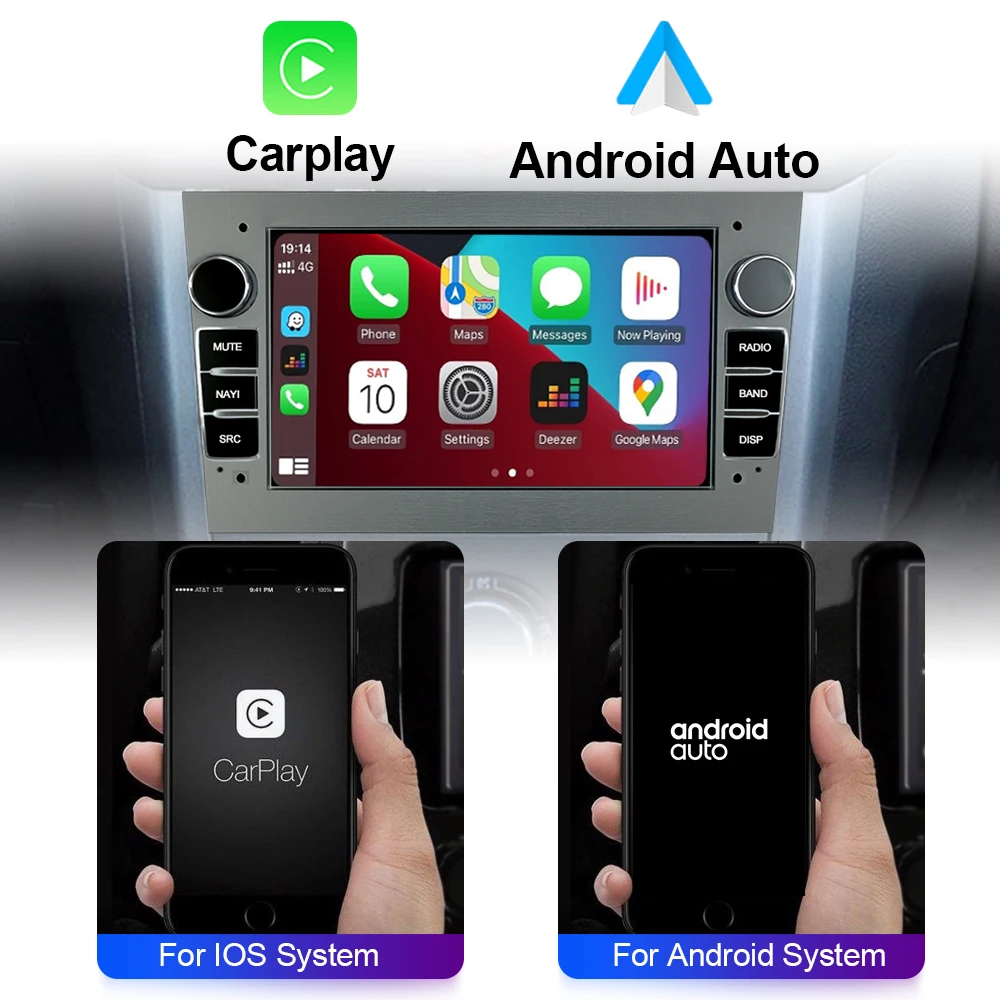
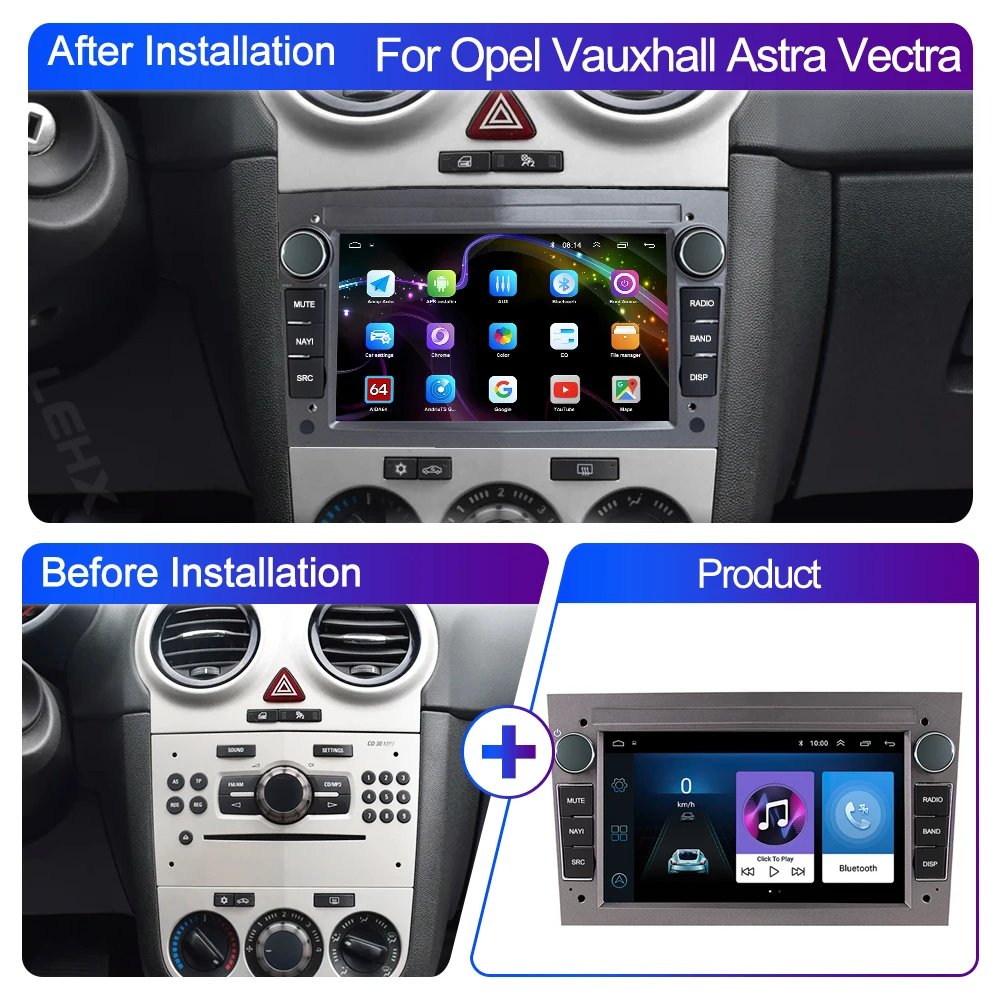
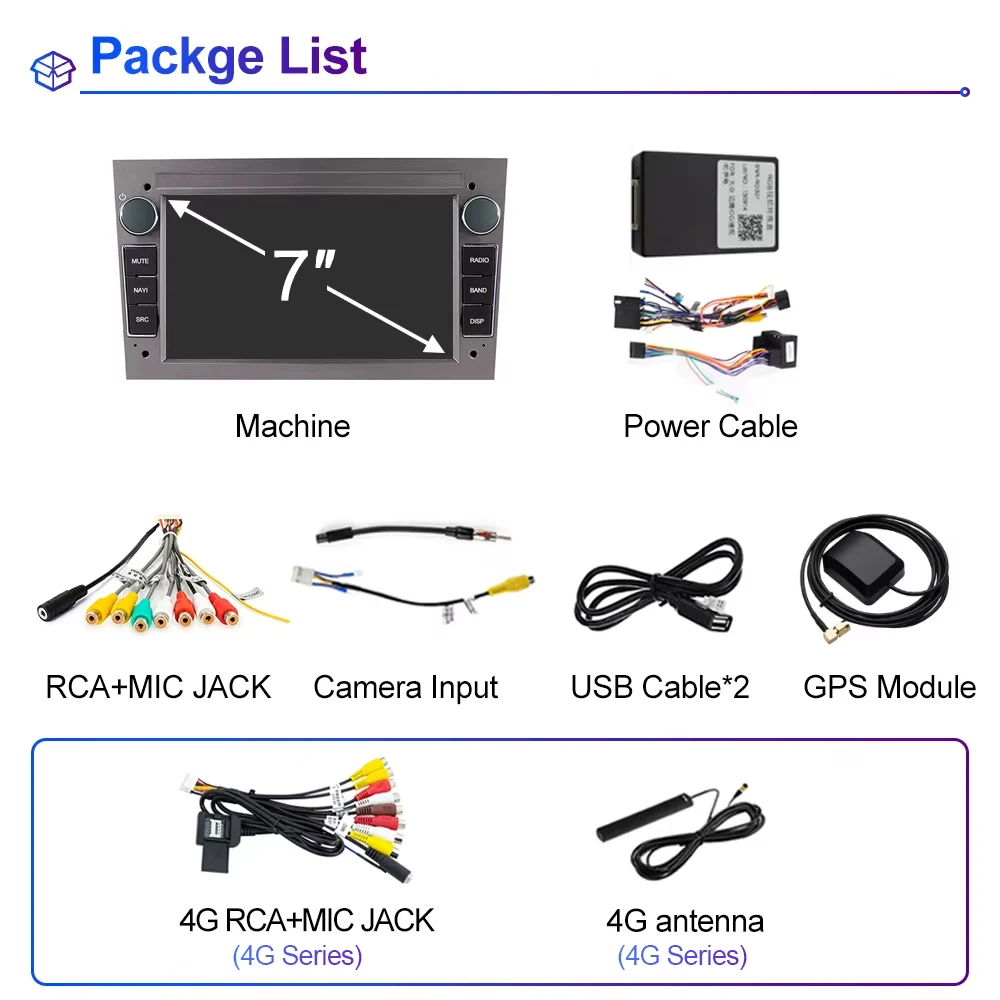
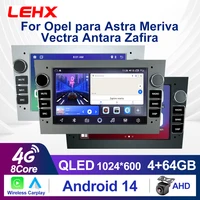
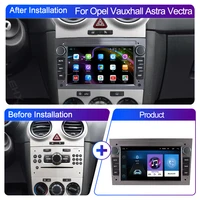
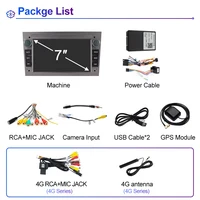
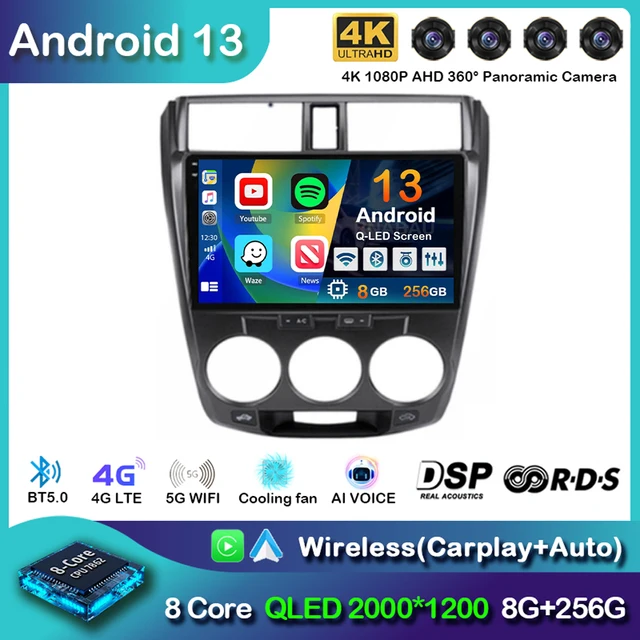
LEHX Wireless CarPlay Auto Car Radio Stereo For Opel Astra H J 2004 Vectra Vauxhall Antara Zafira Corsa C D Vivaro Meriva Veda

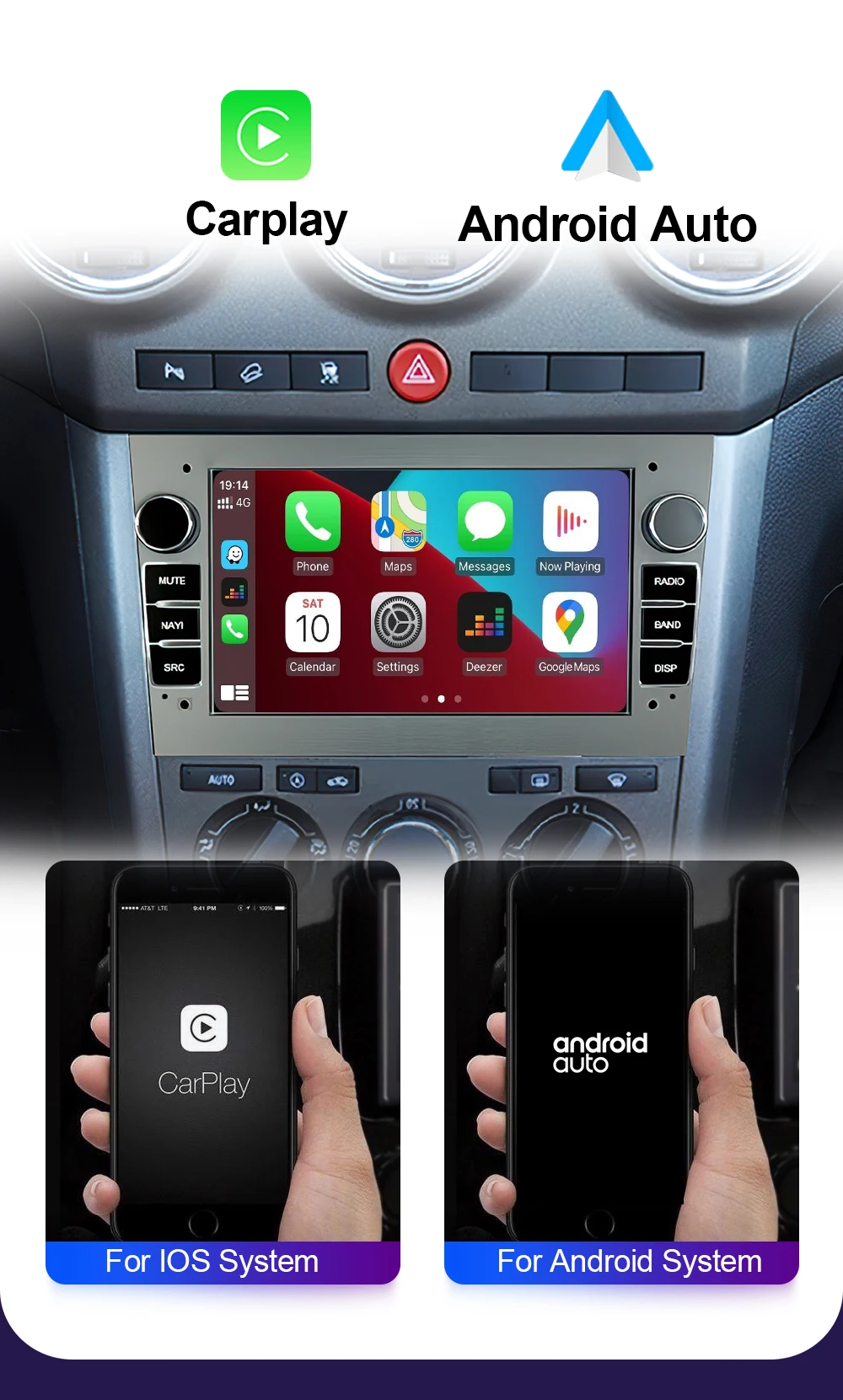
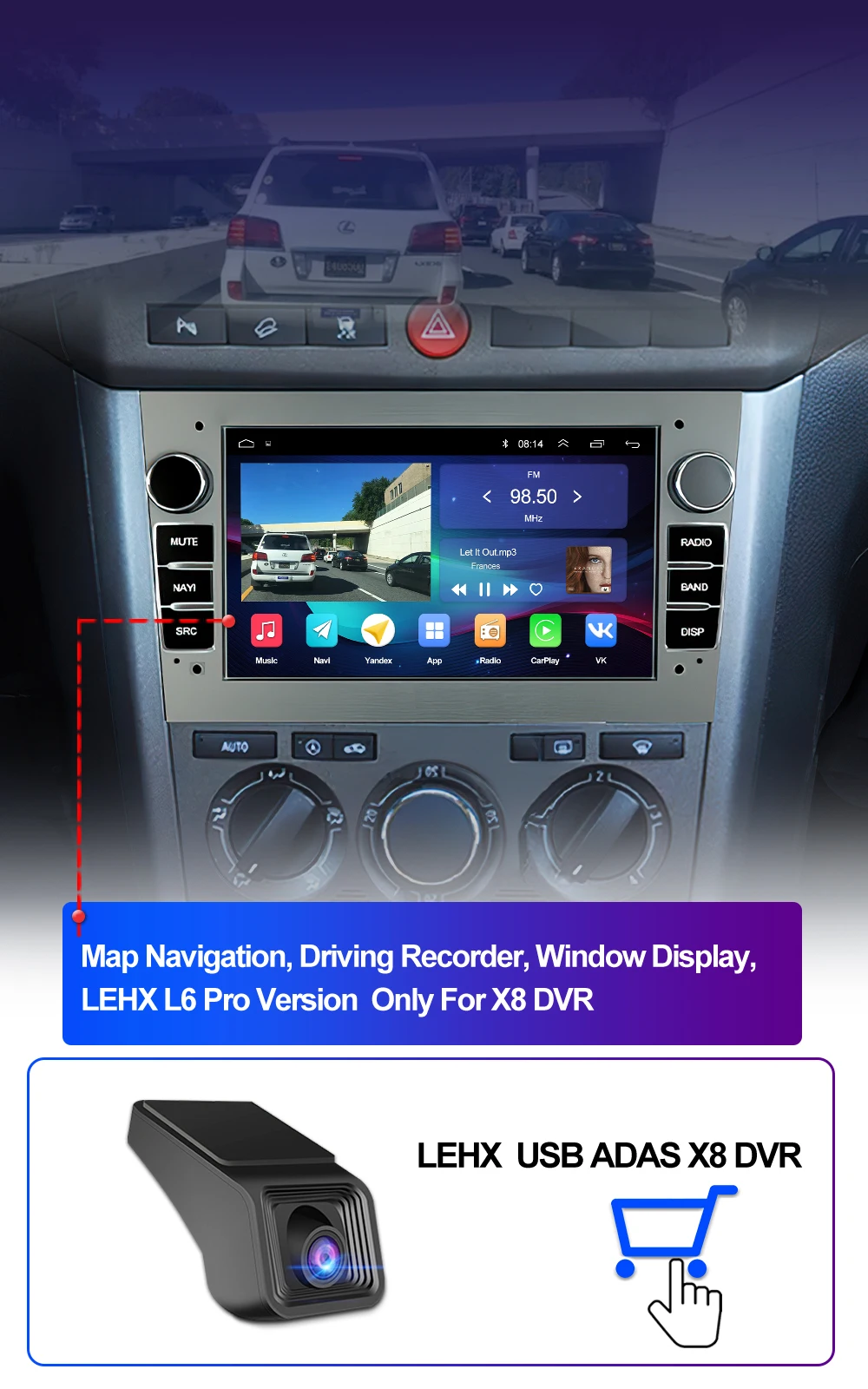
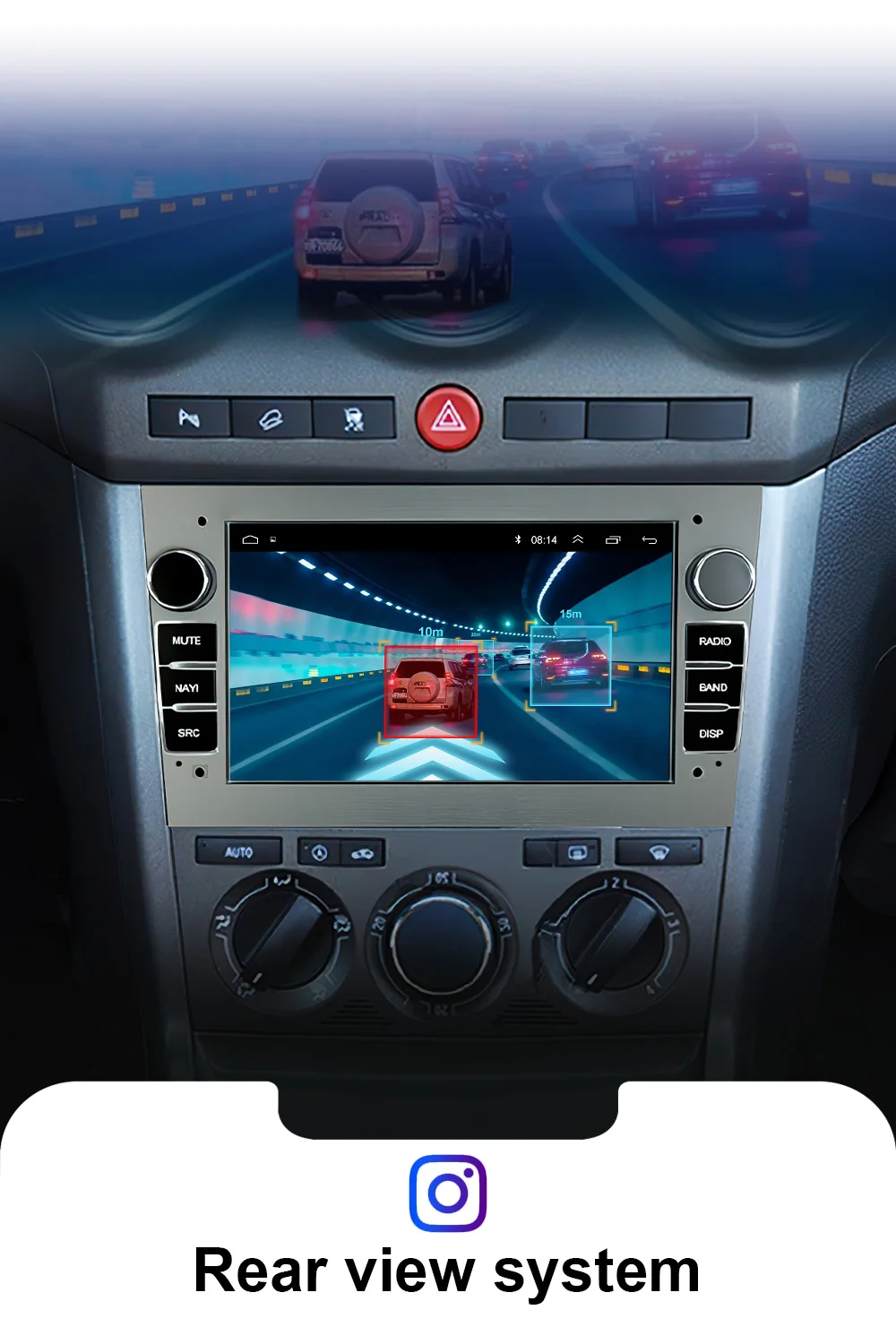



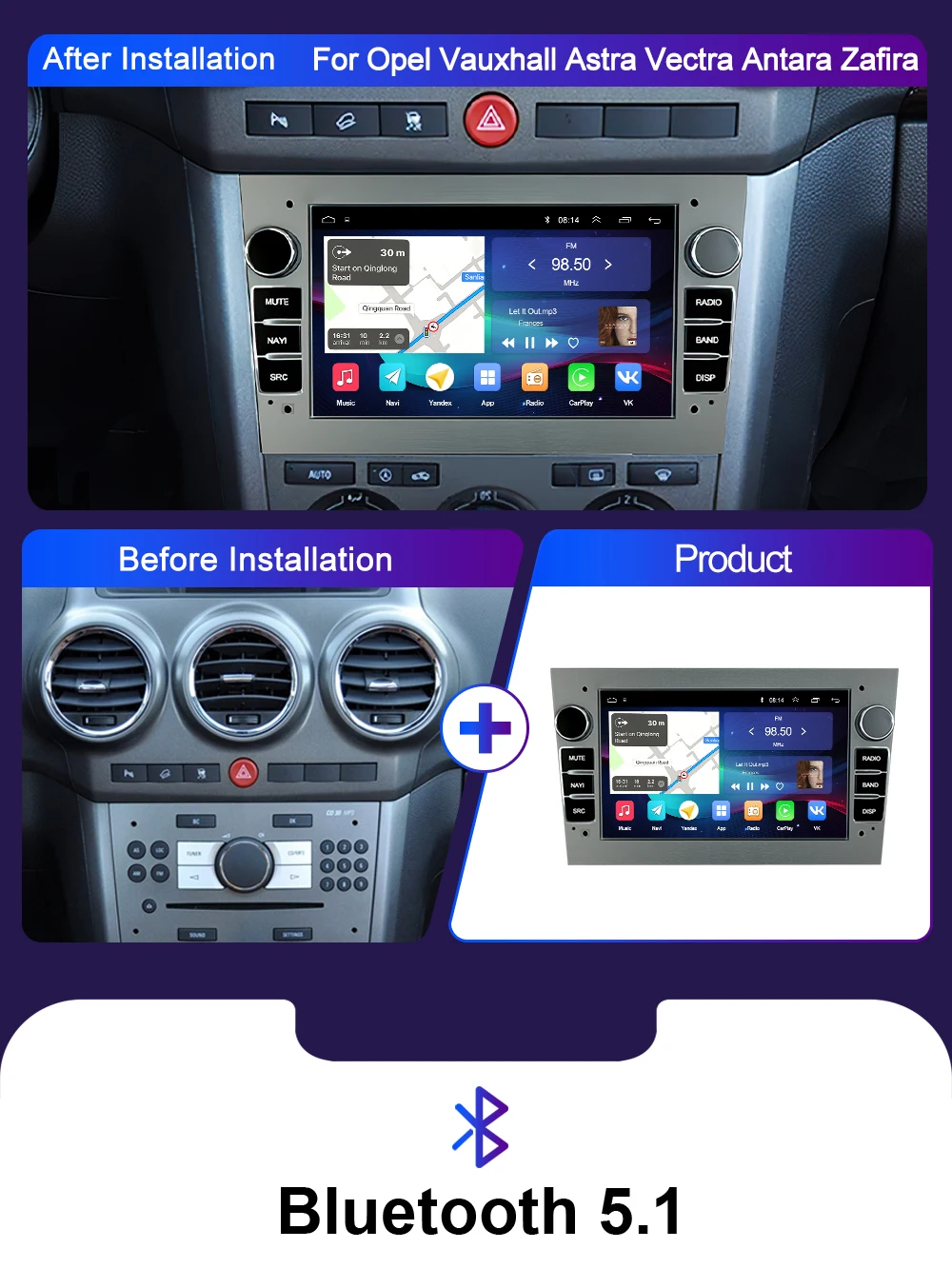
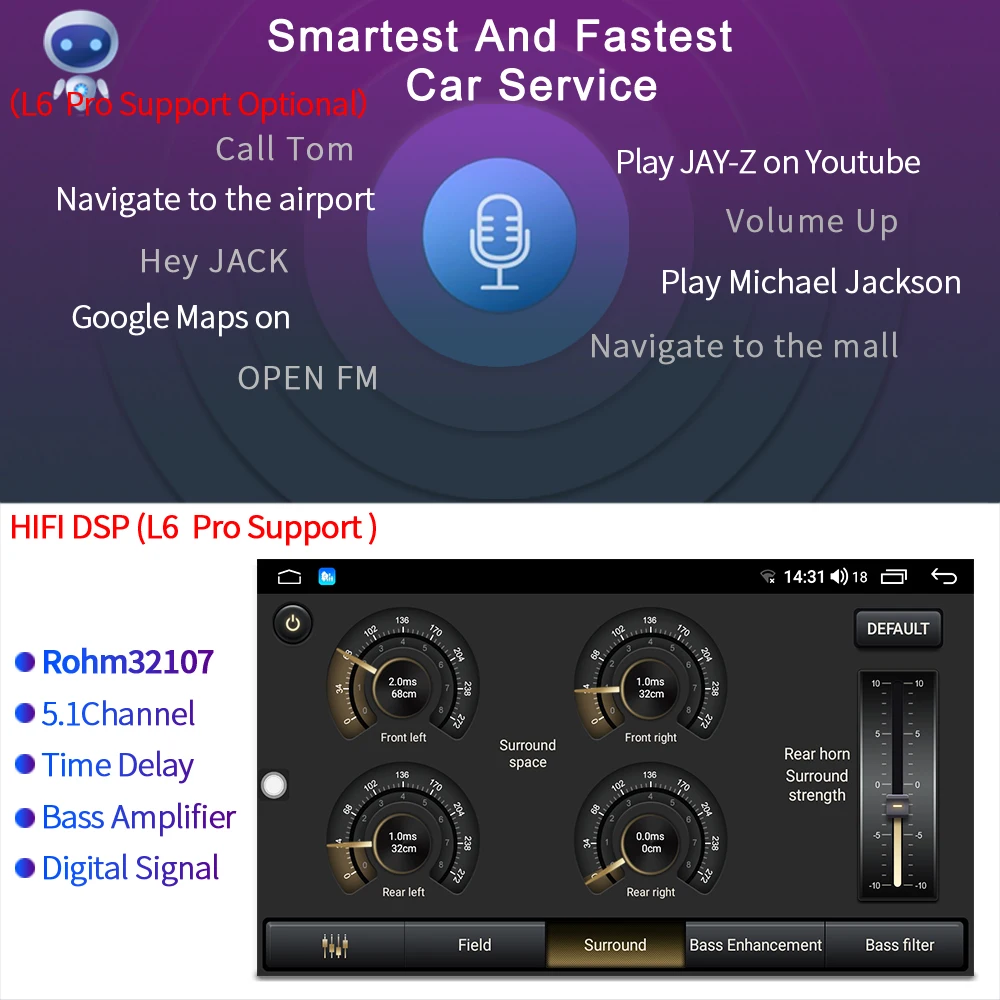
LEHX L6 Pro supports BT5.1 builtin smart Bluetooth system, which can support mobile phone Bluetooth pairing, mobile phone music, hands-free dialing, clear calls, and ensure your driving safety.



Tips:
Import duties and taxes are borne by the buyer, and our prices do not include any duties. If you need to strictly inspect the packaging. You still need to pay taxes to pass the fee. I do not charge fees. The return will be borne by the customer because he refuses to go through customs.
* If you have any questions about the product, delivery and service, please feel free to contact us, we will reply you as soon as possible, and we will try our best to help you solve it. Don't leave negative or public disputes without communication.
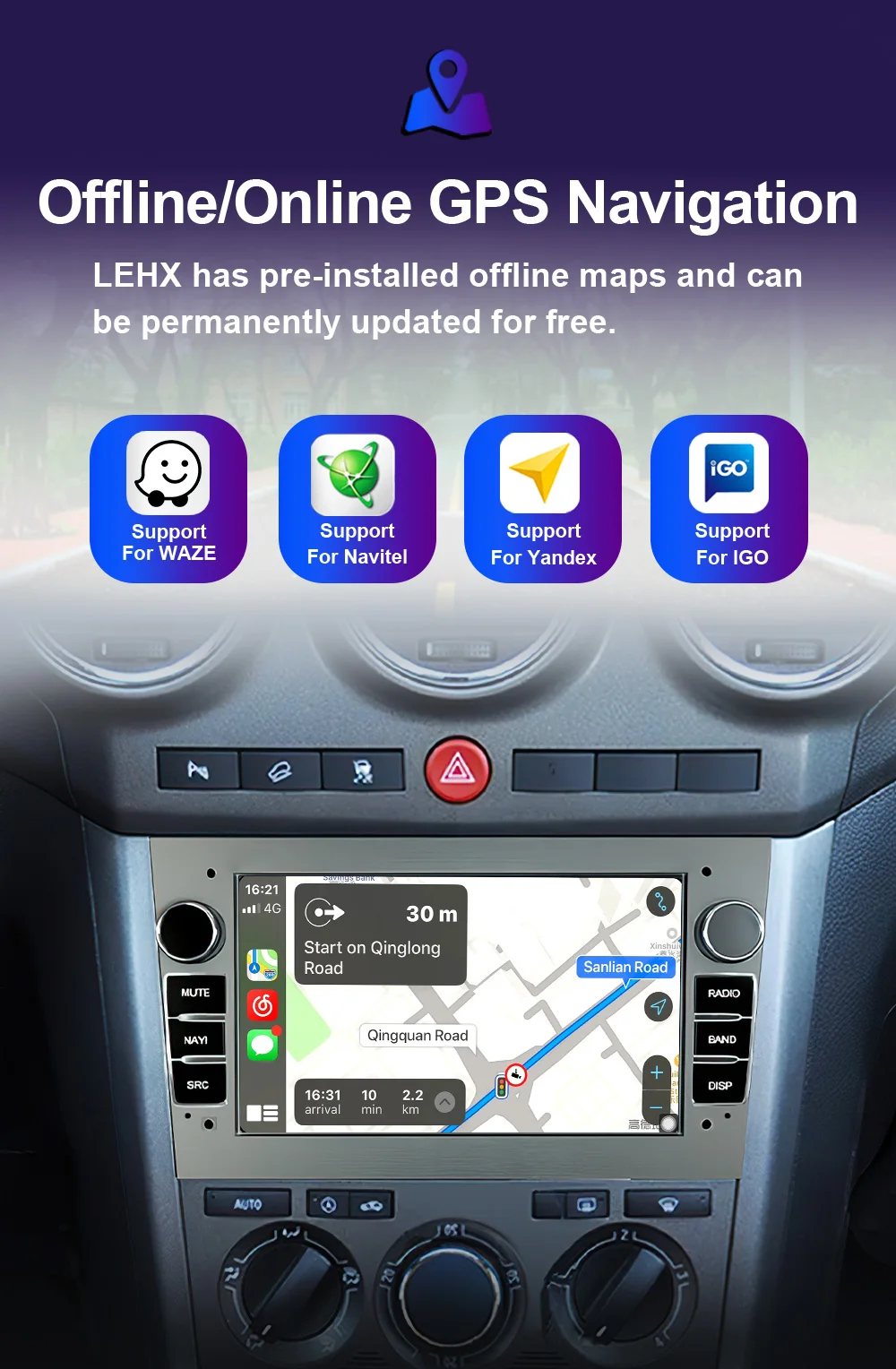
1. After the first search for satellite signals is successful, the time and date will be updated;
2. You understand that the operating system and pre-installed applications take up part of the memory; the map of Russia requires about 2.8GB; the map of Europe requires about 6.8GB;
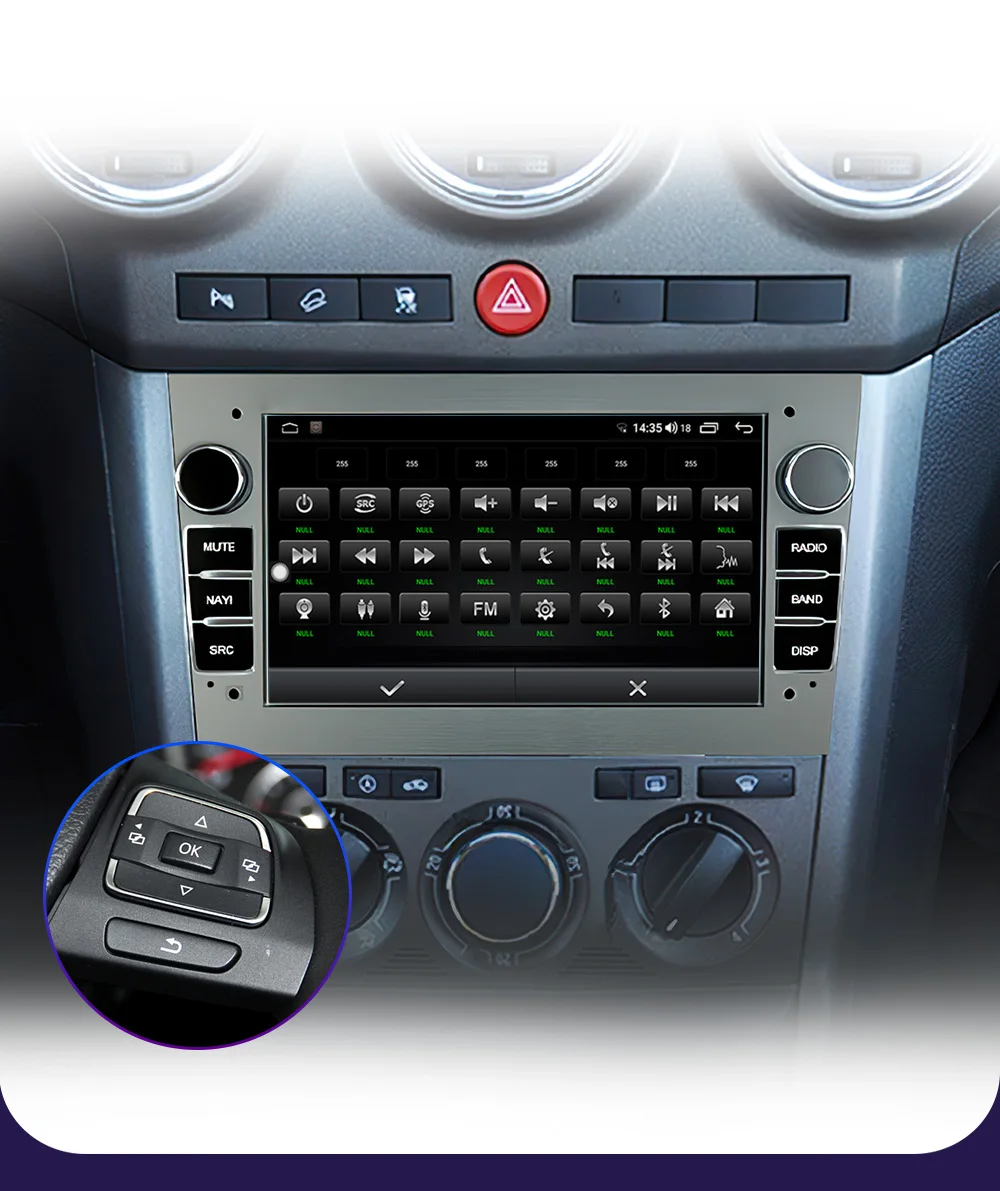
3. How to set the steering wheel control
Settings-car information-SWC-first click clarall — and then click the icon. When it flashes, press the button on the steering wheel to match the icon. After successful learning, the color will change.
Note: If your order comes with canbus, please set the canbus type so that the button can work, please contact our customer service for help.
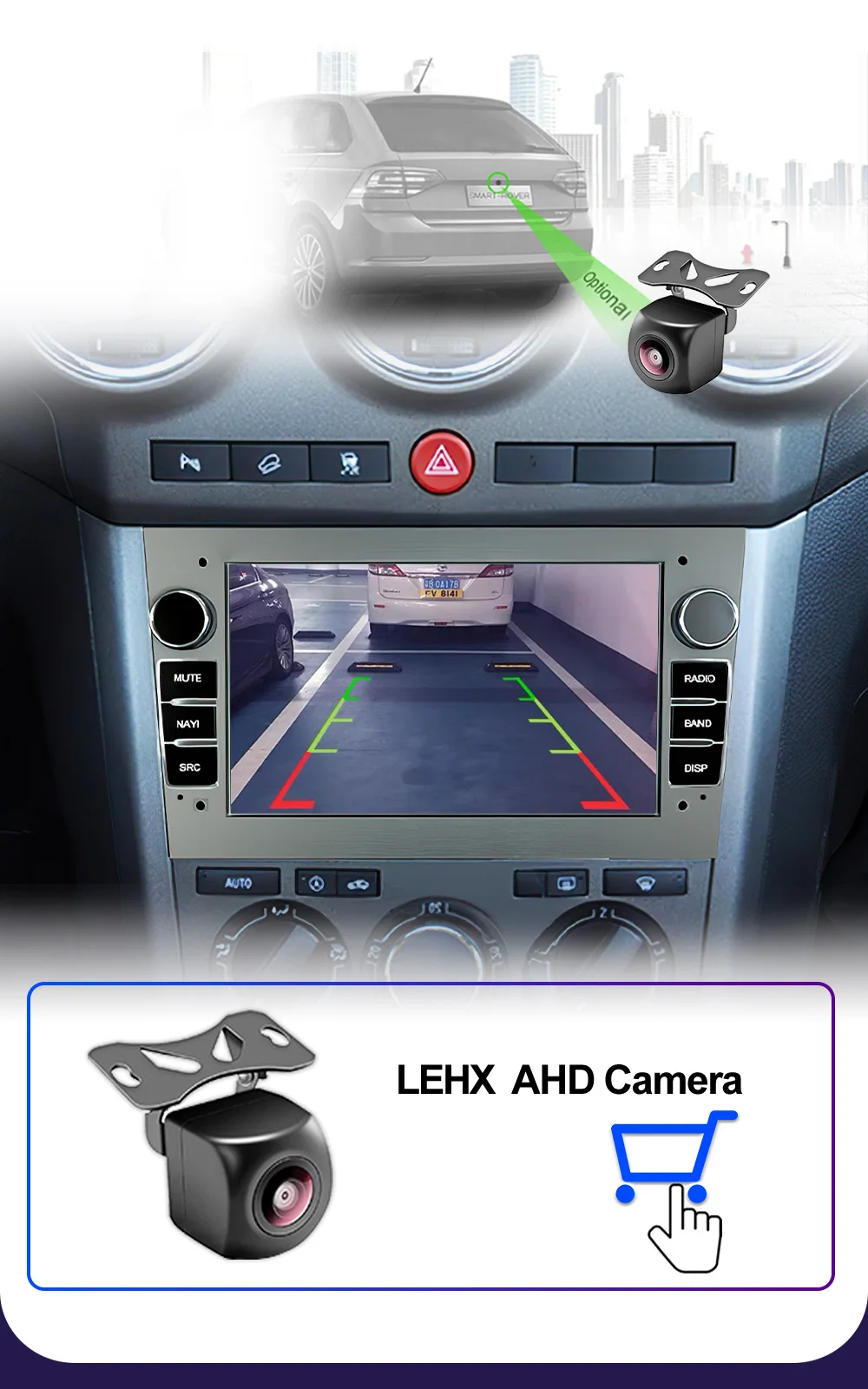
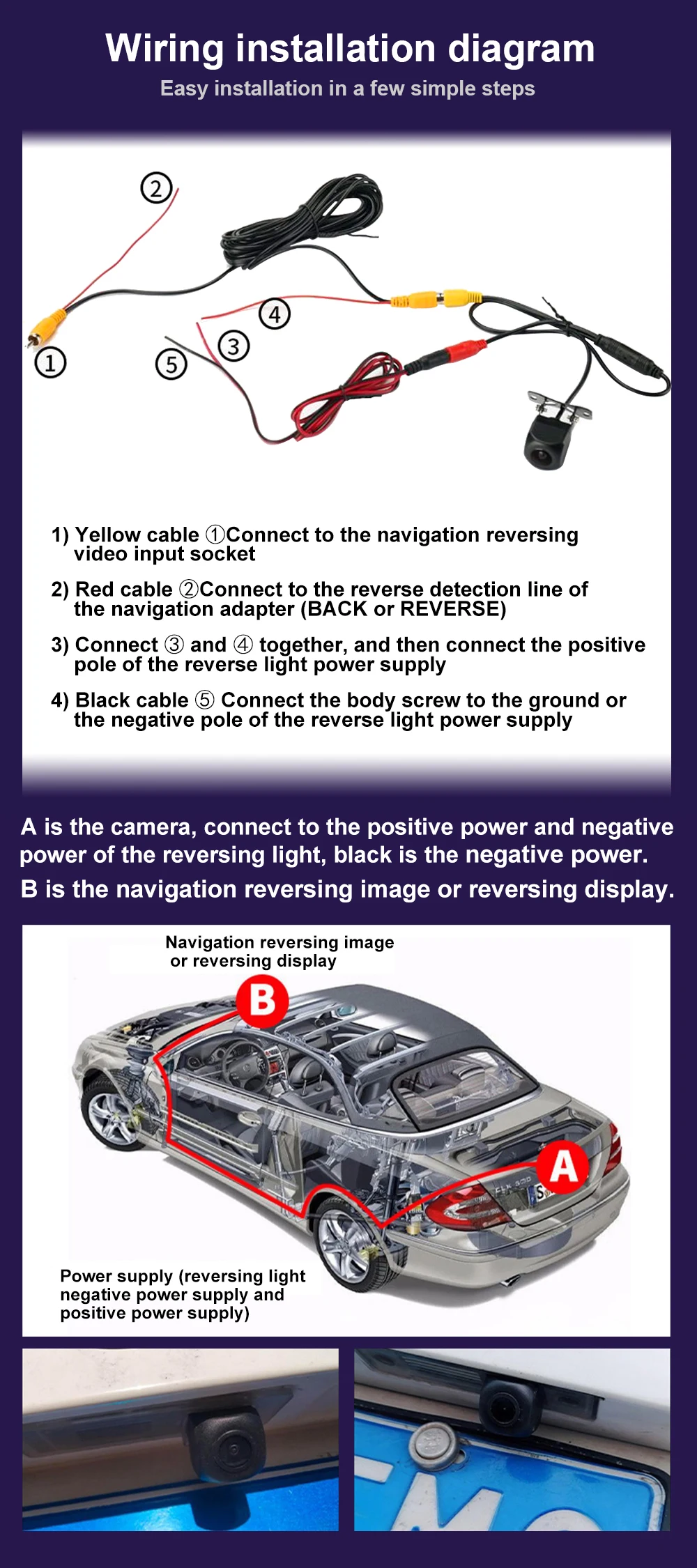
4. How to connect the rear camera?
1) Yellow cable ①Connect to the navigation reversing video input socket
2) Red cable ②Connect to the reverse detection line of the navigation adapter (BACK or REVERSE)
3) Connect ③ and ④ together, and then connect the positive pole of the reverse light power supply
4) Black cable ⑤ Connect the body screw to the ground or the negative pole of the reverse light power supply





No account yet?
Create an Account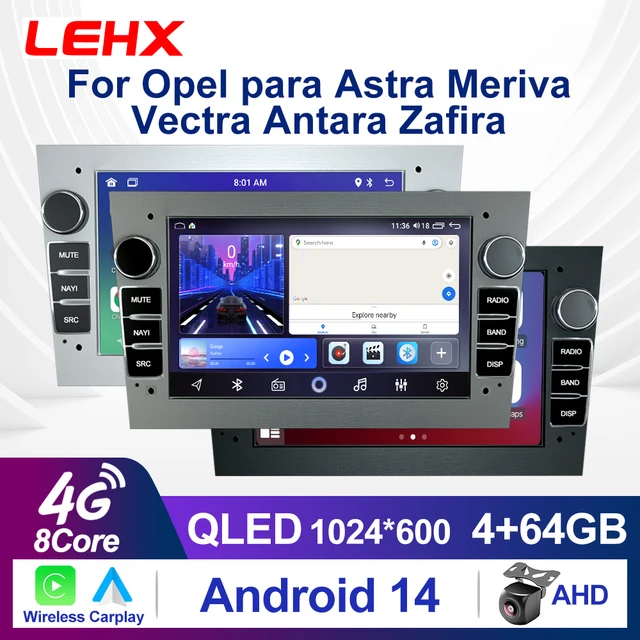


Reviews
Clear filtersThere are no reviews yet.