



















































































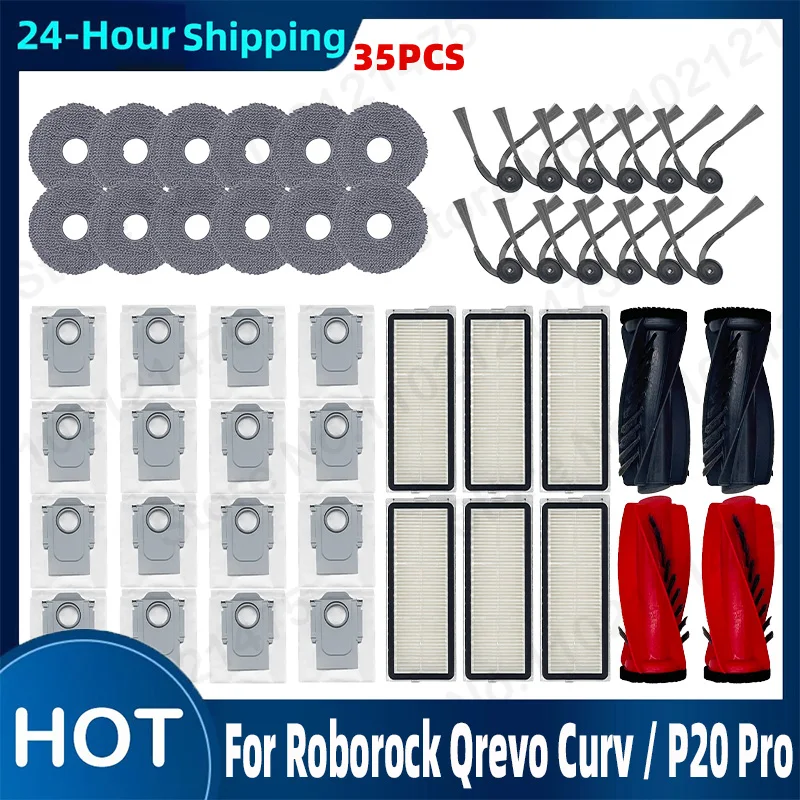
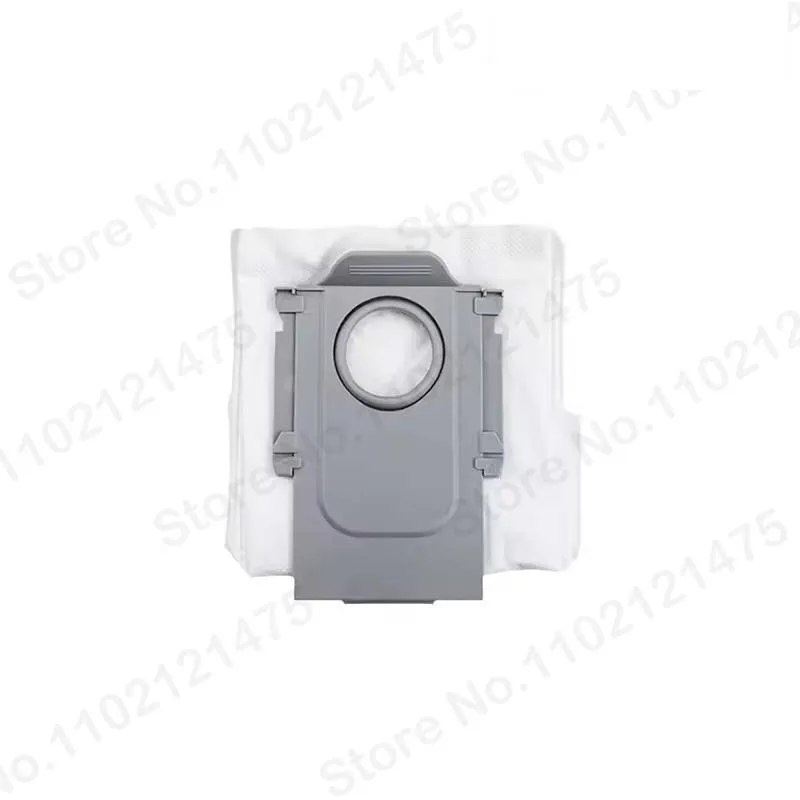

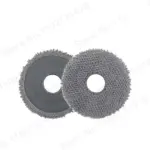































































































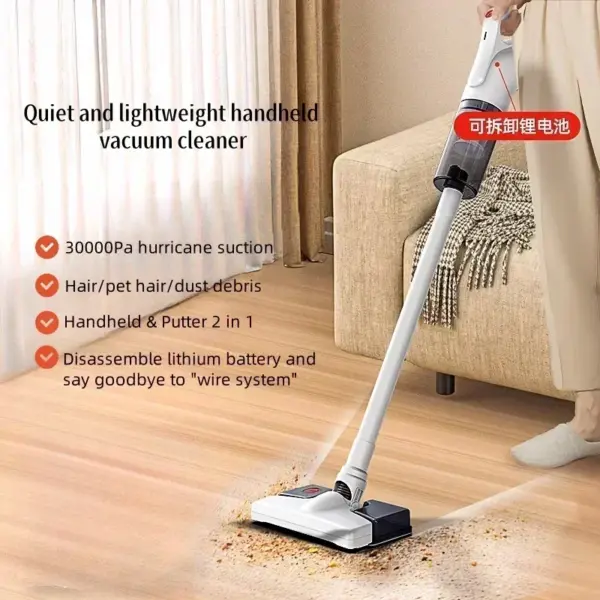
Roborock Qrevo Curv / P20 Pro Accessories Main Roller Side Brush Hepa Filter Mop Cloth Dust Bag robot vacuum cleaner Parts
The following are common problems and solutions for Roborock P20 Pro accessories:
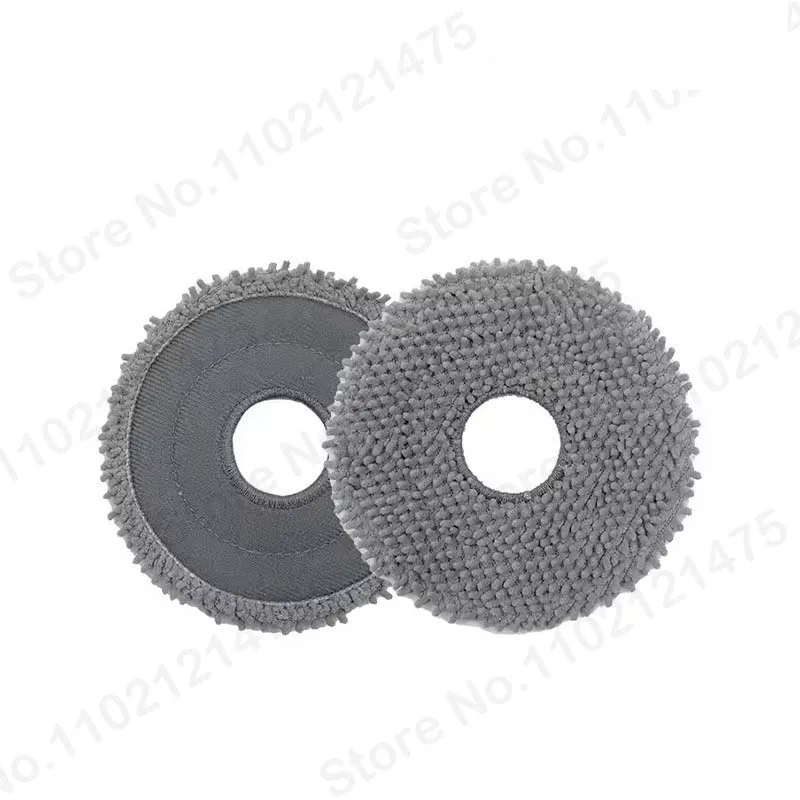
1. mop
• question:
• The cleaning effect of the mop decreases: After long-term use, the mop may become dirty and hard, affecting the cleaning effect, and may also produce odor.
• The mop is not firmly installed or falls off: The mop may not be installed properly during use, or the mop may fall off due to vibration or other reasons when the robot is working.
• Solution:
• Clean the mop regularly: After each use, remove the mop and rinse it with clean water to remove surface stains and dust. If there are stubborn stains on the mop, you can use neutral detergent to gently scrub it, but be careful to avoid using highly corrosive detergents to avoid damaging the mop. After cleaning, dry the mop to ensure it is completely dry before installation and use.
• Replace the mop: When the mop is severely worn, deformed, or the cleaning effect is significantly reduced, it needs to be replaced with a new mop. Purchase an officially adapted mop and install it correctly according to the instructions.
• Make sure the mop is installed correctly: When installing the mop, make sure the mop fully fits the mop installation area at the bottom of the robot, and is tightened to avoid loosening.
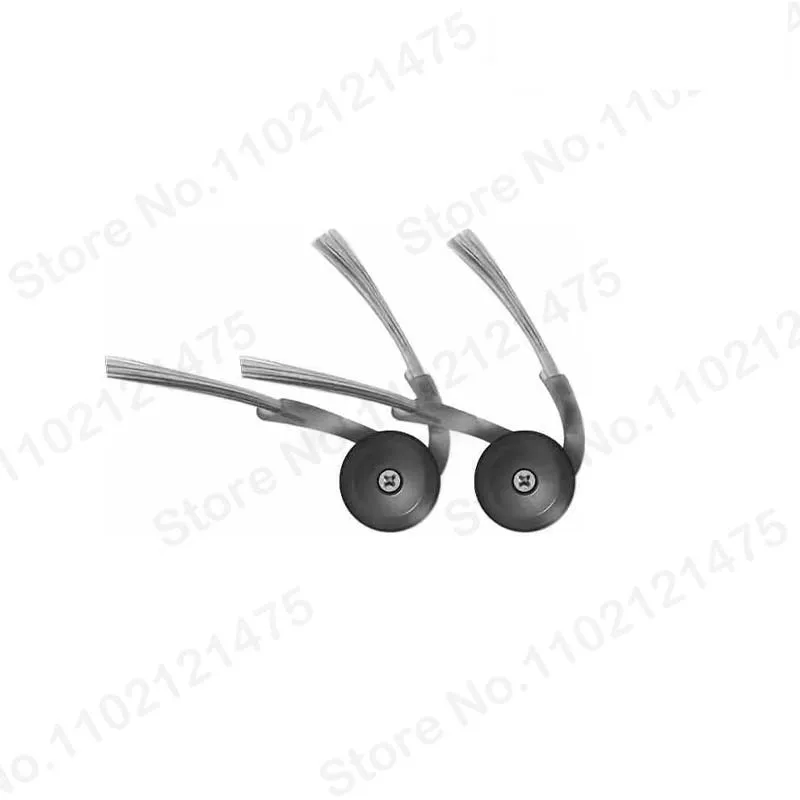
2. Side brush
• question:
• The side brush is entangled with hair: The side brush is easily entangled with hair, threads, fibers and other debris during the cleaning process, which affects the normal rotation of the side brush and reduces the cleaning effect.
• Side brush wear: After long-term use, the bristles of the side brush will wear out, resulting in a smaller cleaning range and weaker cleaning power.
• Solution:
• Clean up the tangles: Remove the side brush regularly and use scissors, tweezers and other tools to clean the hair and debris tangled on the side brush. If the hair on the side brush is tightly wound, you can soak the side brush in warm water and wait until the hair softens before cleaning.
• Replace the side brush: When the side brush is severely worn and cannot work properly, it needs to be replaced with a new one. Purchase a side brush that is compatible with Roborock P20 Pro and replace it according to the instructions.
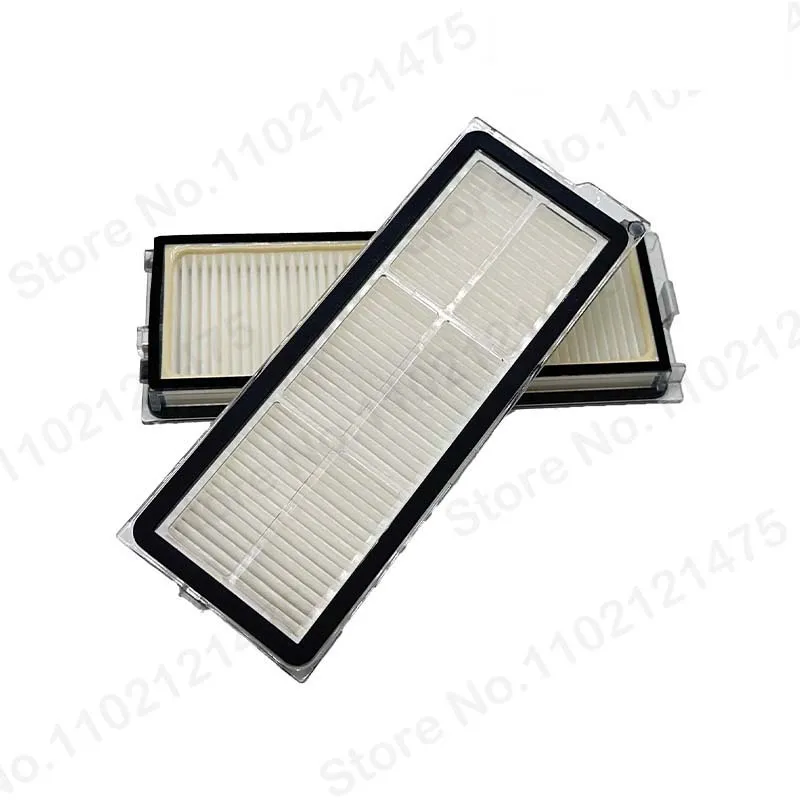
3. Filter
• question:
• Filter clogged: During the process of filtering dust and debris, the filter is easily clogged by fine dust particles, resulting in poor air circulation and affecting the suction power of the robot.
• Filter damage: Prolonged use or incorrect cleaning methods may cause the filter to be damaged and unable to filter dust properly.
• Solution:
• Clean the filter regularly: According to the instructions, regularly remove the filter from the dust box, rinse it with clean water or use a vacuum cleaner to remove the dust on the filter. After cleaning, dry the filter to ensure it is completely dry before putting it back into the dust box. It is recommended to clean the filter once a week.
• Replace the filter: If the filter is severely clogged and cannot be cleaned, or the filter is damaged, you need to replace it with a new one. Purchase the officially adapted filter and replace it promptly.
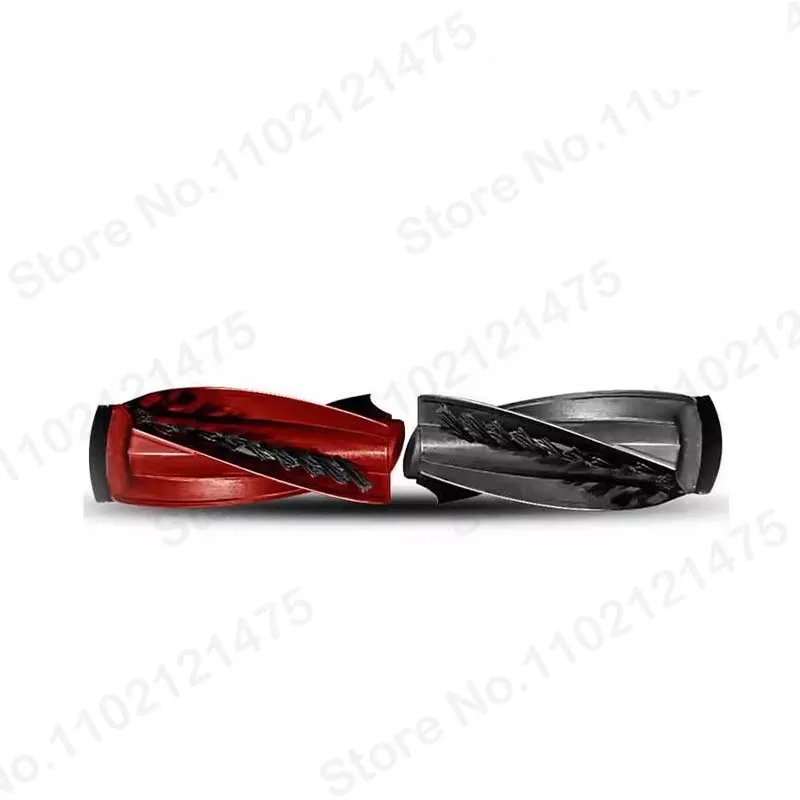
4. Main brush
• question:
• The main brush is entangled with foreign objects: The main brush is easily entangled with hair, paper, plastic bags and other debris during the cleaning process, causing the main brush to be unable to rotate normally and affecting the cleaning effect.
• Main brush wear: After long-term use, the bristles of the main brush will wear out, affecting the cleaning effect.
• Solution:
• Clean the main brush entanglement: Turn the robot over regularly, open the main brush cover, take out the main brush, and clean the debris wrapped around the main brush. You can use a bird knife, scissors and other tools to cut off the wrapping and remove it, but be careful not to damage the main brush.
• Replace the main brush: When the main brush is severely worn and cannot work properly, it needs to be replaced with a new one. Purchase the main brush compatible with Roborock P20 Pro and replace it according to the instructions.

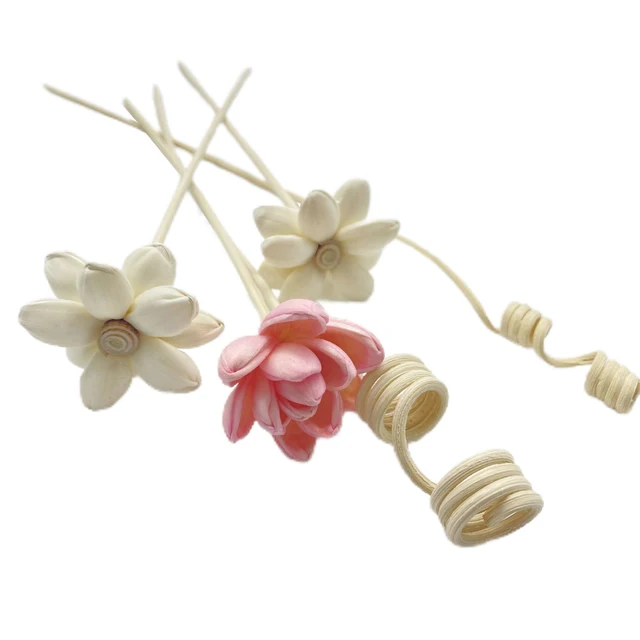 Style 1
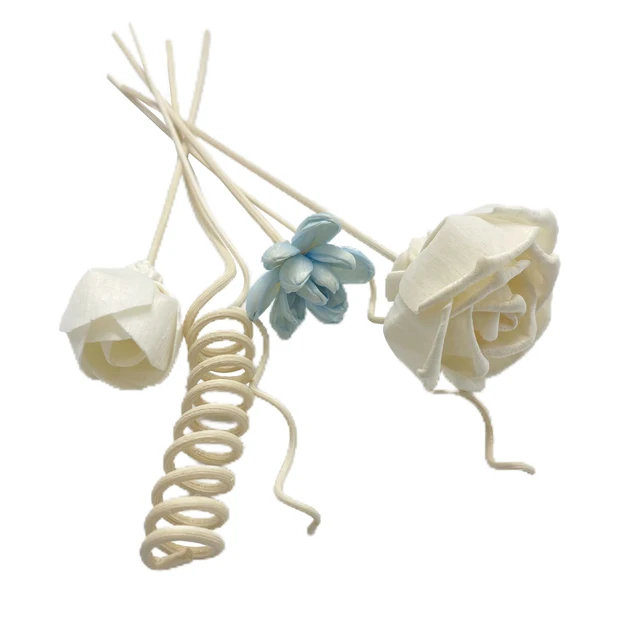 Style 2
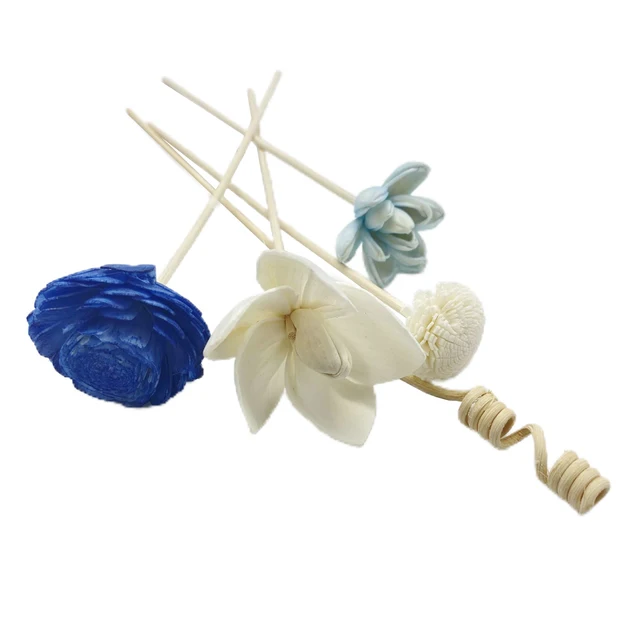 Style 3
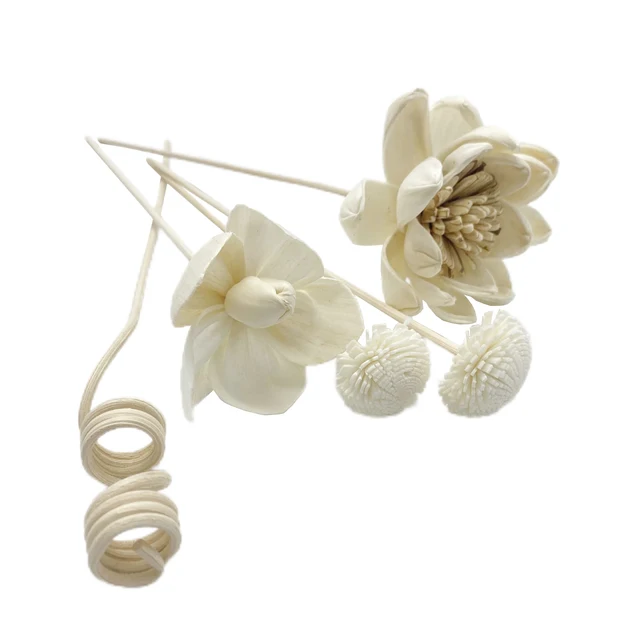 Style 4
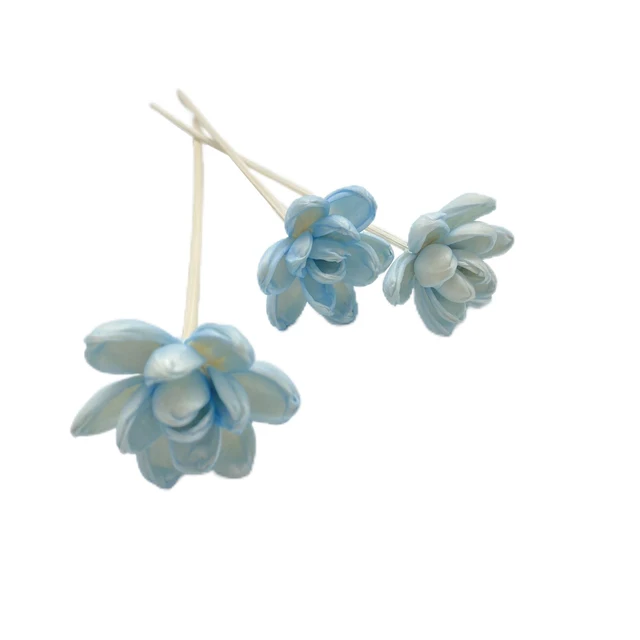 Style 10
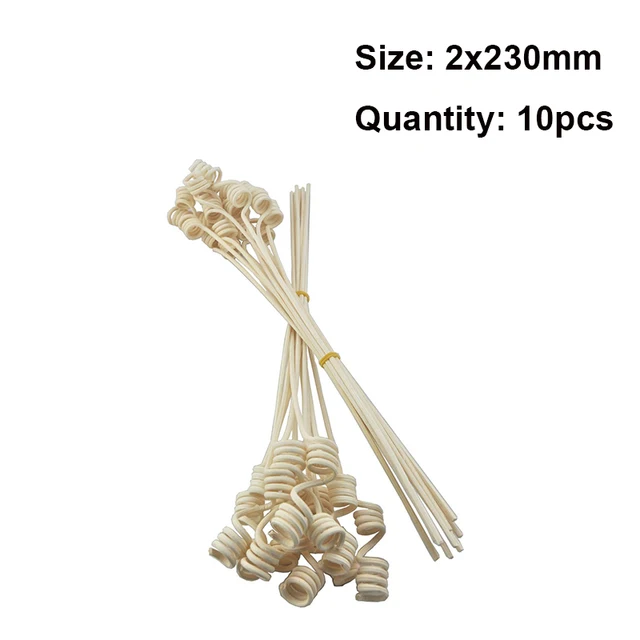 Style 11
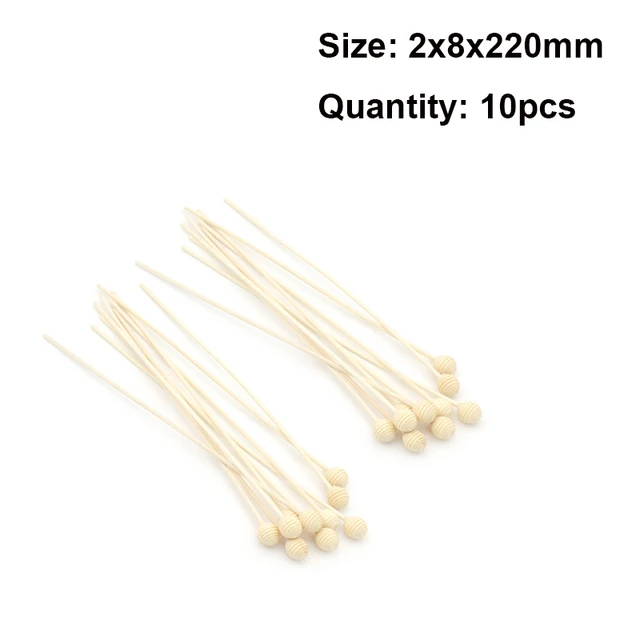 Style 12
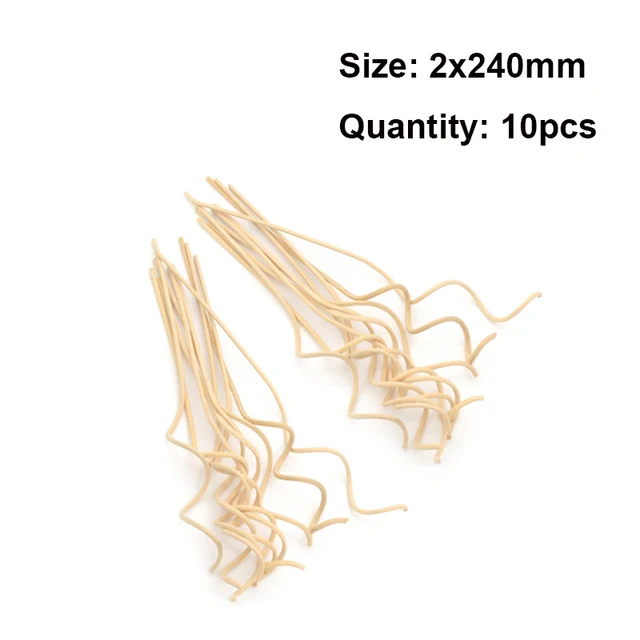 Style 13
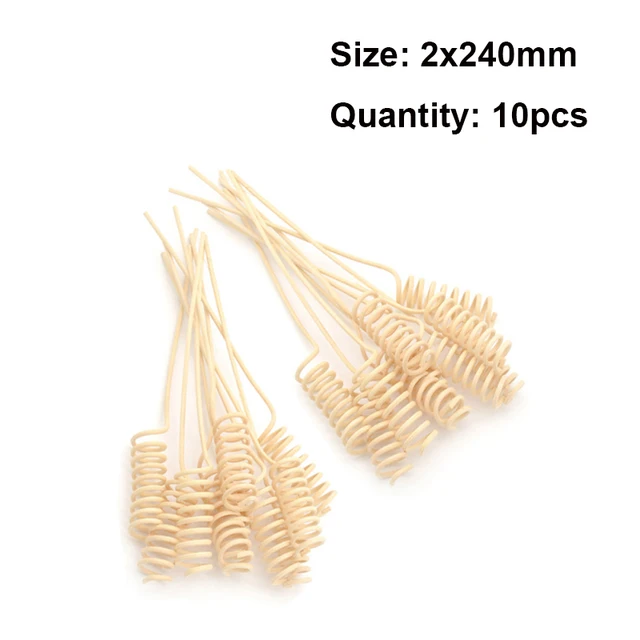 Style 14
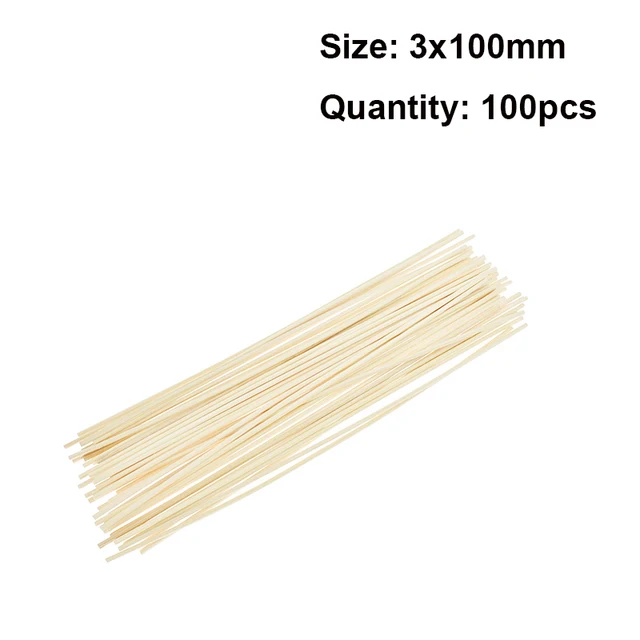 Style 15
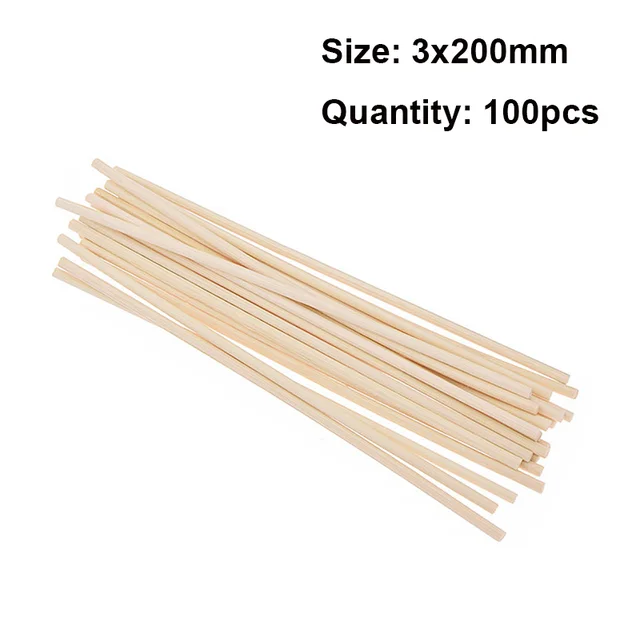 Style 16
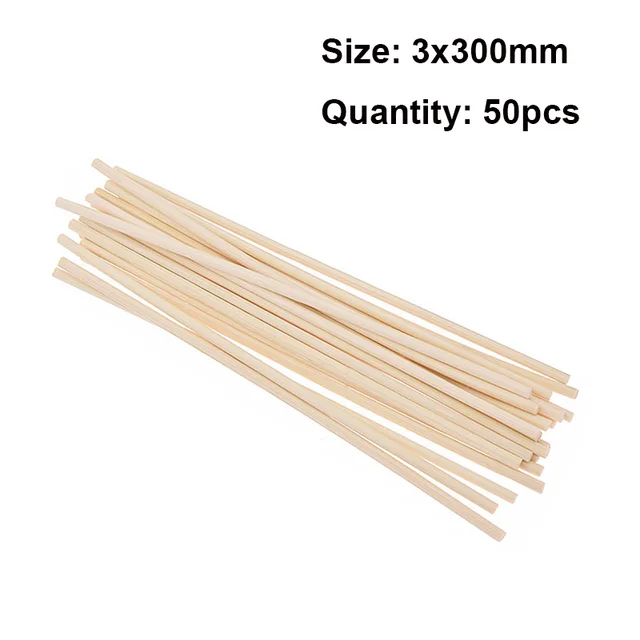 Style 17
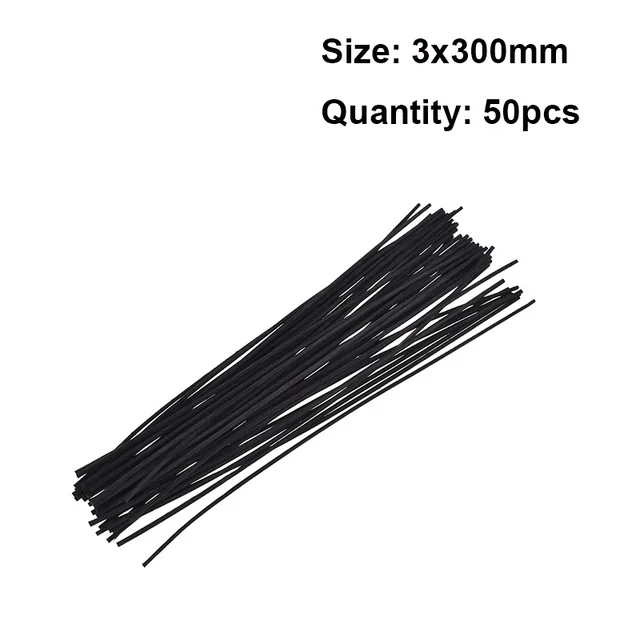 Style 18
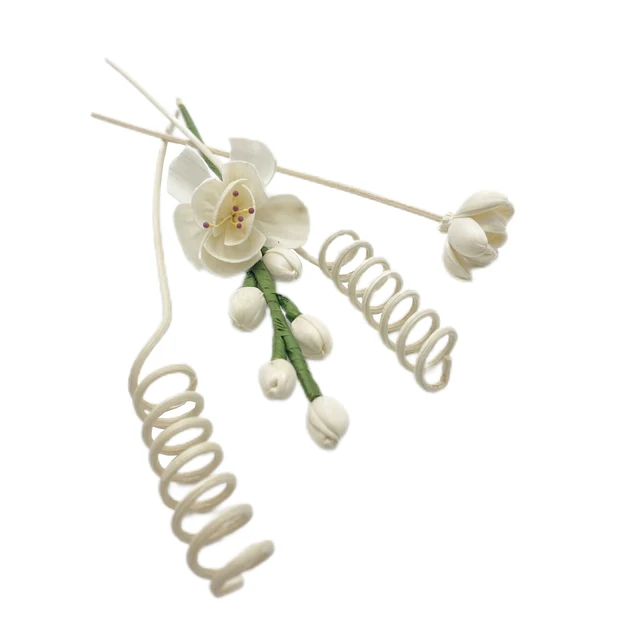 Style 5
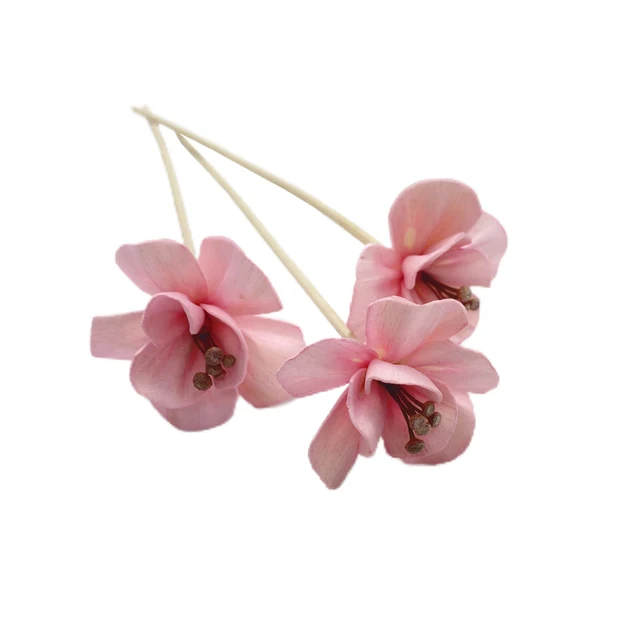 style 6
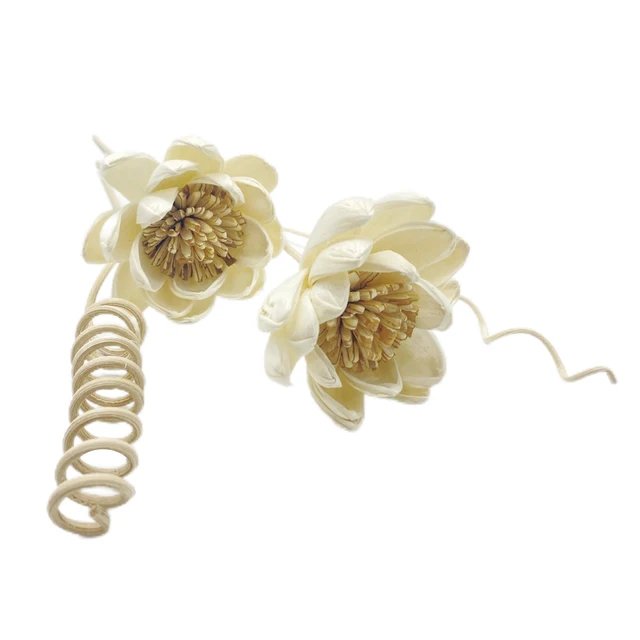 style 7
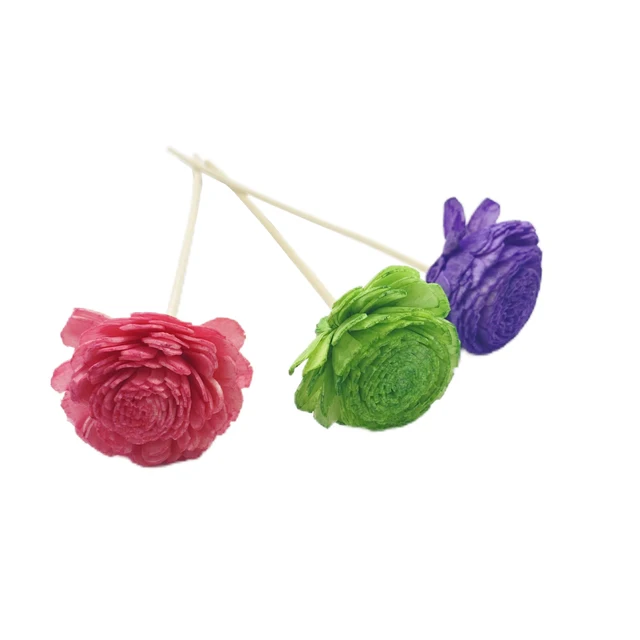 style 8
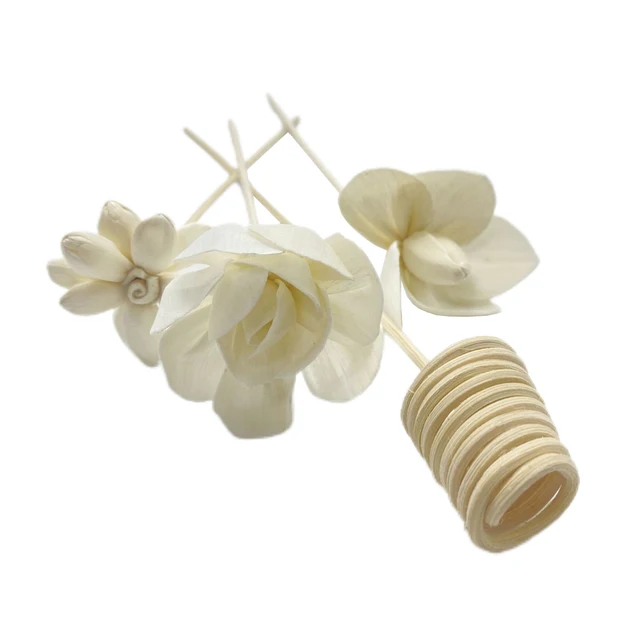 style 9

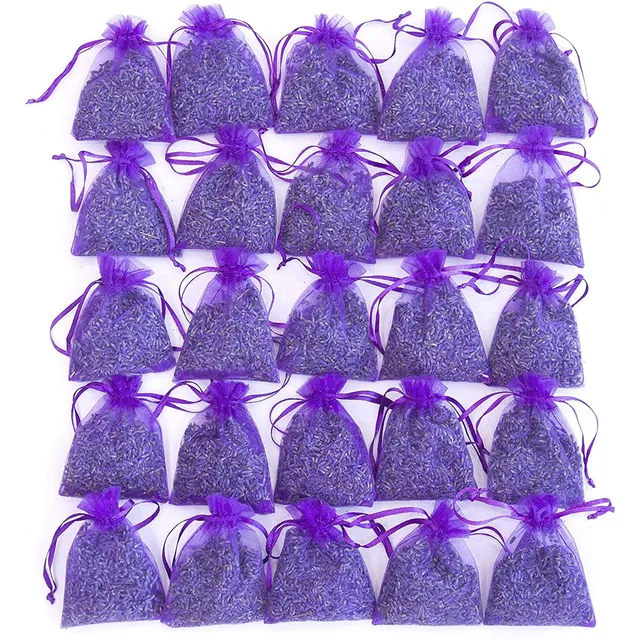 25Pack Small
 8Pack Big

 A01
A01
 A02
A02
 A03
A03
 A04
A04
 A05
A05
 B01
B01
 B02
B02
 B03
B03
 B04
B04
 B05
B05
 B06
B06
 C01
C01
 C02
C02
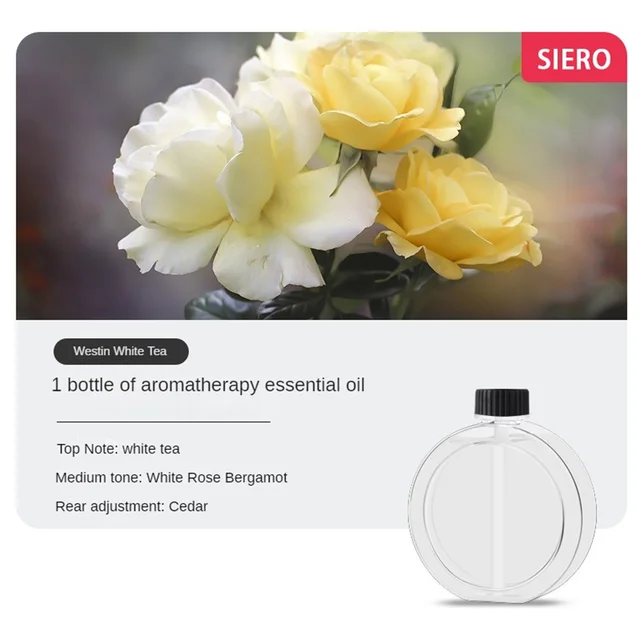 C03
C03
 C04
C04
 c05
c05
 c06
c06
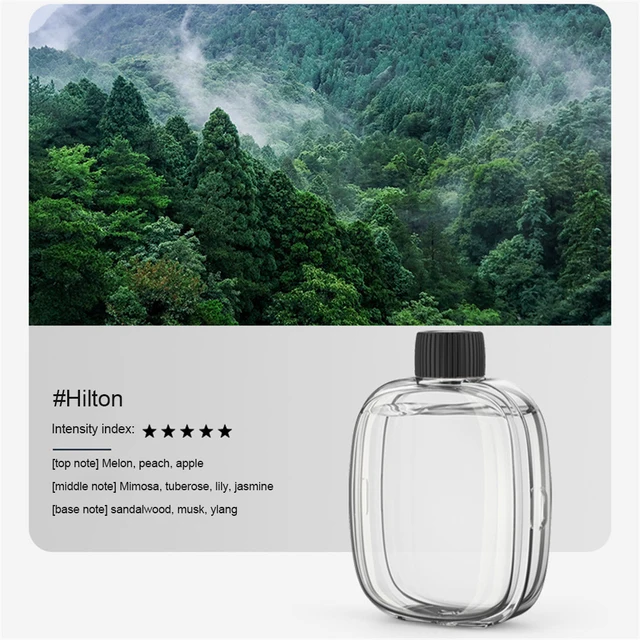 D01
D01
 D02
D02
 D03
D03
 D04
D04
 D05
D05
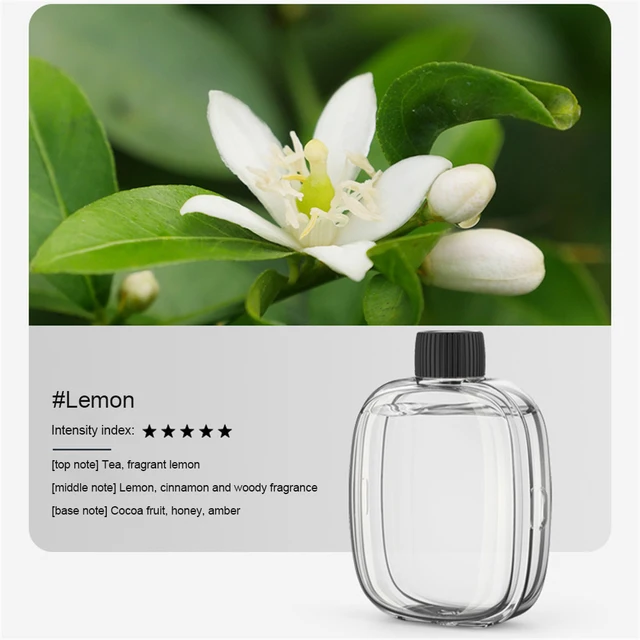 D06
D06
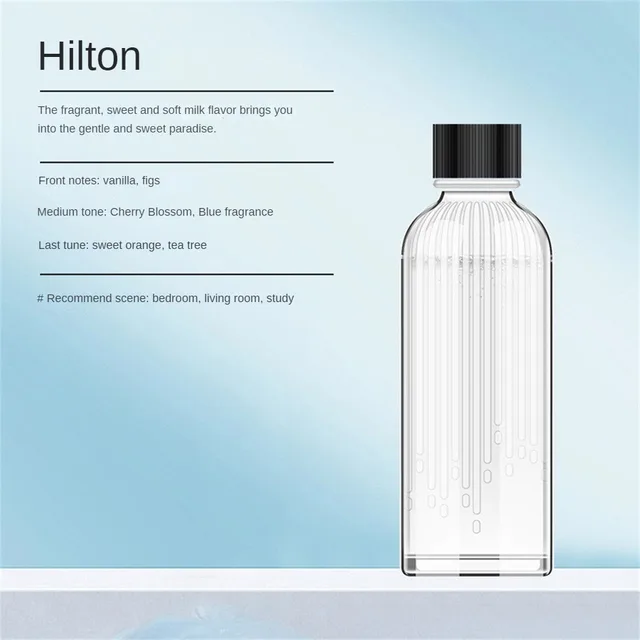 E01
E01


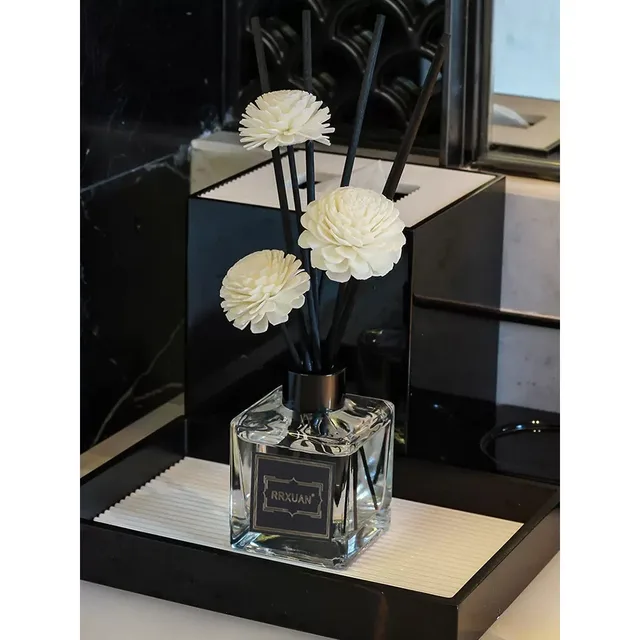 Lavender
Bluebell
Hilton
Jasmine
Shangri-La
White Tea
Lavender
Bluebell
Hilton
Jasmine
Shangri-La
White Tea
No account yet?
Create an Account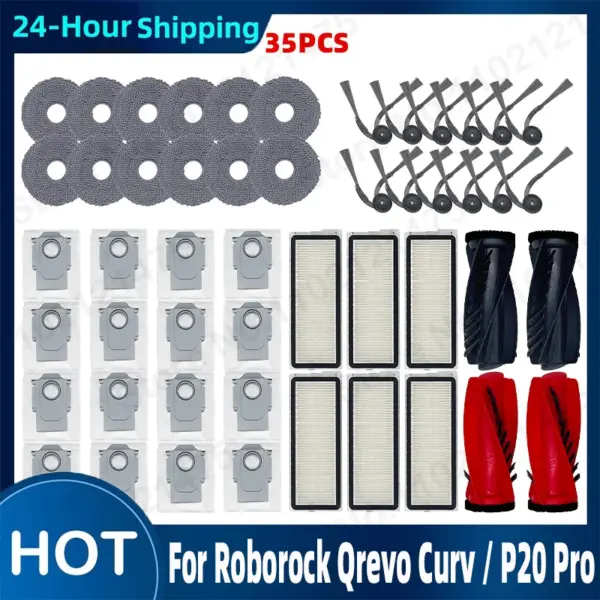

Reviews
Clear filtersThere are no reviews yet.