















































































































































































































 |
 |
 |
 |
 |
 |
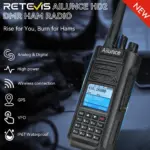
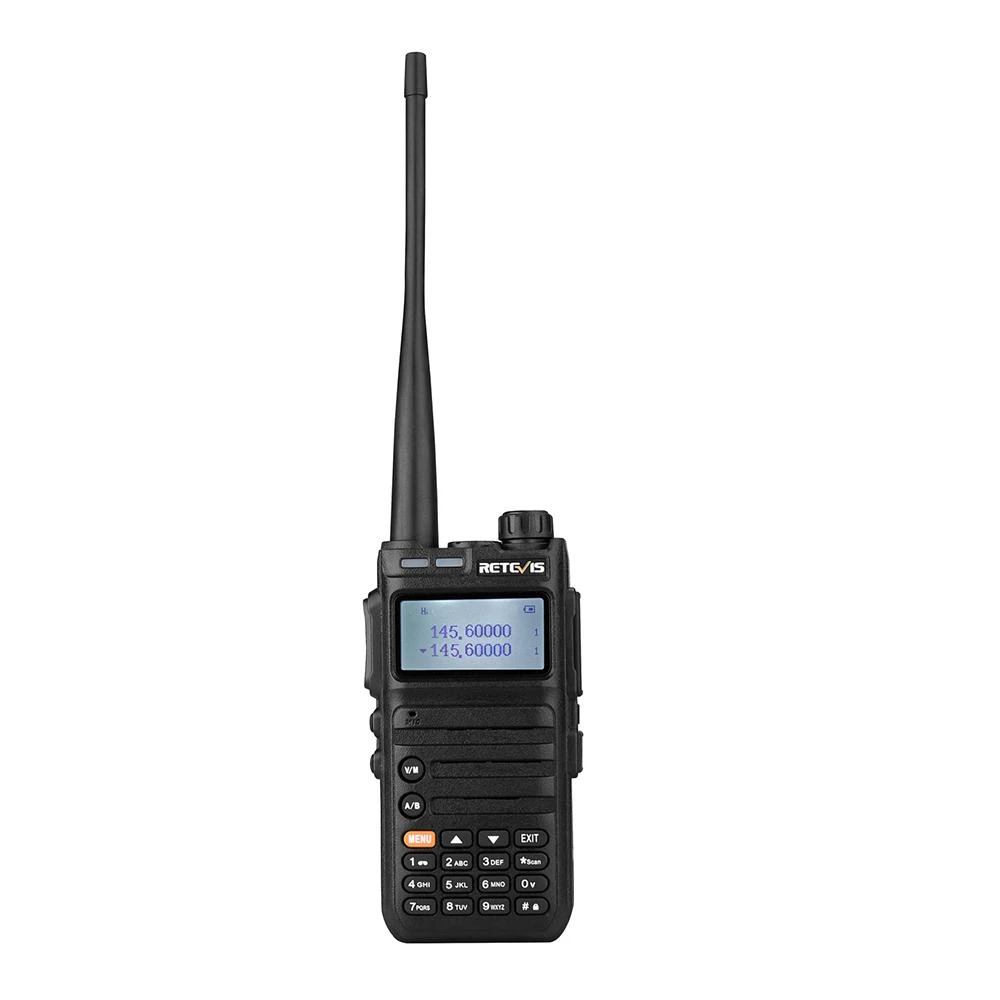
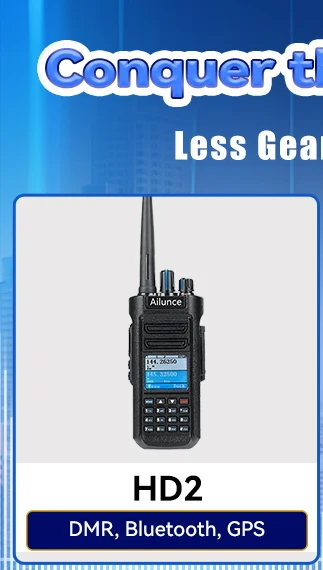
Ailunce HD2 Waterproof Dual Band DMR HAM Two Way Radio
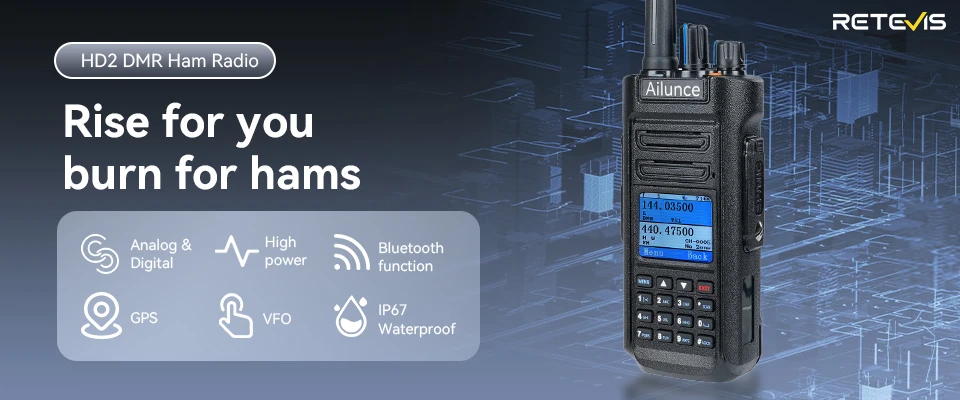
Retevis Ailunce HD2 Walkie Talkie – The Ultimate DMR Radio for Every Adventure
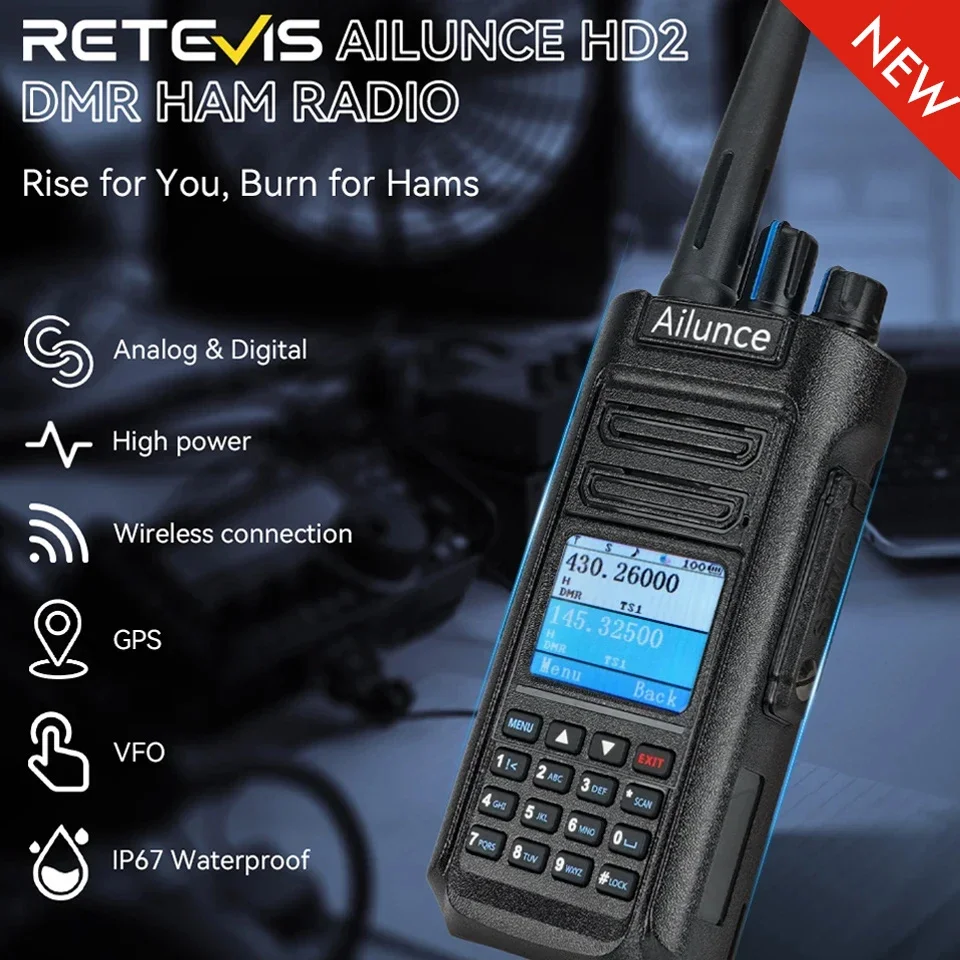
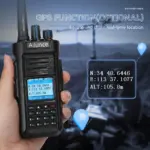
Rise to the challenge with the Retevis HD2, a powerhouse built for hams who demand more. Combining digital and analog versatility, high power performance, and advanced features like Bluetooth connectivity, optional GPS tracking, and VFO flexibility, the HD2 is designed to keep you connected in any environment. With IP67 waterproof durability, it’s ready to withstand the elements, whether you’re in the field or on the air.
Main Function:
Dual Band DMR Radio
Analog and Digital Combined
Compatible with Motorola Tier Ⅰ&Ⅱ
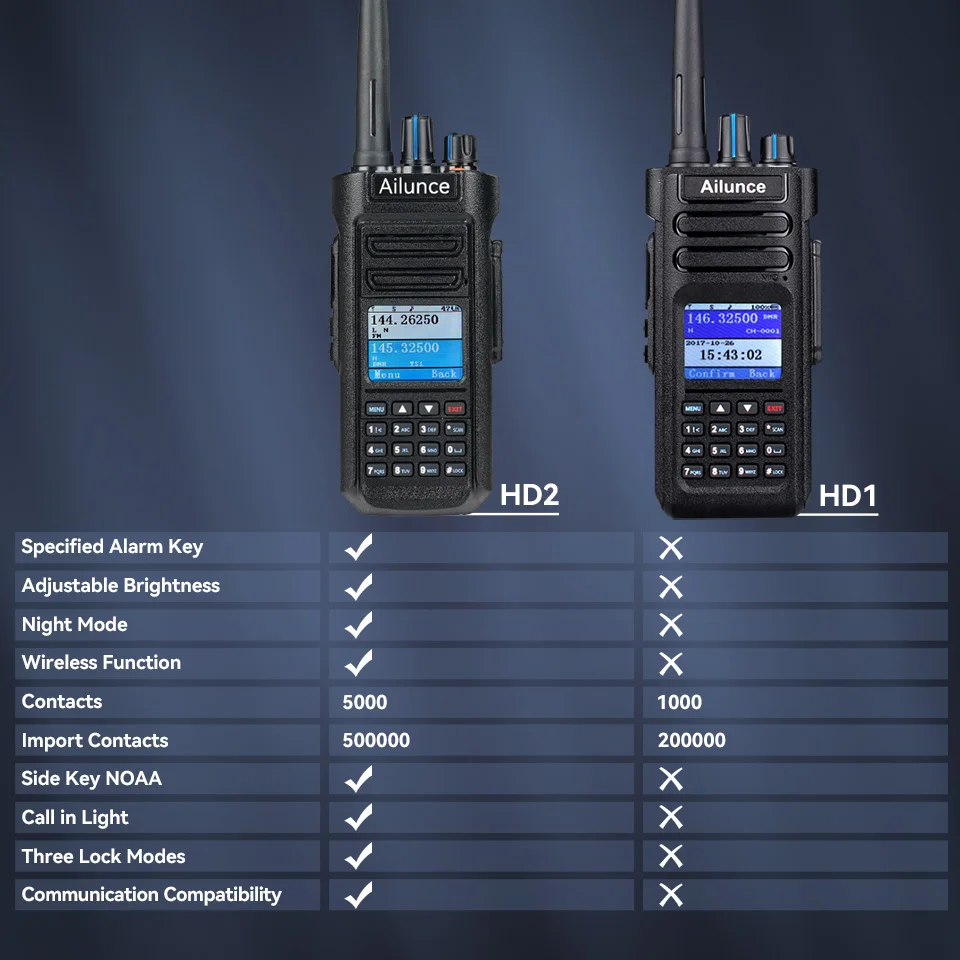
500000 Contacts + 5000 Priority Contacts
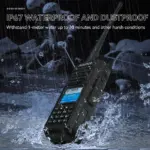
IP67 Waterproof
Scan:Time/Search/Carrier
Encryption Function
Lone Worker
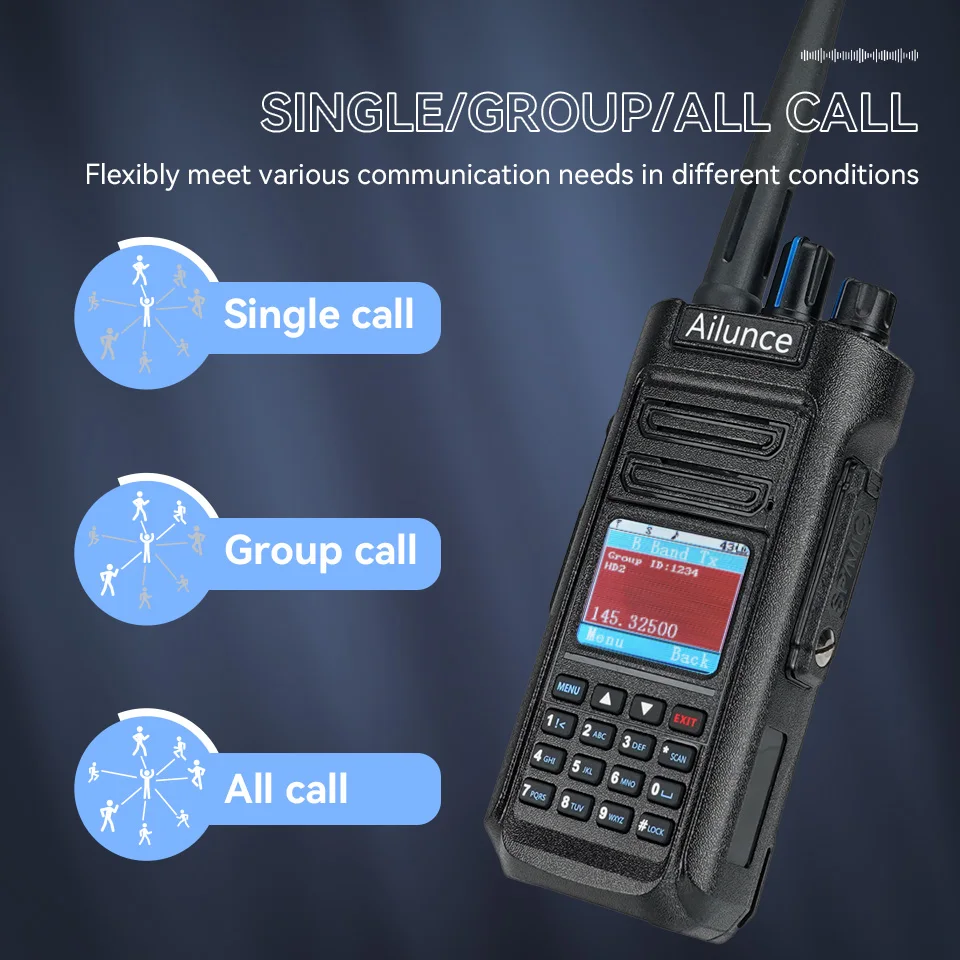
Single/Group/All call
Remote kill/stun/activate
1.77 inch Color LCD Display
10 level brightness adjustable
Contacts and color code Promiscuous Function
Standard CTCSS/DCS
Analog Monitor
3 kinds of Keyboard Lock: Keyboard, Keyboard+CH Knob, PTT+CH+Keyboard
LED Indicator
Password Lock
Battery Save
Voice Annunciation
1000/1450/1750/2100Hz Single tone
32 ID Setting
Night Mode select-able
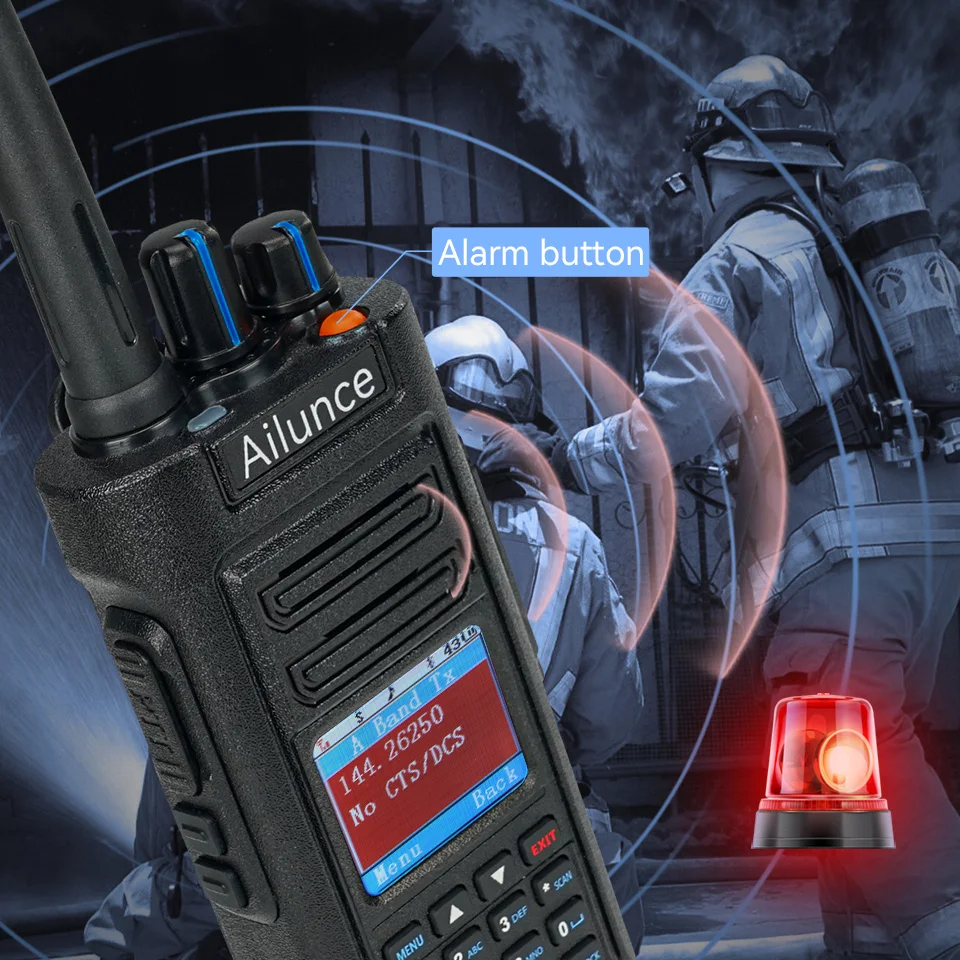
Emergency Alarm function
Dual PTT
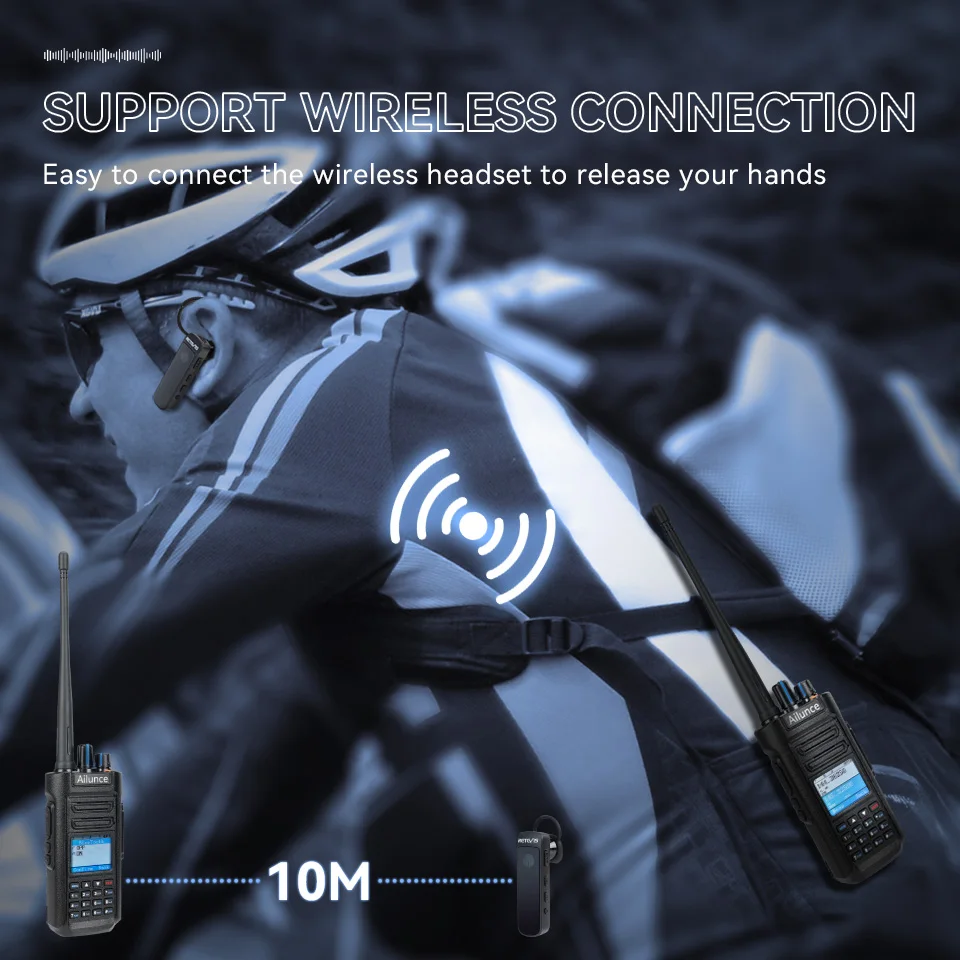
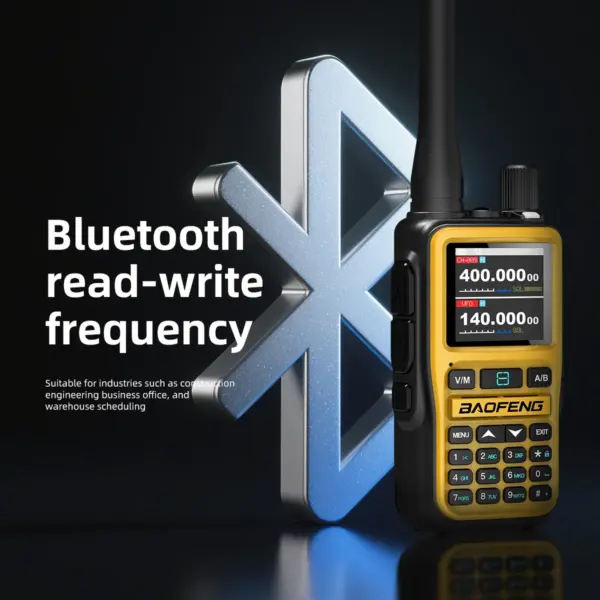
Bluetooth walkie talkie
Wireless 5.0 technology offers more stable connection and longer range; making communication more convenient and efficient supports connecting the wireless headsets to release your hands; no cable trouble; free and convenient to communicate within 10m.
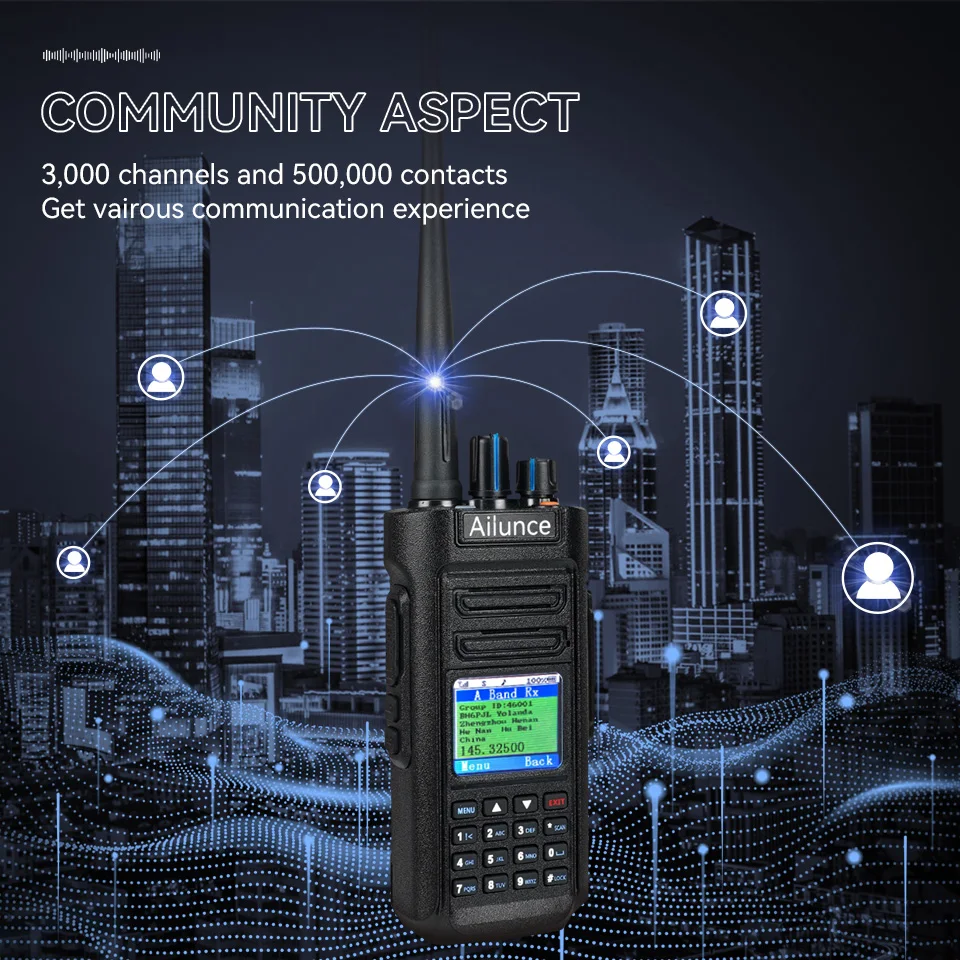
Community aspect
Professional DMR radio supports importing up to 500,000 contacts; enables you to name contacts or group them for efficient communication. 3000-channel DMR radio means the radio is able to save multiple channels and contacts; ideal for large groups various needs.
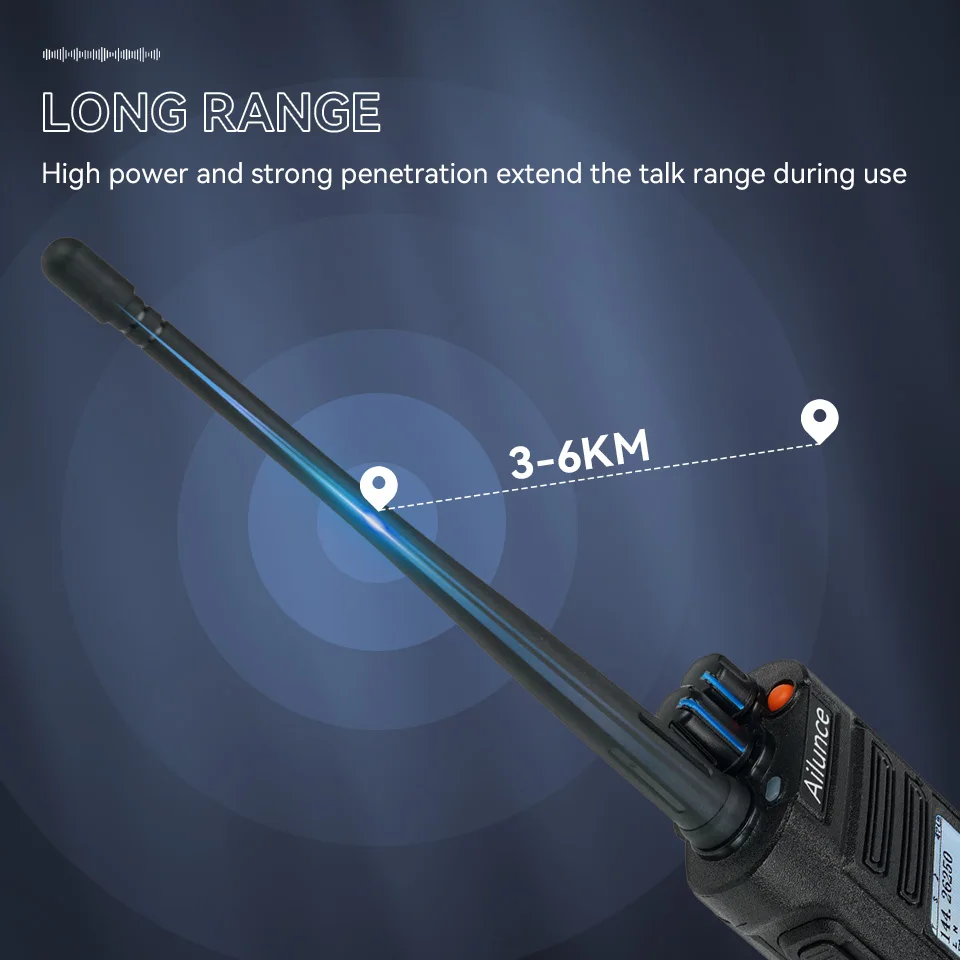
Long range walkie talkie
High power has strong signal to transmit and extends the communication range.strong penetration is efficient to overcome the environments disadvantages and increase the stability and reliability of communication.
Single/Group/All Call
Flexibly meet various communication needs in different conditions.DMR radio supports different calling modes on various occasions, including individual, group and team communication, which meets flexible needs in a big team.
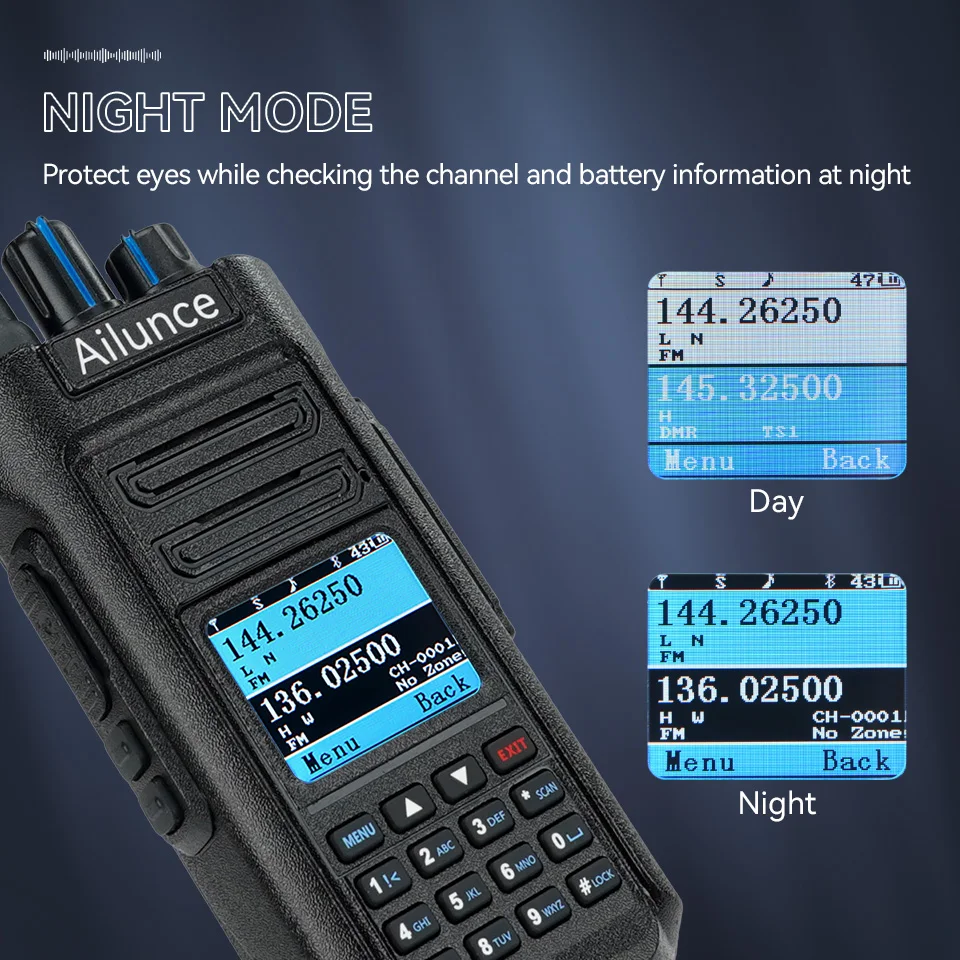
Night Mode
1.77inch color display is available for day and night to check dual band frequencies due to adjustable brightness and backlight time. In addition, night mode is convenient to protect your eyes when operating DMR ham radio at night.
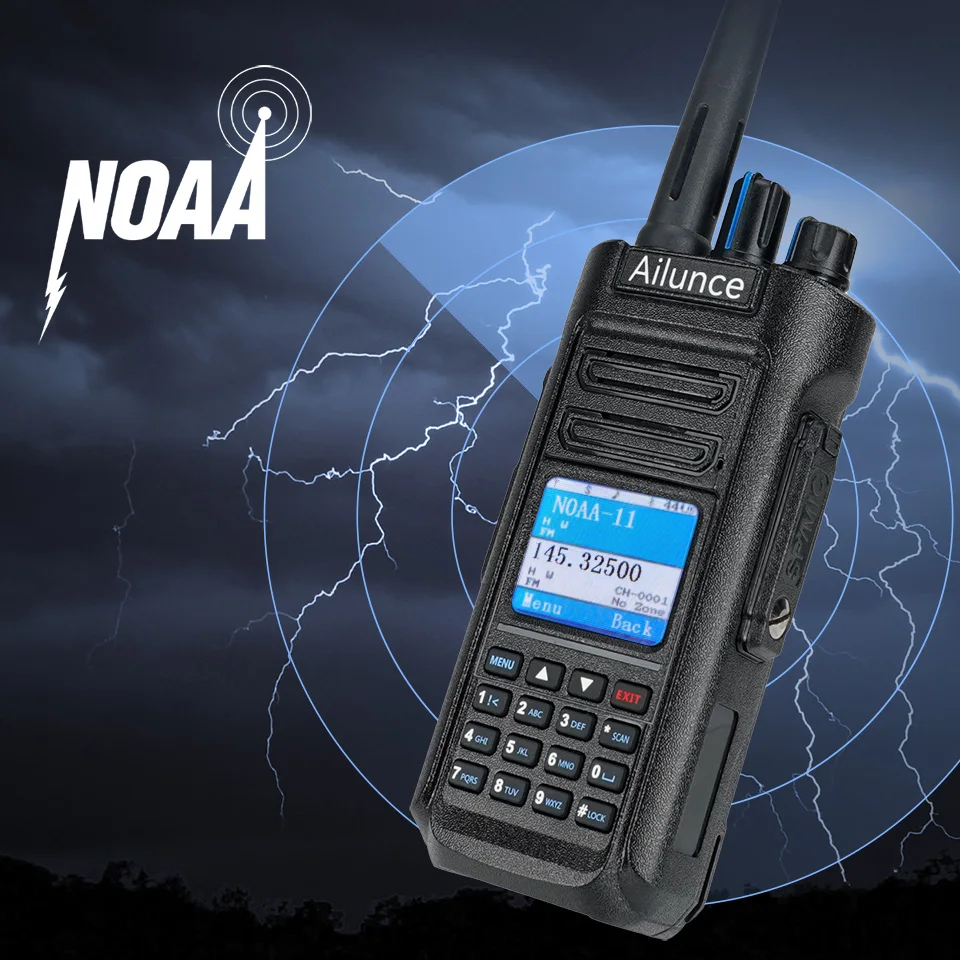
11 NOAA Channels
The handheld transceiver supports turning on NOAA through the side key and choosing the channels to get the latest weather information conveniently.
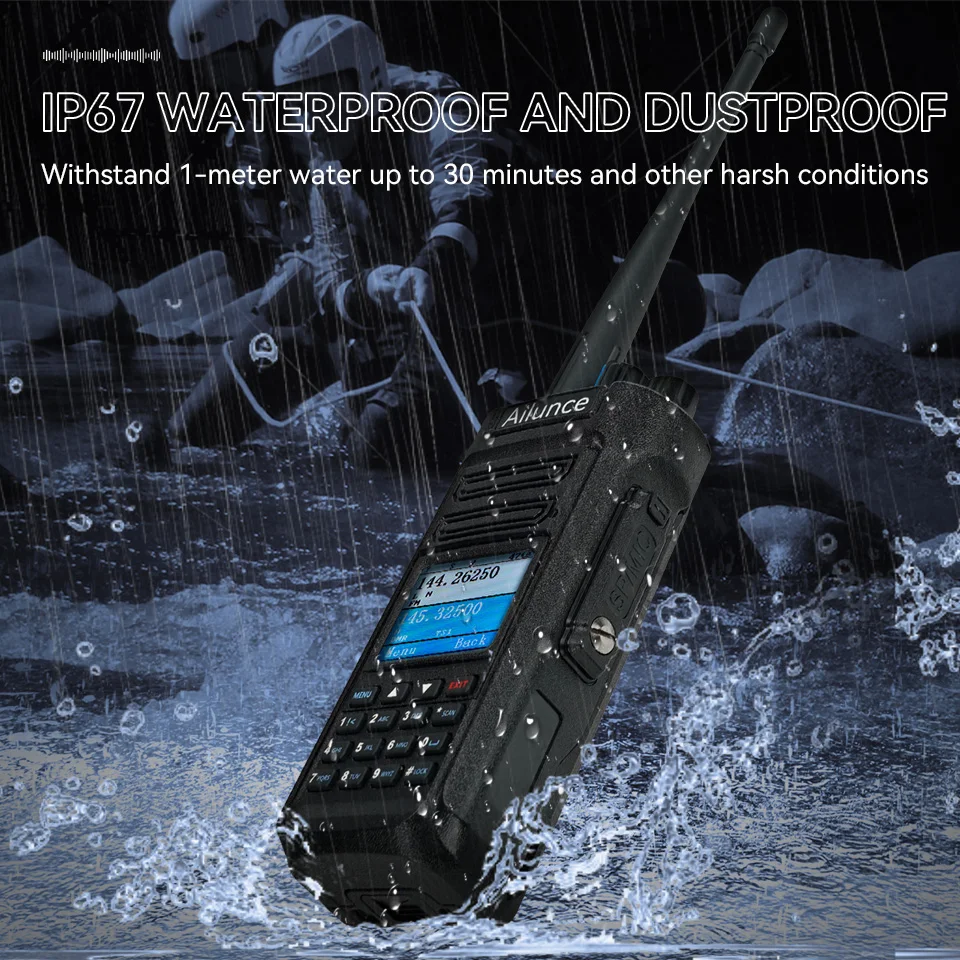
Waterproof Walkie Talkie
IP67 dust-proof and waterproof capabilities make ham radio reliable for use in harsh environments.
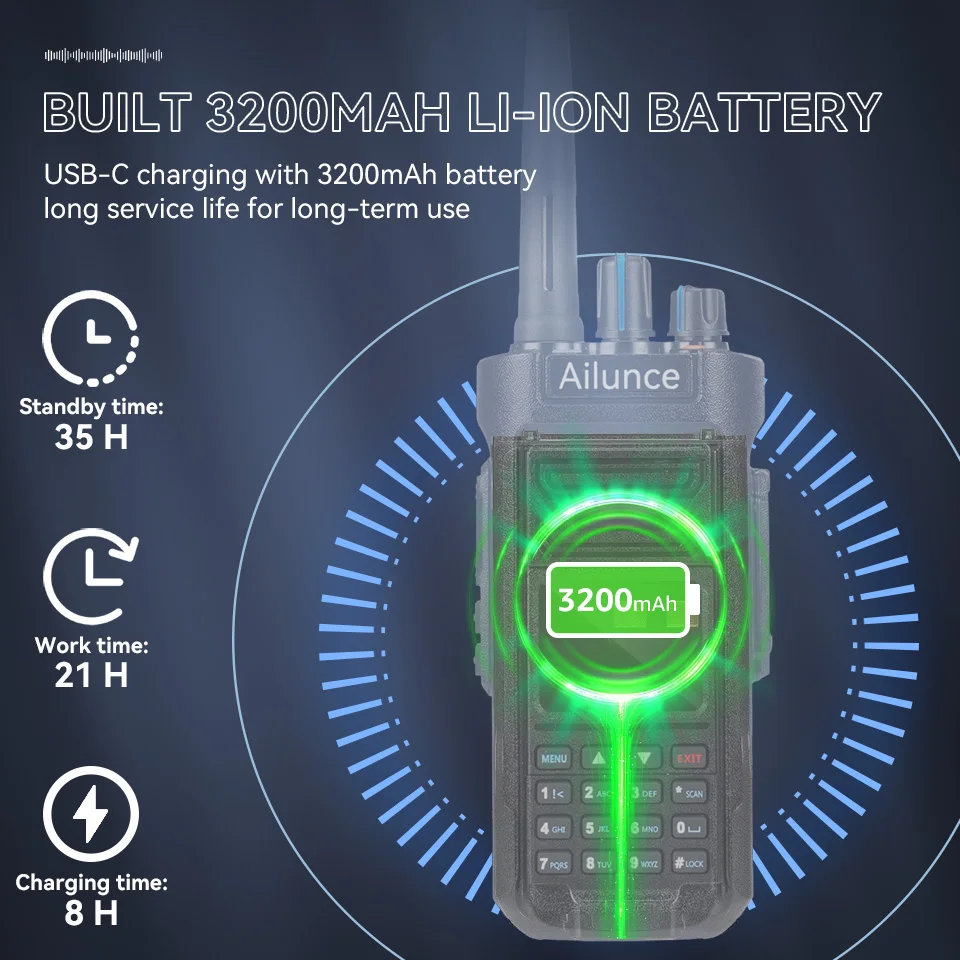
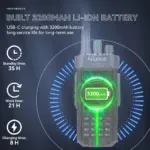
Built-with 3200mAh Battery
High-capacity battery has a long battery life of 35 hours and can accompany users for long-term operations. It is a necessity for off-road and emergency rescue outdoor operations.
Emergency Alarm
Press the specified alarm key to turn on the local or remote alarm. Remote alarm will send the voice to your partners to ask for help, making your going out secure.
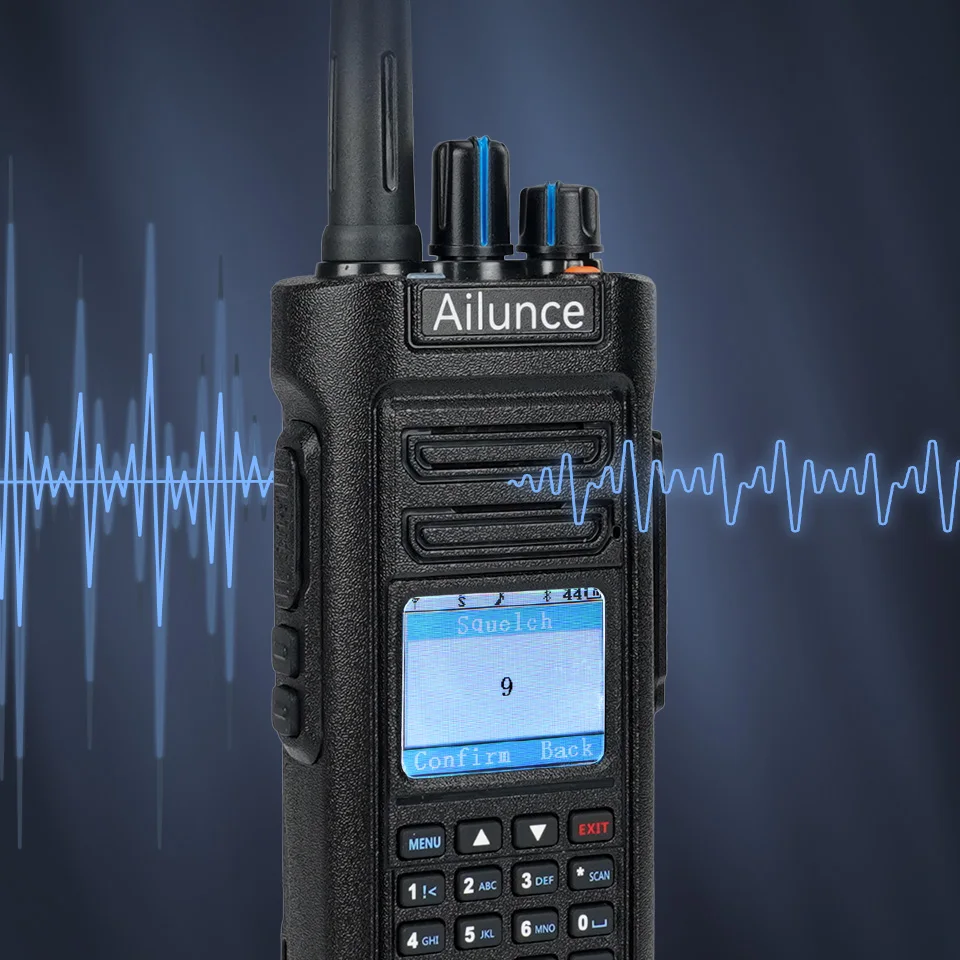
Squelch Function
Adopting 0-9 level squelch function to filter out background noise, even when you are in a noisy environment, a clear voice can be transmitted.
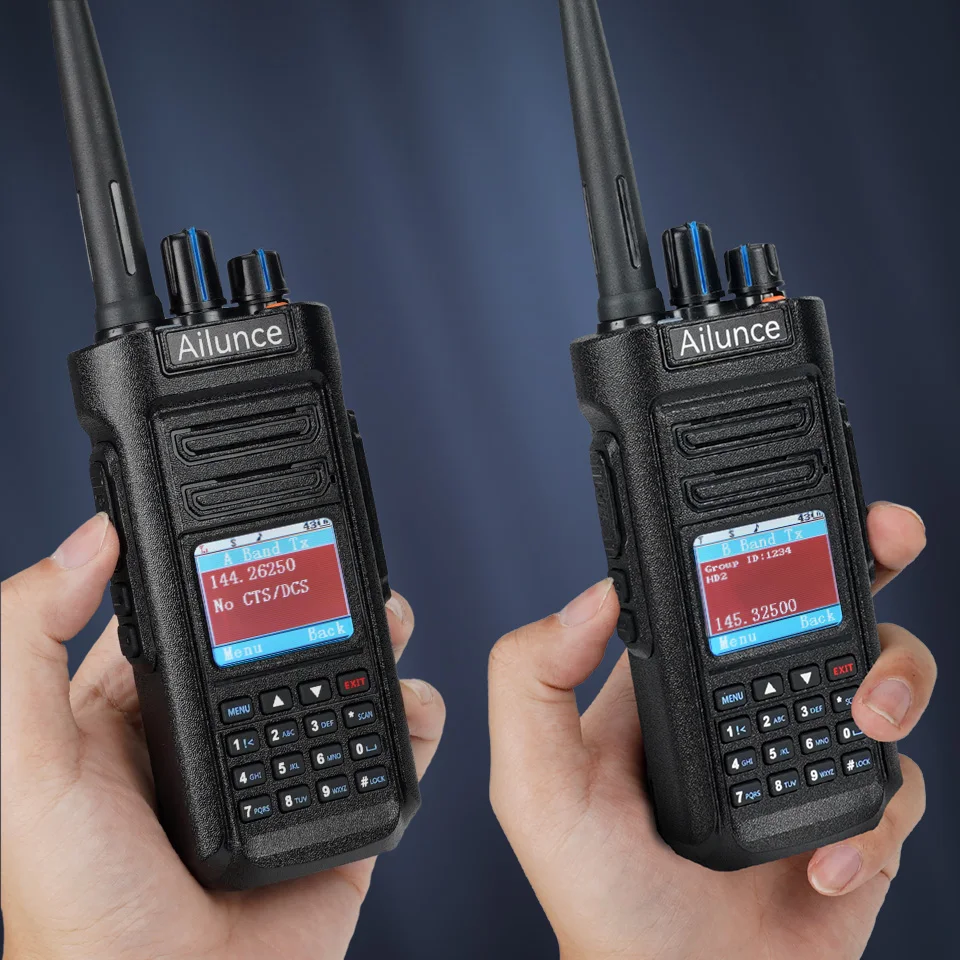
SUB-PTT Function
It is convenient for you to transmit dual band frequencies without pressing the */scan key to switch band A or B.
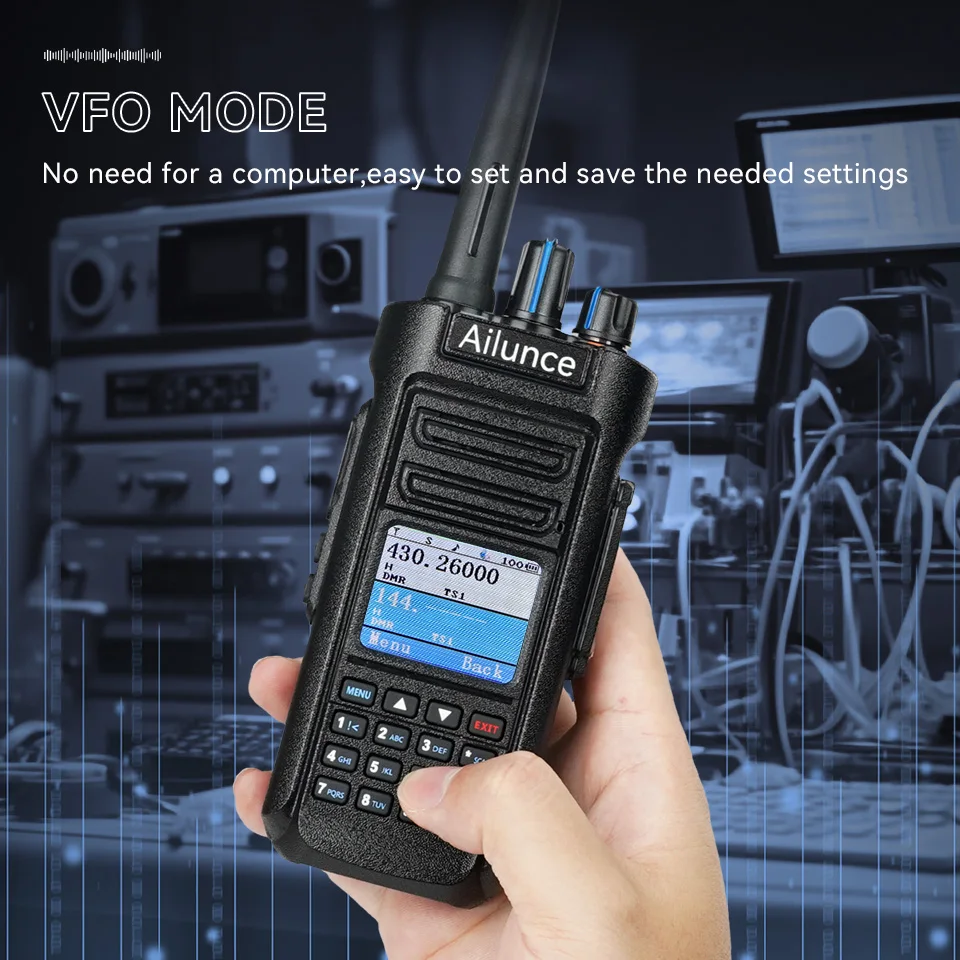
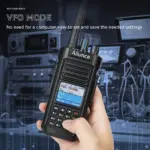
VFO Function
HD2 digital walkie talkie works with the keypad,brings convenience for edition through the 2 way radio rather than the computer.
Package Include:
HD2 walkie talkie
Belt clip
Charging base
Hand strap
Wireless headphone
Battery
User manual
Type-c charging cable
Programming cable (optional)
Other accessories (optional)
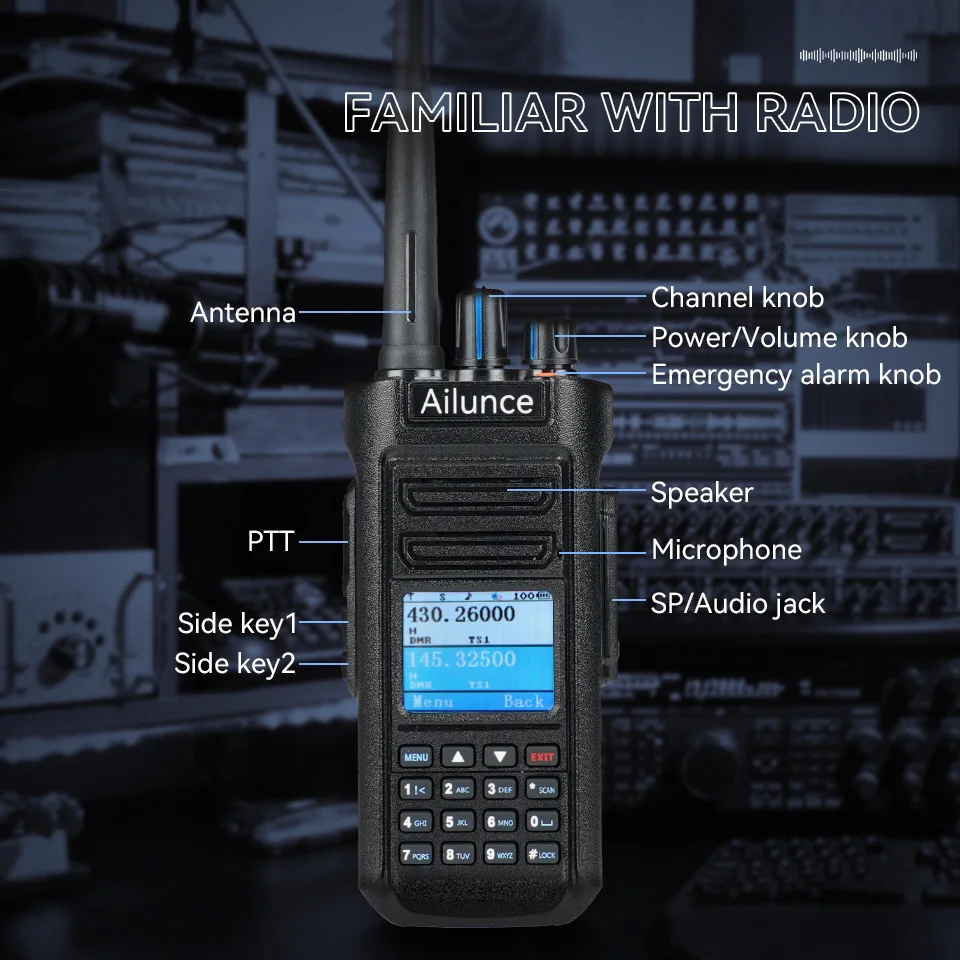
Familiar with Radio
1. Antenna
2. Channel knob
3. Power/Volume knob
4. Emergency alarm knob
5. Speaker
6. Microphone
7. PTT
8. Side key1
9. Side key2
10. SP/Audio jack
Frequently Asked Questions (FAQ)
Q1: What is the default password for the programming software when reading/writing frequencies?
A1:
The universal password is 500000.
Q2: Does HD2 support AES256 encryption after firmware updates?
A2:
Yes, HD2 supports AES256 encryption. To enable this, you will need to upgrade to firmware HD2-FW-V2.0.6-GPS & CPS V1.09 or later, which enhances security for your communications.
Q3: Can HD2’s frequency range be expanded to 138–150 MHz for MARS use?
A3:
Yes, it can. Follow these steps:
Open the programming software and hold the Ctrl key while clicking the date display area.
Enter the password 11882 to unlock advanced settings.
Manually input the target frequencies (138–150 MHz), deselect the default band restrictions, and write the settings to the device.
Q4: Why can’t I enable TX for 222–225 MHz after enabling 136–174 MHz and 400–480 MHz?
A4:
Ensure all three frequency bands (136–174 MHz, 222–225 MHz, and 400–480 MHz) are selected in the programming software. After saving and writing the settings to the device, retry transmission. Always verify local regulatory compliance for the 222–225 MHz band before use.
Q5: Does HD2 support the OpenGD77 protocol?
A5:
No, HD2 does not support the OpenGD77 protocol. It is compatible with DMR digital mode and specific custom protocols.
Q6: Does HD2 have APRS functionality?
A6:
HD2 supports DMR APRS (Digital Automatic Position Reporting System) when used with a compatible hotspot. However, it does not support analog APRS.
Q7: How do I change the startup screen on HD2?
A7:
The process is identical to HD1. Detailed step-by-step instructions will be uploaded to our “Smart Platform” on the official website soon. Stay tuned for updates!
Q8: The display is hard to read in receive mode due to low contrast. How can I fix this?
A8:
To improve readability, update the firmware to HD2-FW-V2.0.6-GPS & CPS V1.09, which optimizes font color contrast. This update improves the visibility of white text on the light green background. For firmware download and guidance, please visit the tutorial page on our website.
Q9: Why does the 2m band output power show 7.5W instead of the advertised 10W?
A9:
Power variations may result from different test frequencies or calibration methods. According to our test data (see Figure 1 in the technical manual), typical output power for:
144/147 MHz bands: ~8.48–9.40W
420/435 MHz bands: ~8.06–9.34W
These values meet industry standards, and actual performance may vary slightly depending on the operating environment.
Q10: Can HD2 connect to Bluetooth headsets other than the included one?
A10:
HD2 is only compatible with the bundled Bluetooth headset. Due to customized audio protocols and interfaces, third-party headsets may cause compatibility issues. For stable connectivity, we recommend using the included headset.
Q11: Some channels are locked to “i” power (0.5W TX) and won’t change. What’s the solution?
A11:
Check the side key settings:
Go to Menu 13 (Power Switch Settings).
Confirm if the “Ultra-Low Power” option (displayed as lowercase “i”) is enabled.
Press the side key to switch to “L/M/H” power levels (Low/Medium/High) for normal adjustment.
Q12: What encryption levels does HD2 support?
A12:
HD2 supports Normal and Enhanced encryption by default, similar to HD1. For advanced AES256 encryption, you can upgrade to HD2-FW-V2.0.6-GPS & CPS V1.09 or later and configure it via the programming software.
Q13: How do I reset HD2 to factory settings?
A13:
To reset HD2 to factory settings:
Press and hold [MENU] + [EXIT] while powering on the device to enter the initialization menu.
Select “ALL” (full reset).
Press [MENU] to confirm. The device will reboot, erasing all user data.
Q14: Why can’t HD2 transmit or receive signals?
A14:
Receiving issues: If your contacts are set to group calls, ensure that a “Receive Group List” is created in the programming software, and that group call contacts are added and associated with the target channel. Also, uncheck “Ignore Group Restrictions”.
Transmitting issues: If you’re using repeater mode, ensure that the repeater is within range. You can set the Repeater Connection Retry Count to 6 or higher (Menu → Repeater Settings → Connection Retry) to improve signal matching.
Q15: Does HD2 support aviation frequency bands?
A15:
No, HD2 does not support aviation bands (108–137 MHz). It supports transmit/receive frequencies in 136–225 MHz and 400–520 MHz. Always ensure compliance with local radio regulations before use.
Q16: Can the side connector power external headsets?
A16:
Yes, the side connector can power compatible active headsets when connected to the device’s side interface (pin definitions shown in Figure 2 of the product manual). This ensures normal audio functionality.
Q17: Is HD2 usable worldwide?
A17:
HD2 supports frequencies in 136–225 MHz and 400–520 MHz, but its global usability depends on local radio regulations. Certified regions include:
Canada: IC RSS 247/RSS 135
EU: CE EN 62368-1/EN 301489
USA: FCC Part 97/Part 15
Always verify frequency permissions in your region before use.
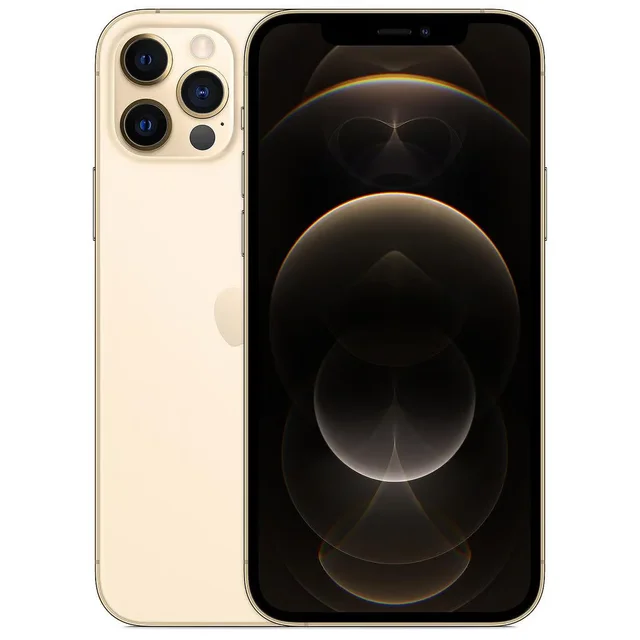 Gold
Gold
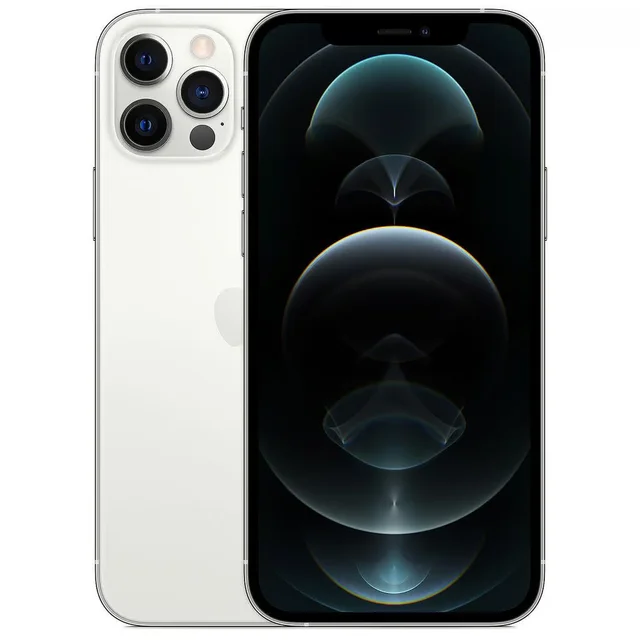 Silver
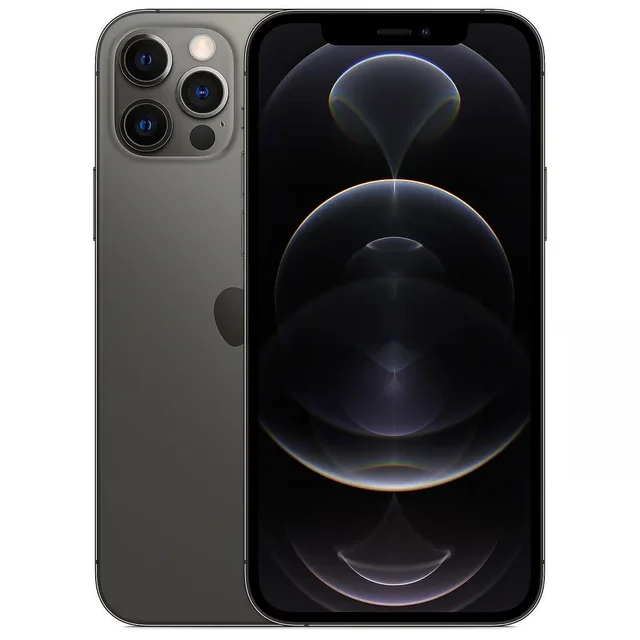 Graphite
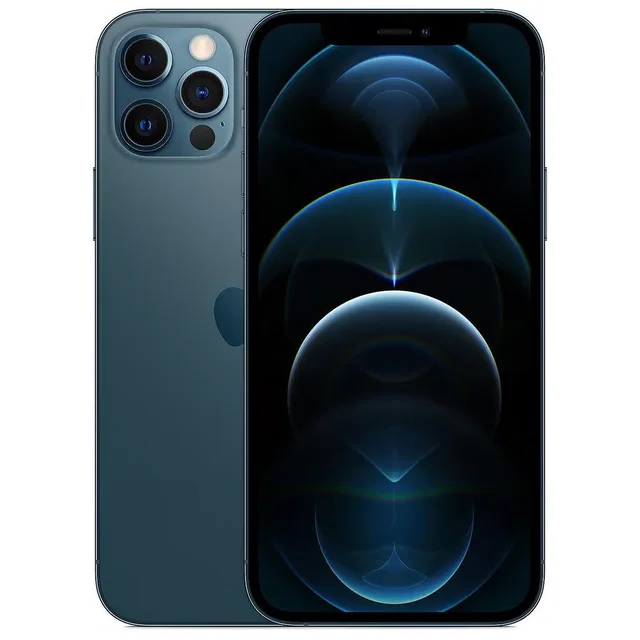 Pacific Blue
 Random color

 Blue
Blue
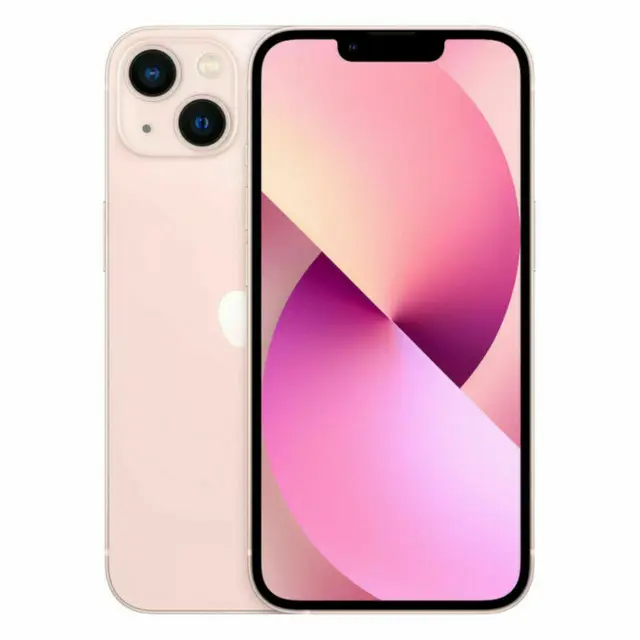 pink
pink
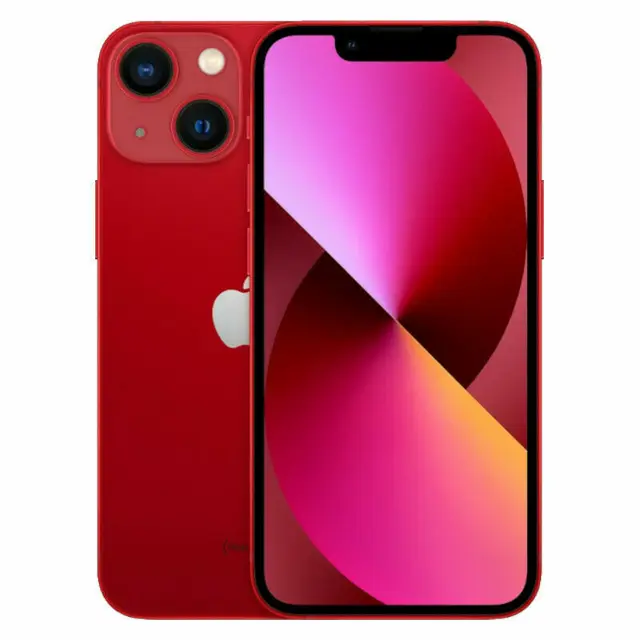 red
red
 Starlight
 Midnight
 Unlimited color

 transparent
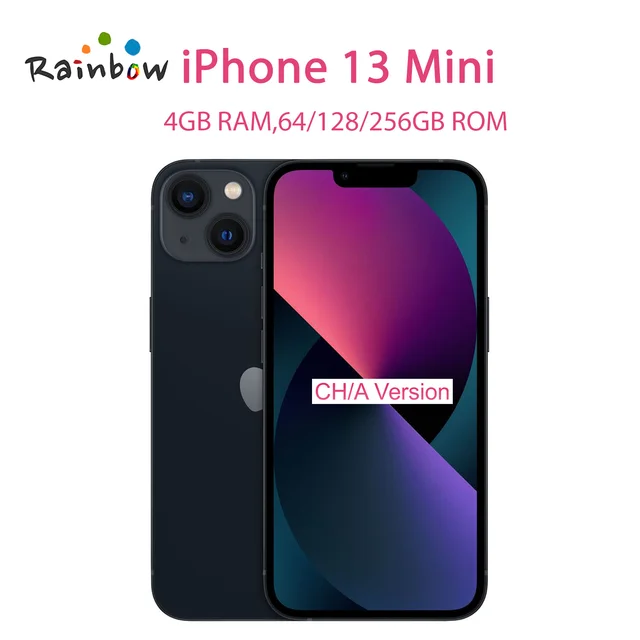 black
black
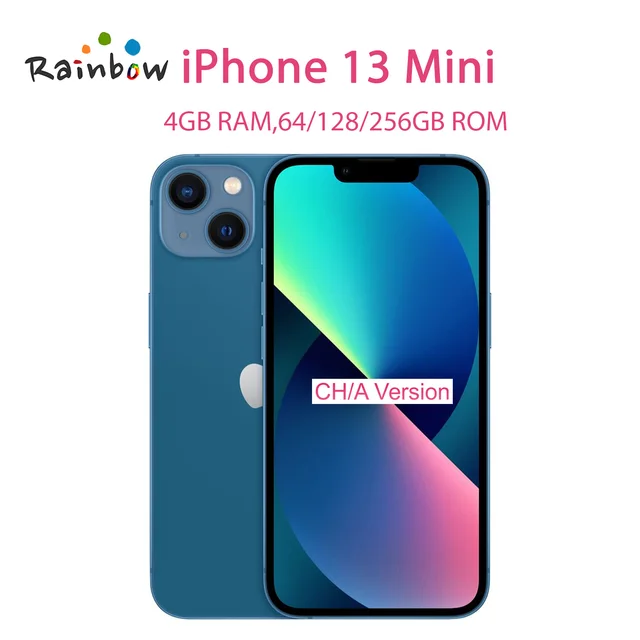 Blue
Blue
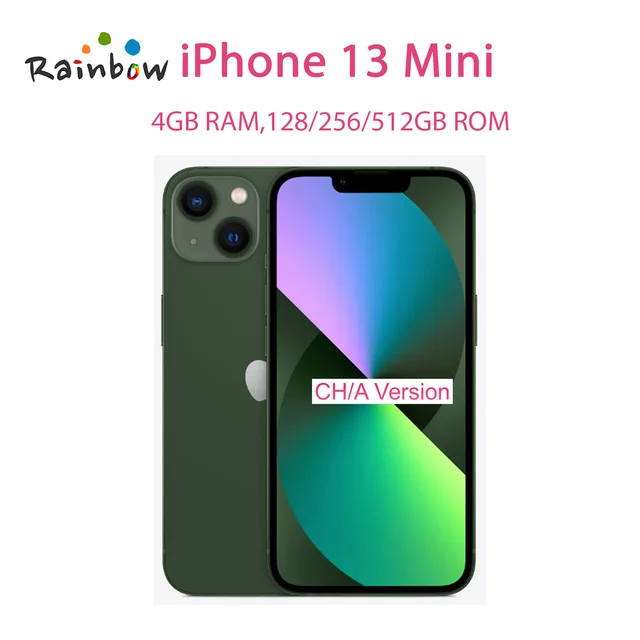 Green
Green
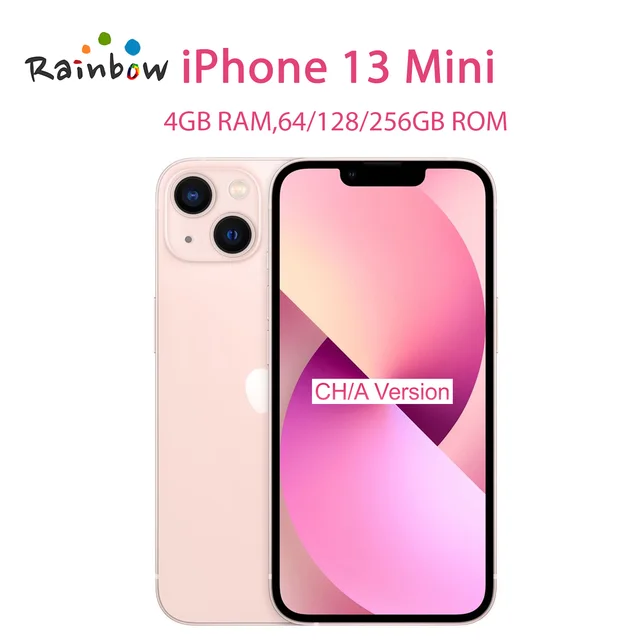 pink
pink
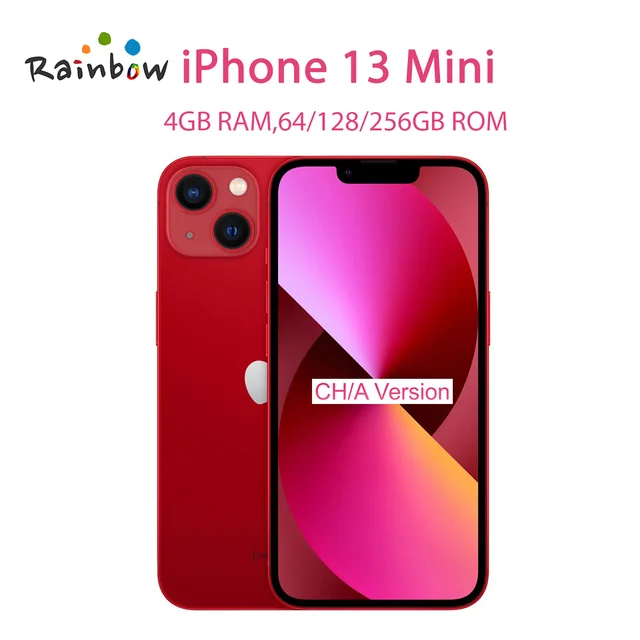 red
red
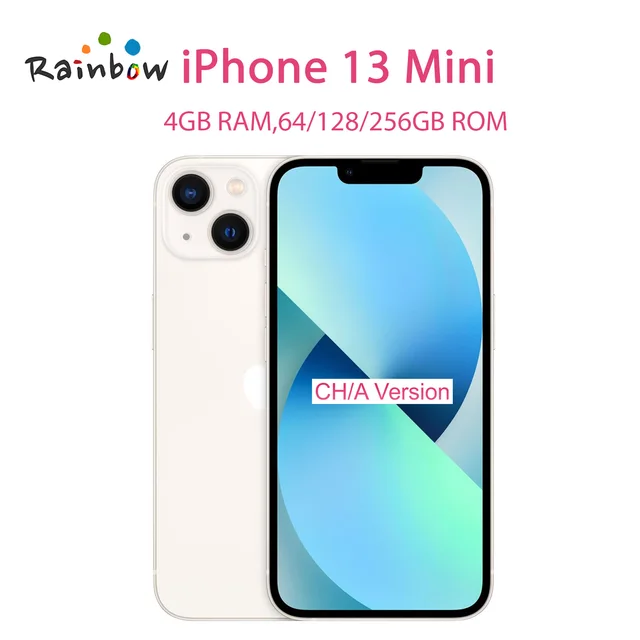 white
white
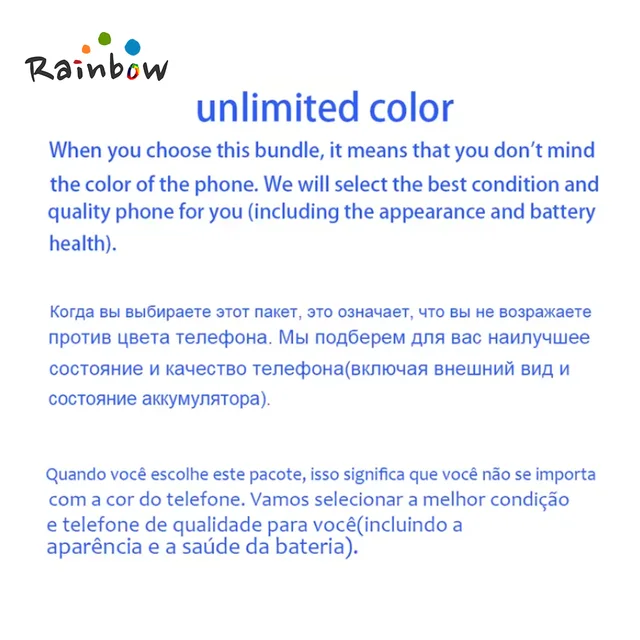 Unlimited color
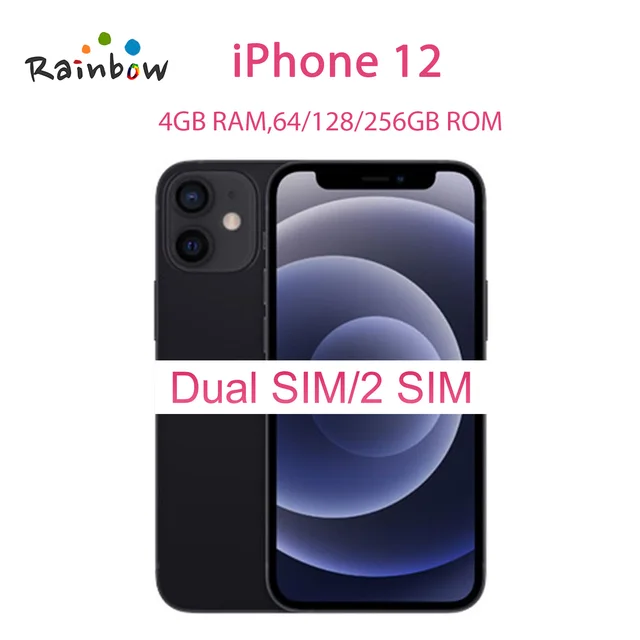 black
black
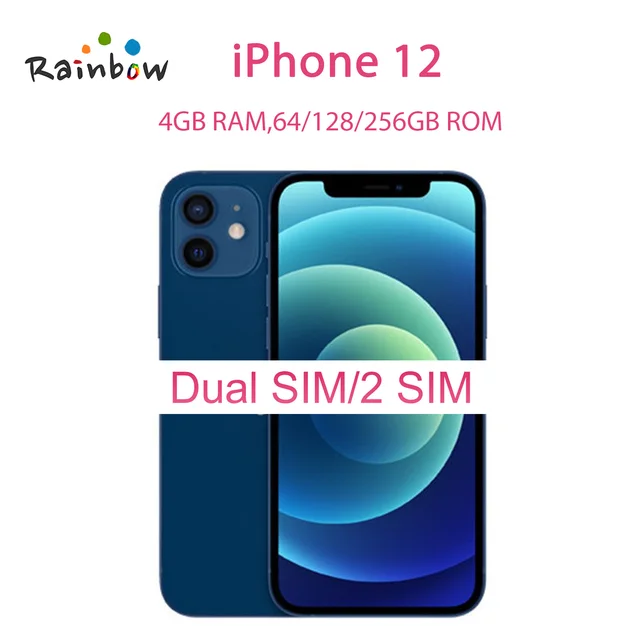 Blue
Blue
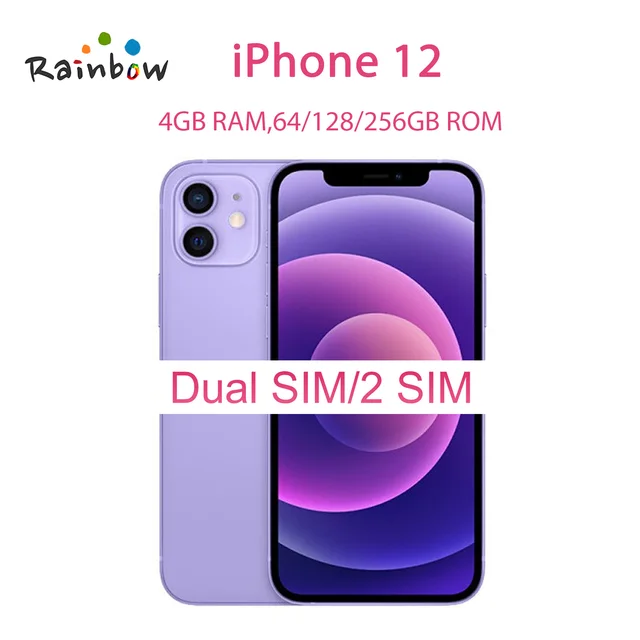 Purple
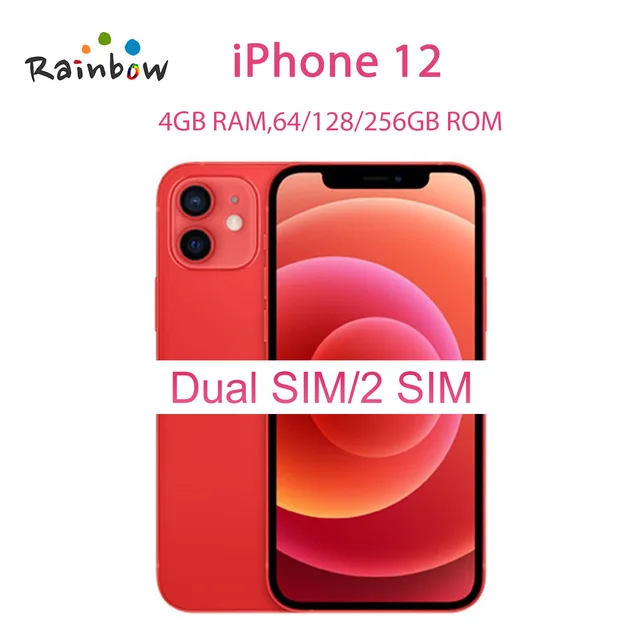 red
red
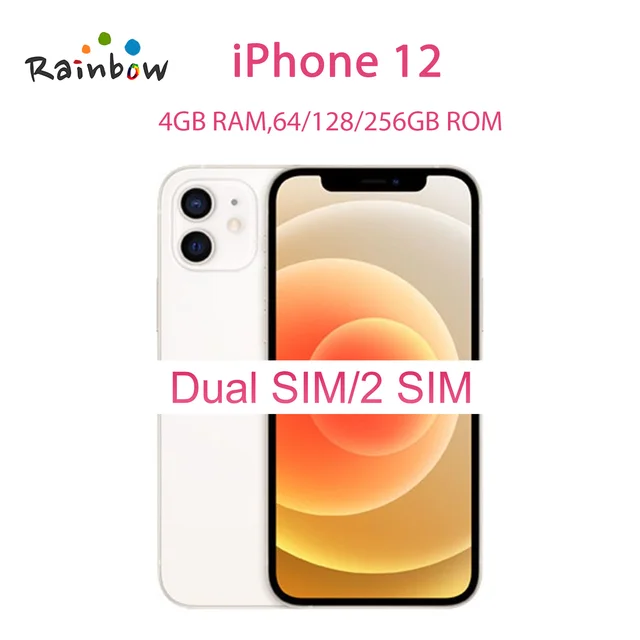 white
white
 Unlimited color
No account yet?
Create an Account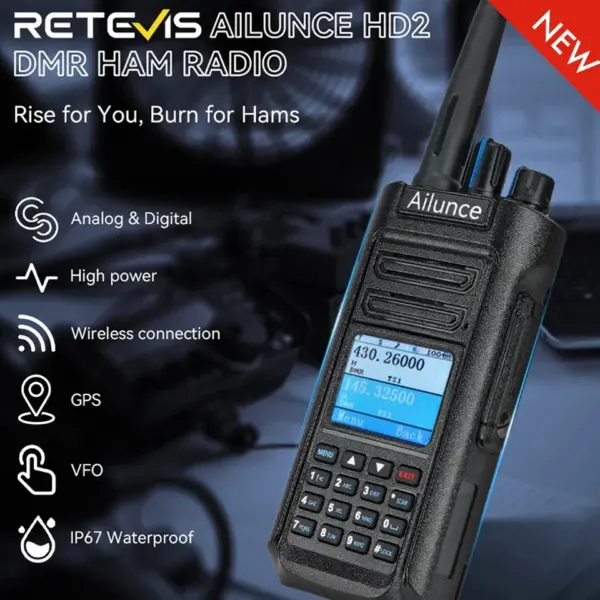


Reviews
Clear filtersThere are no reviews yet.