









































































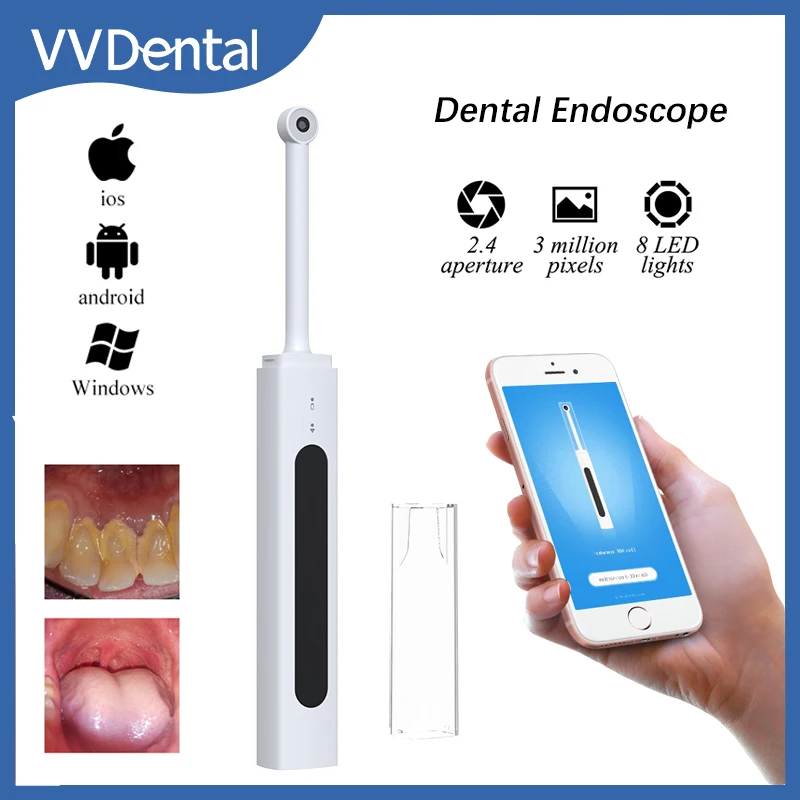
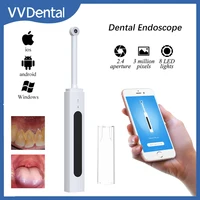
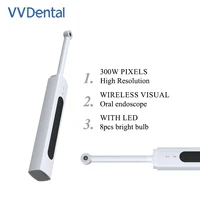
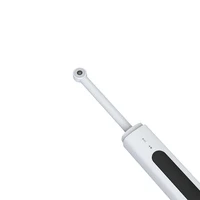
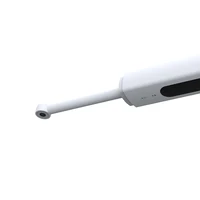
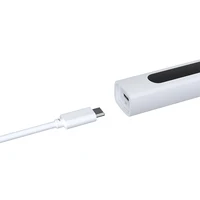




























































































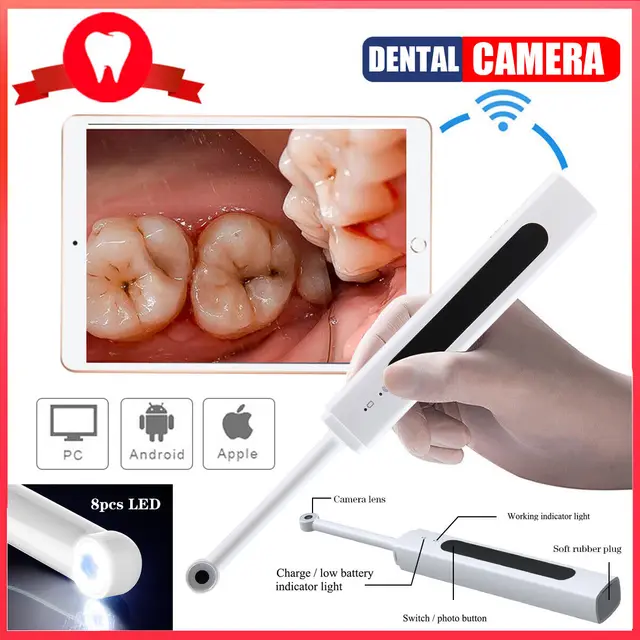
VV Dental Oral Endoscope Wireless Intraoral Camera Wifi HD 300W Pixel Intraoral Teeth Inspection Endoscope Video for IOS Android
Product introduction:
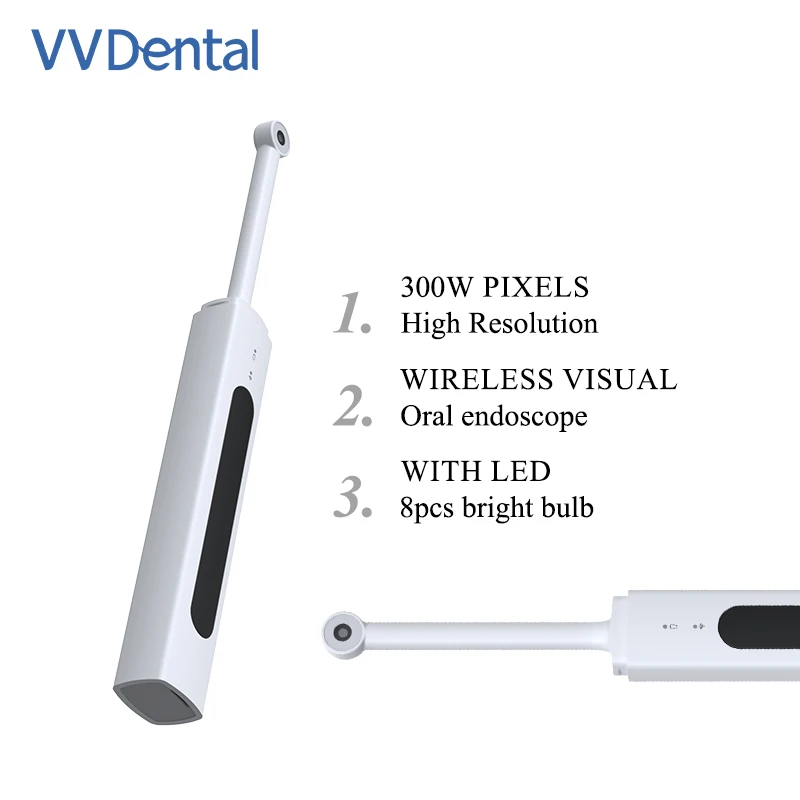
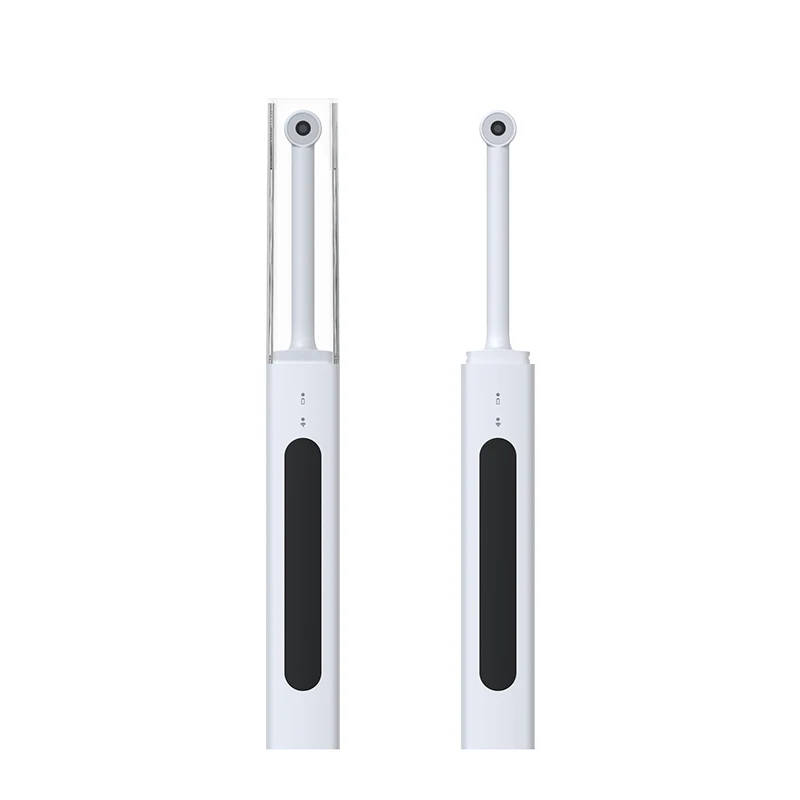
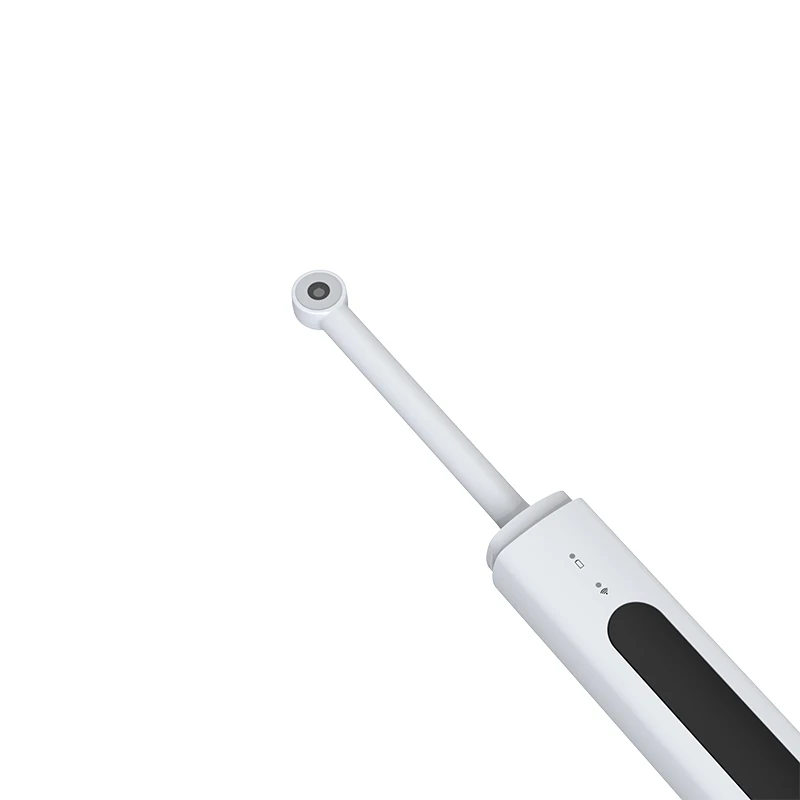
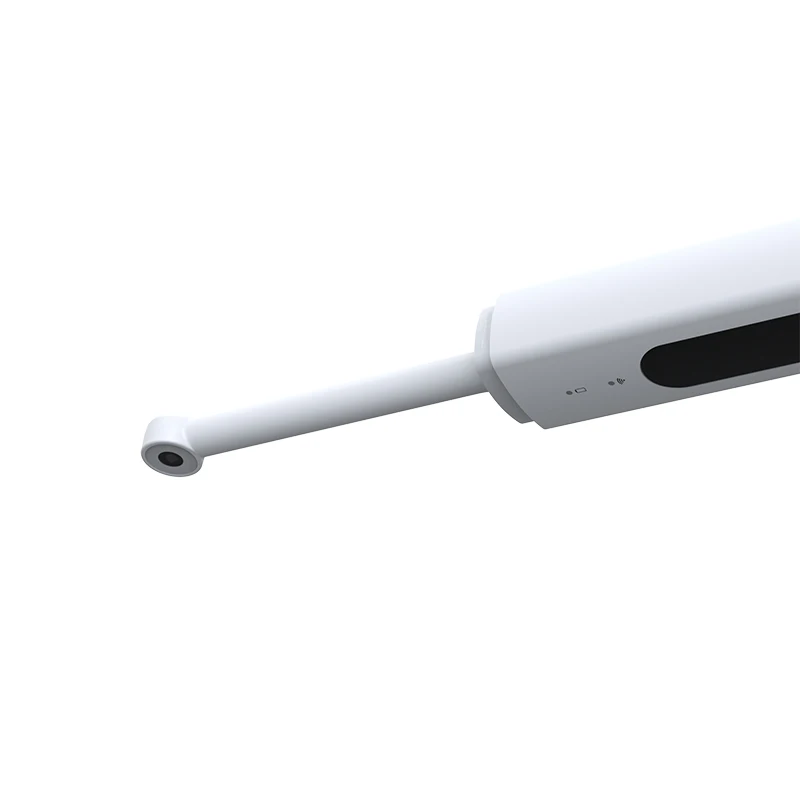
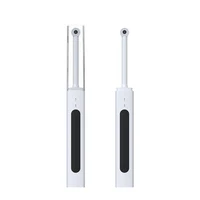
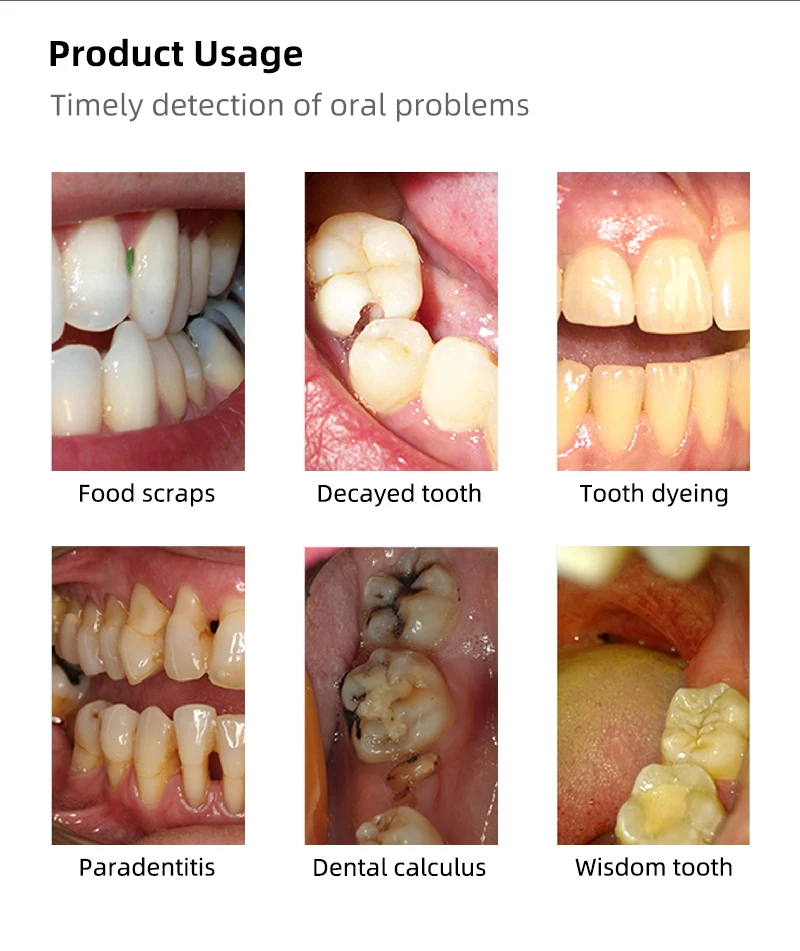
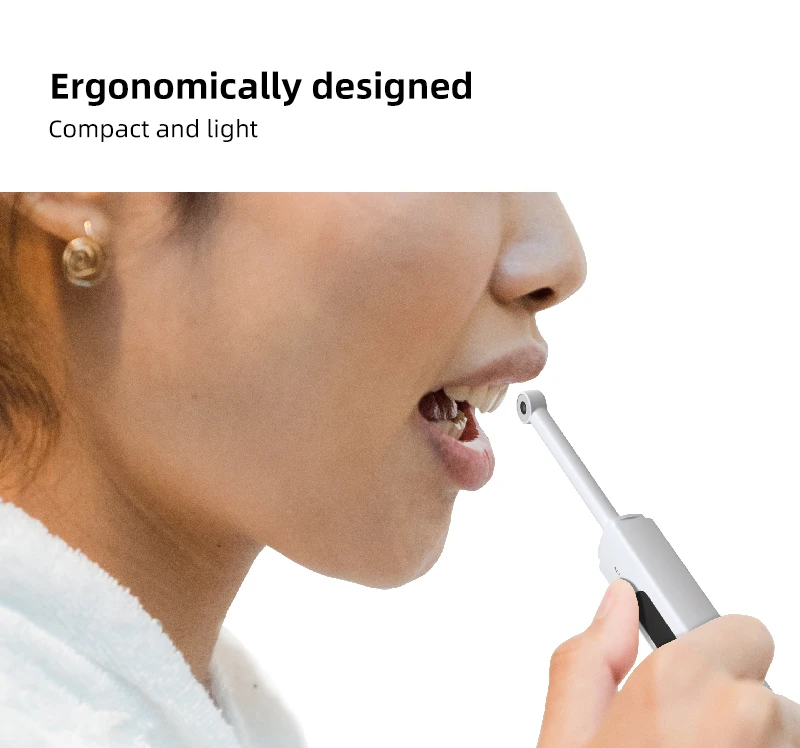
This series of products is a portable wireless visual dental camera with supplement LED light around the lens, can image oral through wireless signal. Real-time transmission to mobile phone, tablet PC, smart TV, smart mirror, computer and other smart device, and provide video, photograph and other functions to help you check oral.
APP Download:
【Method 1】Open the mobile app store, Search “EndoCamera”, and click Download and Install. (Huawei Application Market/ Xiaomi App Store /OPPO App Store VVO App Store /iPhone App Store/, Tencent App treasure /360 mobile phone assistant can be searched and Download.)
【Method 2】Scan the QR code, select "EndoCamera.apk" to download and install the APP.
Note: When installing App “Endocamera”, please allow all the authority request it need.
Application:
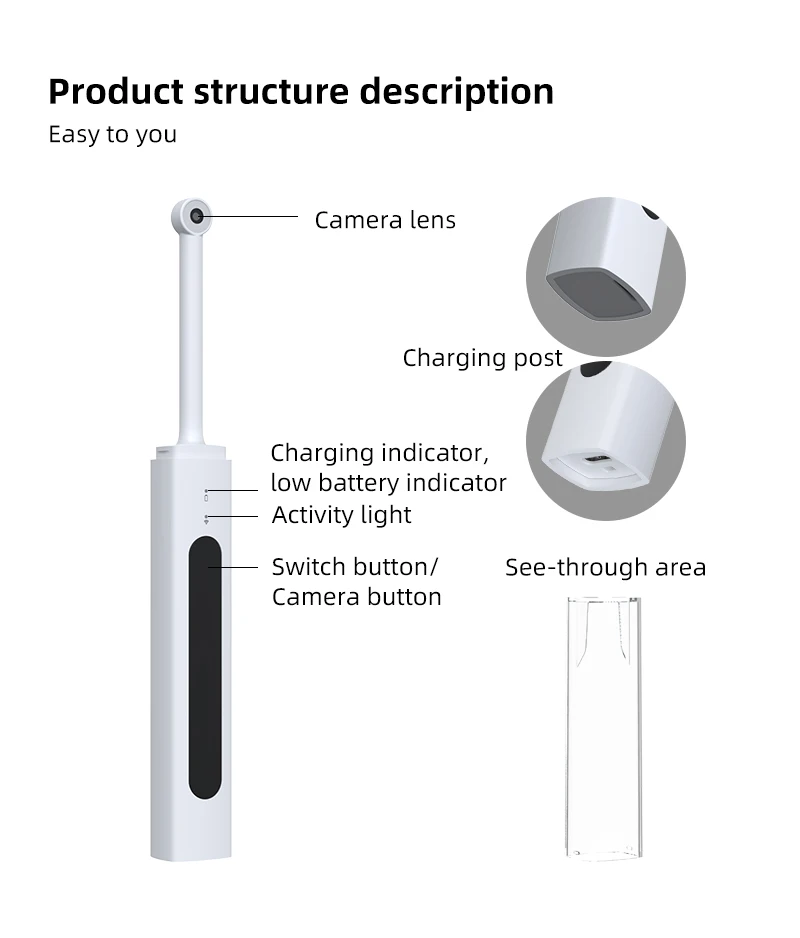
1. Keep press the switch/Photo button for 2 seconds to start the machine.
2.When using by mobile phone, manually connect to a WiFi hotspot in WLAN 1. Settings. Open the downloaded APP, enter the interface in Figure 1, and click "EC-3" to connet. Enter the interface shown in Figure 2, manually connect the WIFI "EC3_XXXXX" and return Then enter the device interface as shown in Figure 3. Click the "Start" button to start showing image. Click the "Close" button to power off the device and exit the APP.
3. For computer using, it needs to manually connect to the WiFi in WLAN Settings. Type in the website on web browser ” vvdental.com.cn”, Click the "Data Download" column to download EndoCamera_install.exe to install, After the installation, open the PC client software, manually connect the hot spot "EC-3-XXXX", and click the" Start playing " button in the page to showing image.
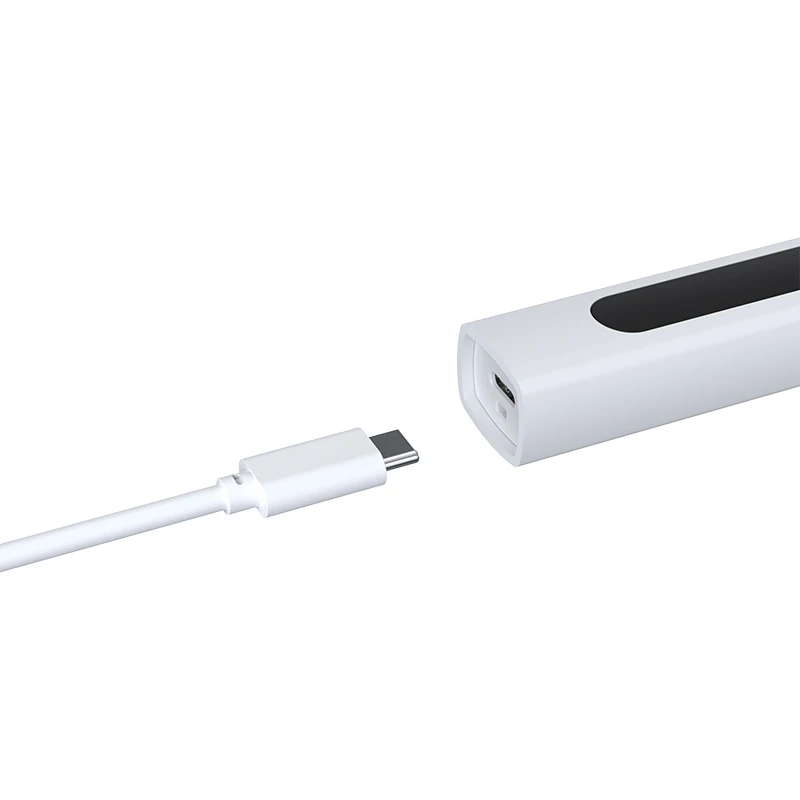
Note:Please fully charge the battery before starting the product for the first time. Please use 5V USB charger externally. (Such as 5V1A mobile phone charger, can’t use the power supply exceeding the rated voltage and current)
Specification:
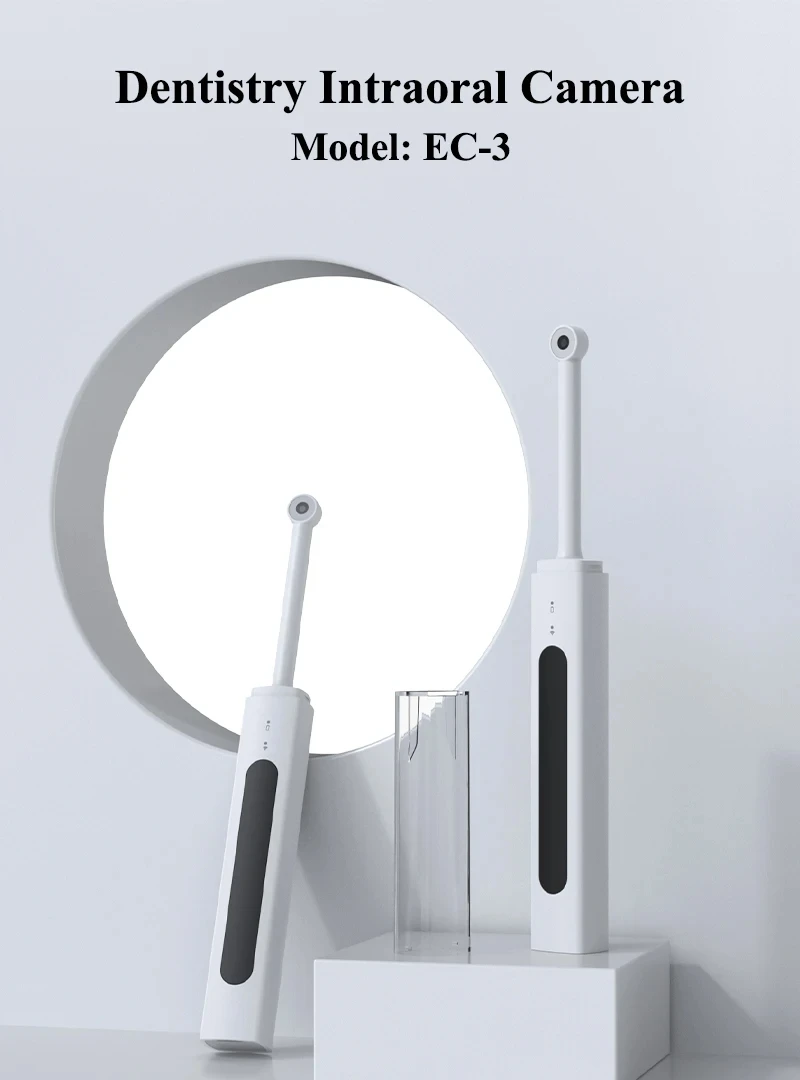
1.Model:EC-3
2.Size:210*25*20mm
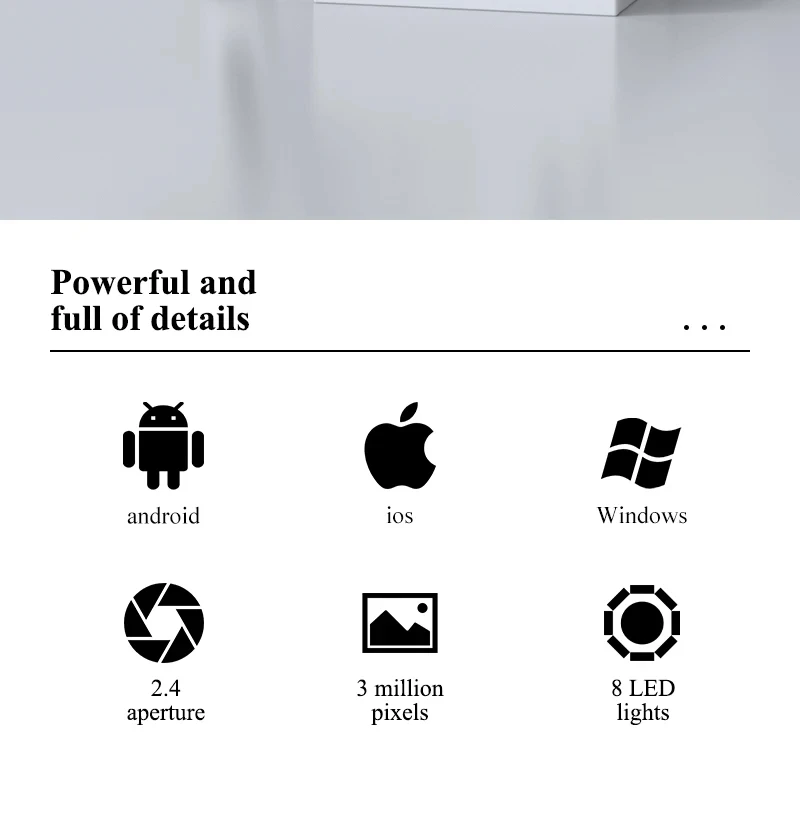
3.Image pixel:300W
4.Frame Rate:20fps
5.LED:8 PCS
6.Operate Time:About 150min
If you are unable to install the software, please contact me and I will assist you in resolving the issue!!


Why Choose us:
1. Professional on dental field for 24 years with advancedfacility.
2. Factory price with best quality withCE FDAcertified.
3.Accept custom order, available in thickness and package
4.Offer OEM service.
5. Fast service and on-time delivery.
6.Sample small quantity sample are available at any time.
Pre-seles service:
1. 24 hours online, please feel free to contact us anytime.
2. Provide our customers best quality product.
3. High degree of expertise to solve any problems.
After sale service:
1. Fast delivery with tracking number provided to makesure ou can receive your goods fast and safety.
2. Offer free warranty service.
3. Focus on every client's satisfaction. Professional teamwill solve any problems you may meet In the process of using.

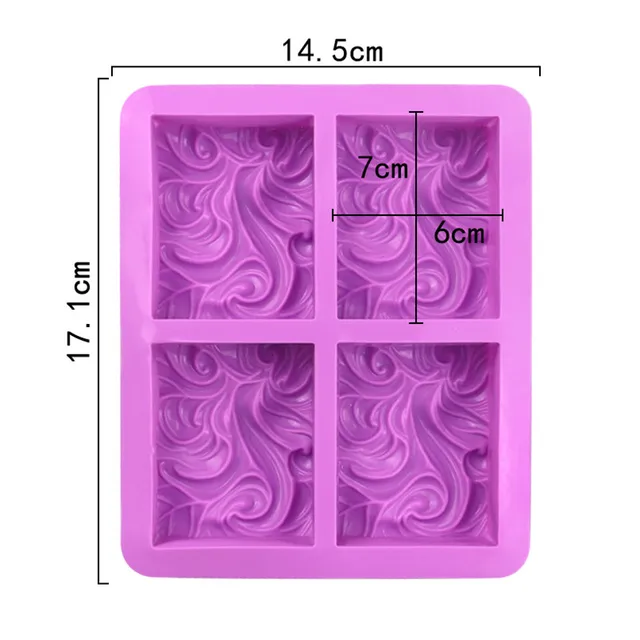 Purple block
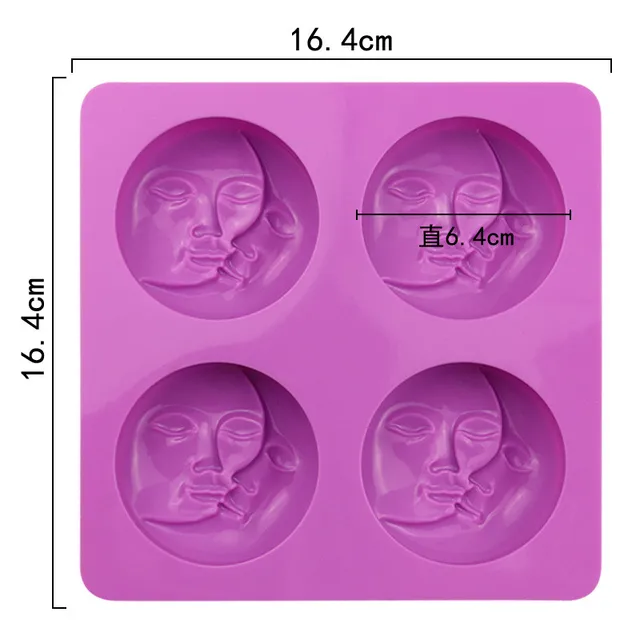 Purple Circular Face

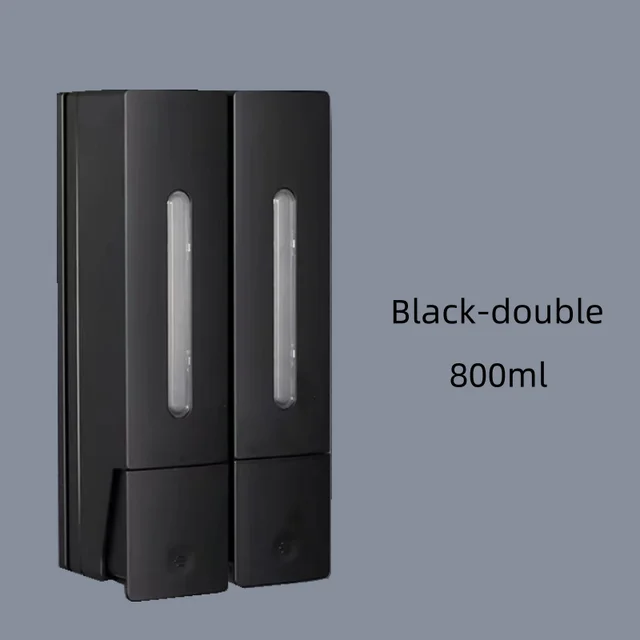 black-double
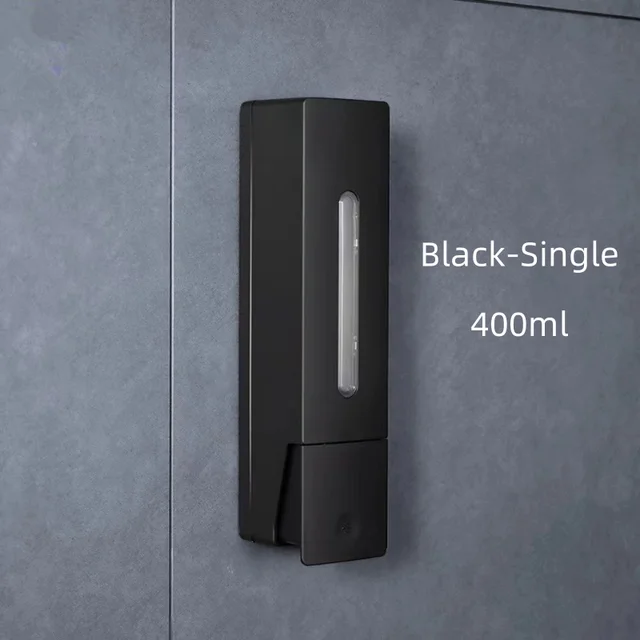 black-single
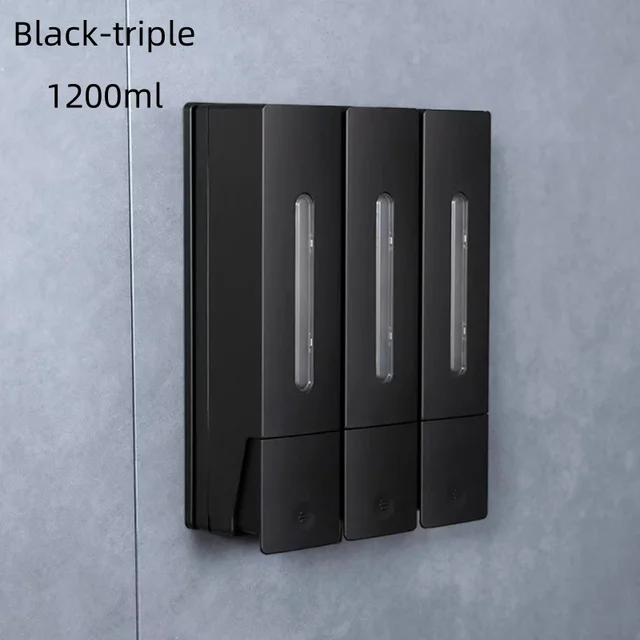 black-triple
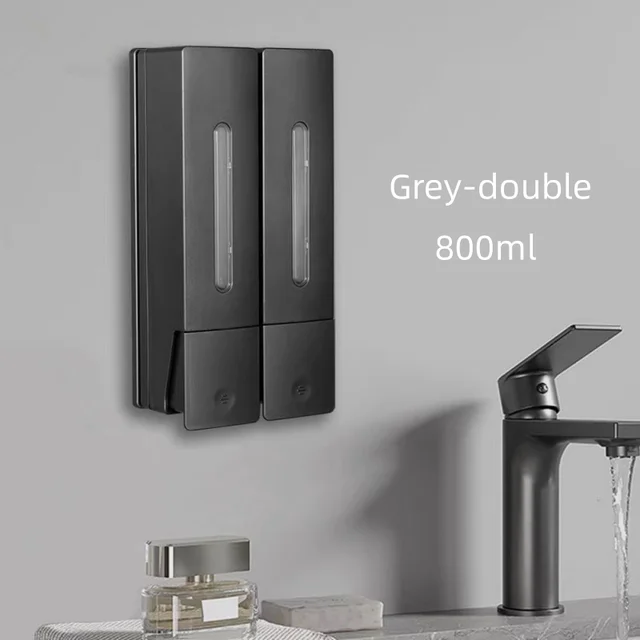 Grey-double
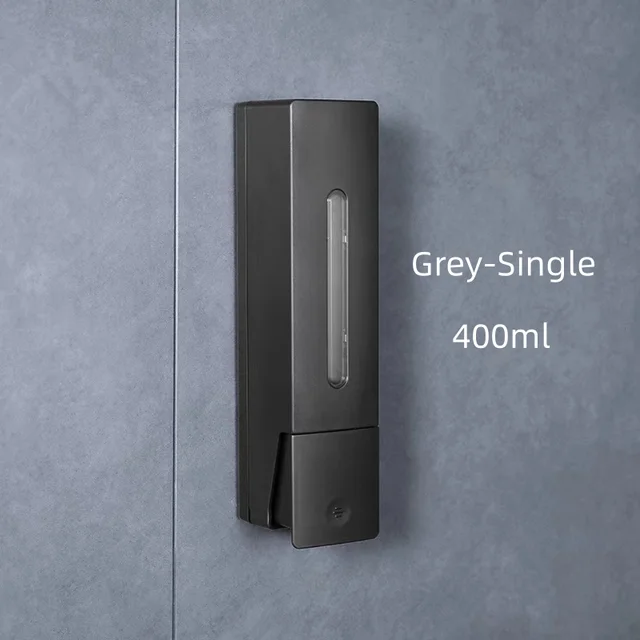 Grey-single
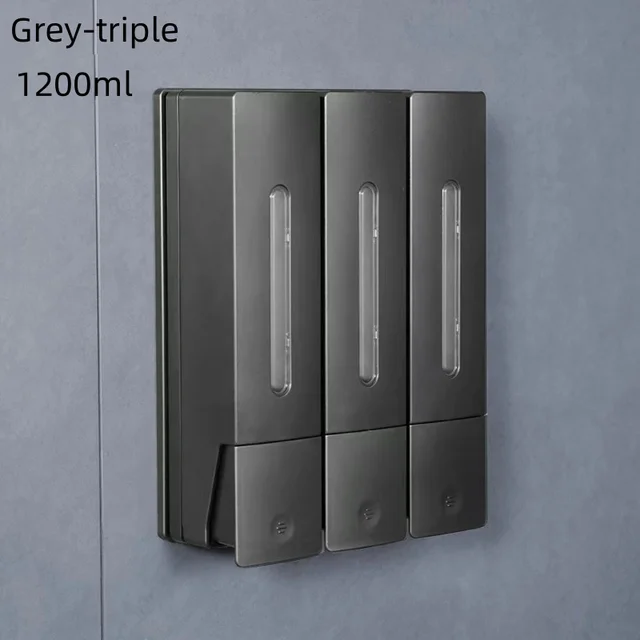 Grey-triple
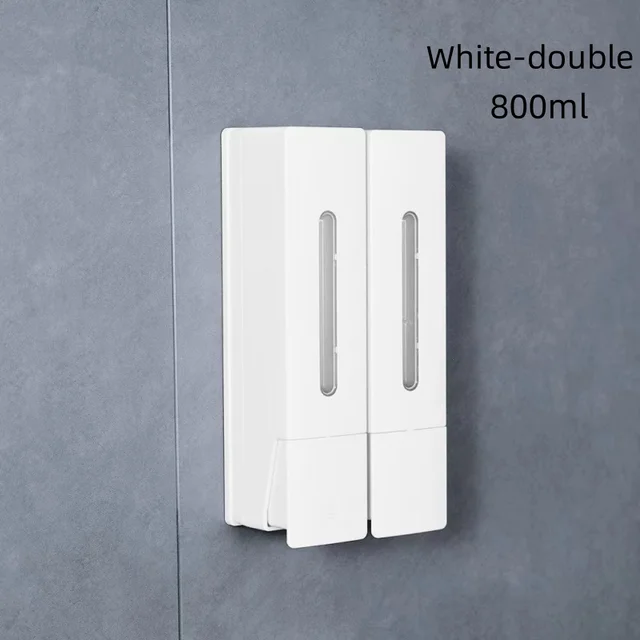 white-double
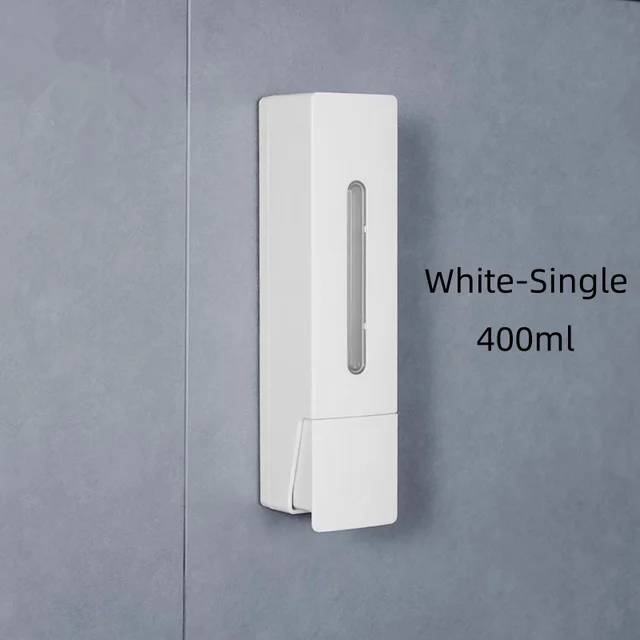 white-single
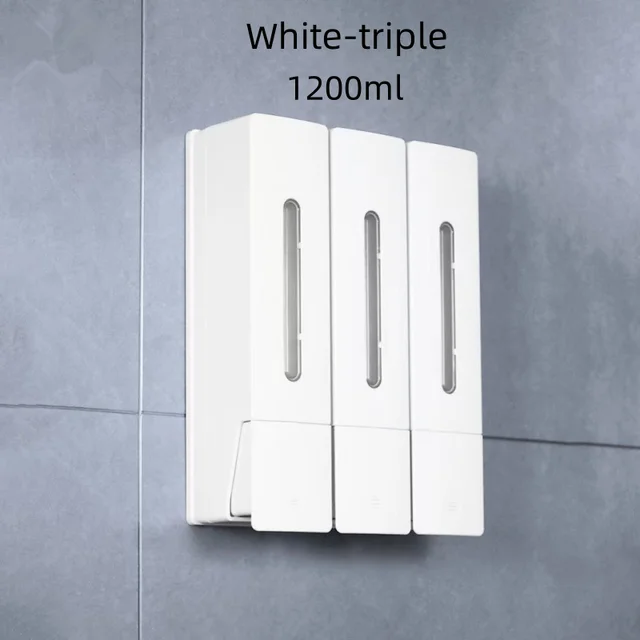 white-triple
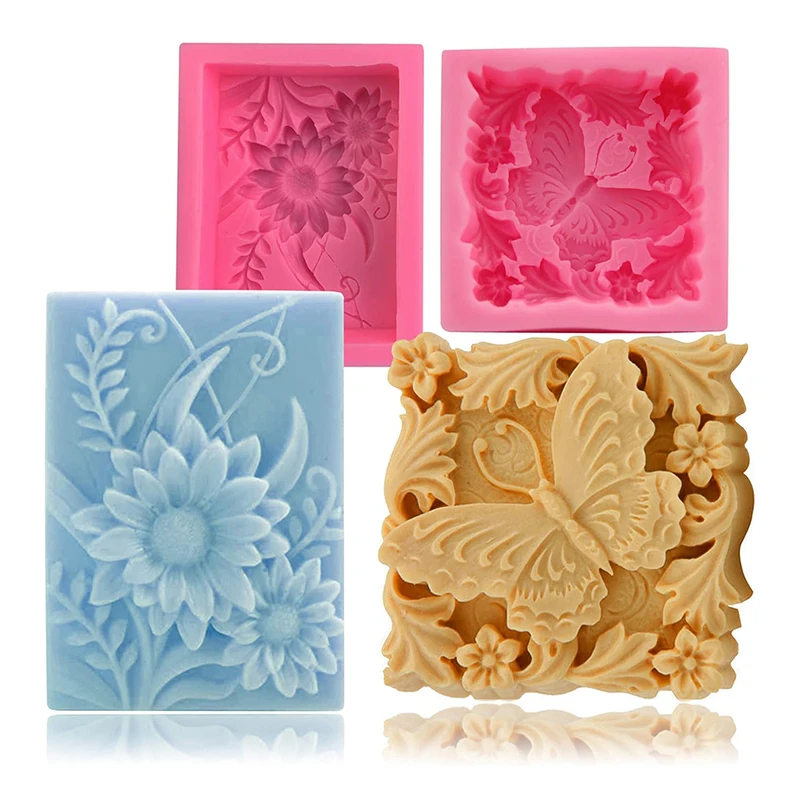
 flower
 butterfly

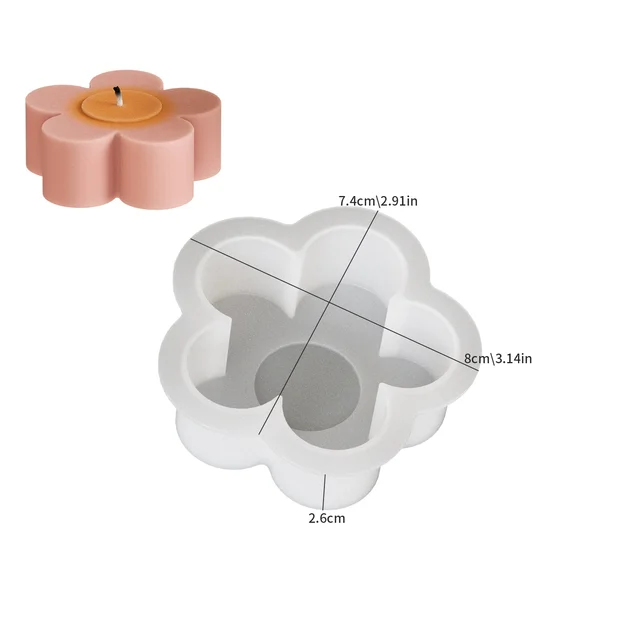 01
01
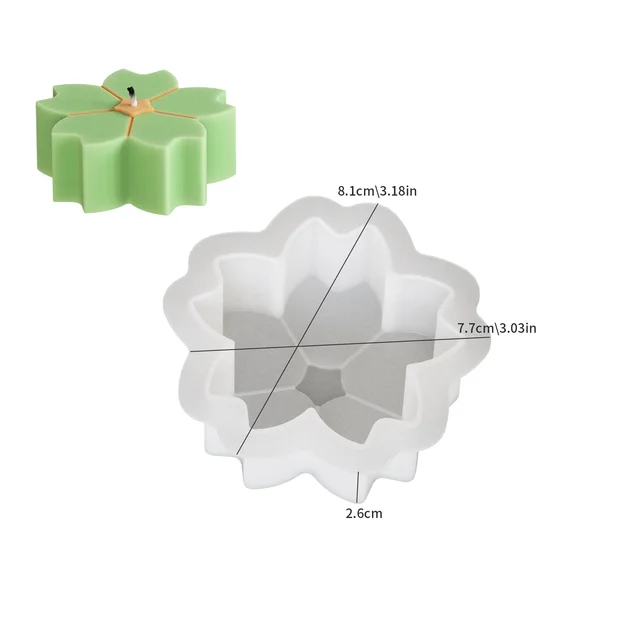 02
02
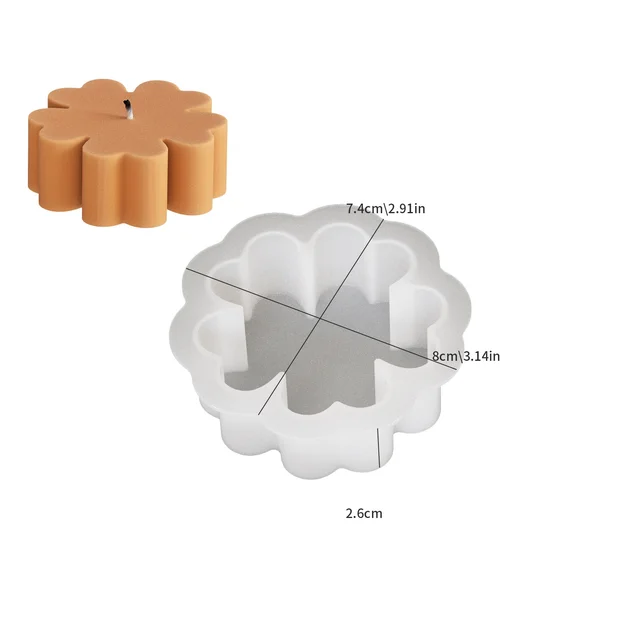 03
03
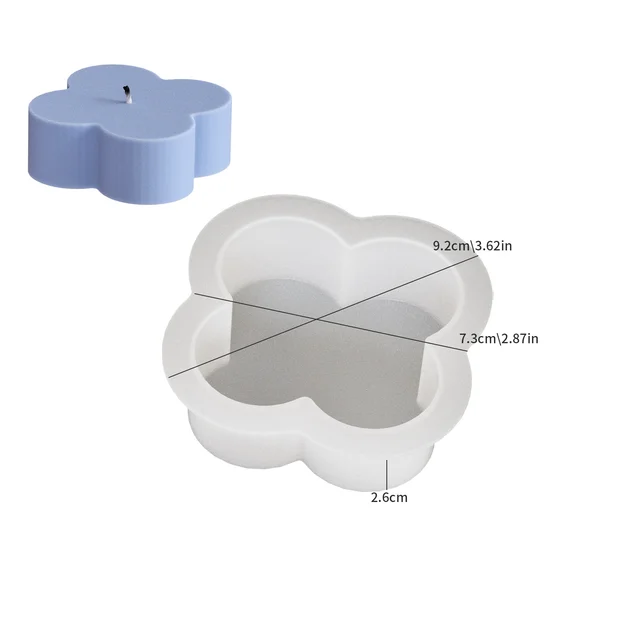 04
04

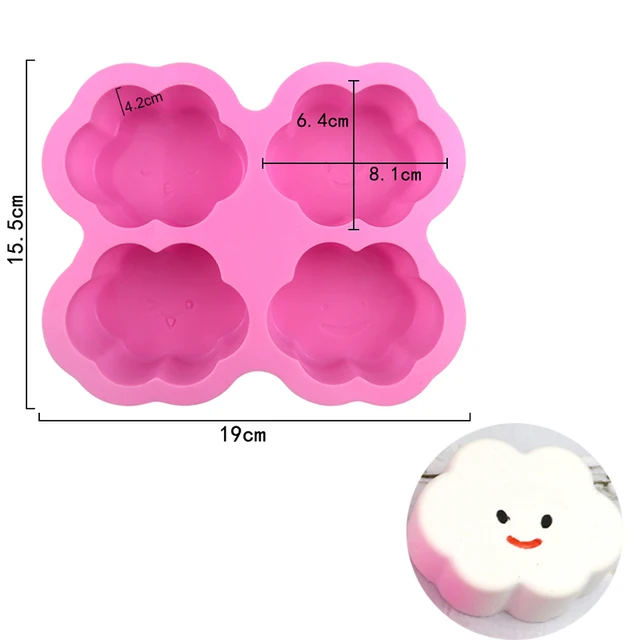 4 cavity
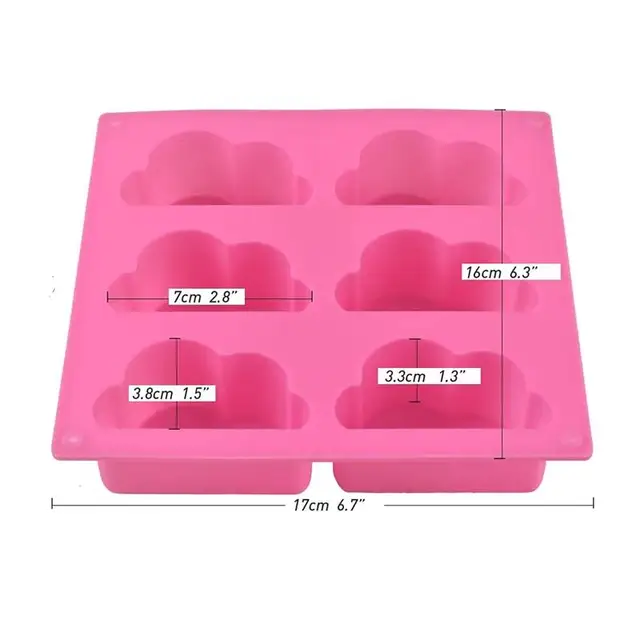 6 cavity
No account yet?
Create an Account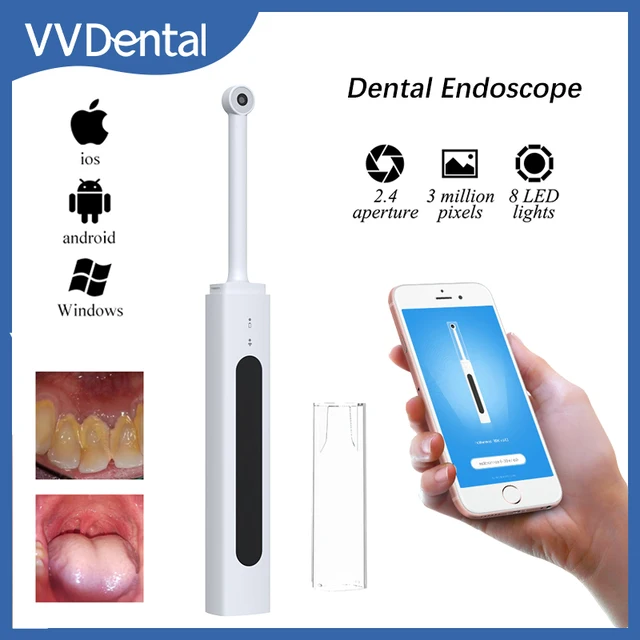

Reviews
Clear filtersThere are no reviews yet.